
When looking for a server, terms like 1U and 2U appear everywhere. But what do they actually mean, and how do they impact performance?


A rack-mount server is a computer chassis designed to fit into a standard, 19 inch equipment rack. It contains the same core components as a standard PC, like CPUs, memory, storage, and networking, but the layout is optimised for server-dense layouts, cable management, and better airflow. Rack servers are mostly used in data centres because multiple systems can be stacked in one cabinet and serviced individually without affecting the rest of the rack.
But there’s not just one type of rack mount server, that would be far too easy! There are a few different types you can choose from. In this post, we are going to be diving into everything you need to know about 1U, 2U, 3U, and 4U rack mount servers, how they are measured, and everything else you may need to know!
What is a Rack Unit (U)?
A rack unit is a way of measuring the amount of vertical space available in equipment racks, and the size of the hardware you can mount inside them. For example, 1U is equivalent to 1.75 inches, and this measures purely the height of the rack. The bigger the number before the U, the taller the device or space will be. The U unit of measurement is used for a range of hardware, like servers, switches, UPS systems, and storage devices.
What is a 1U Server?
A 1U server measures 1.75 inches in height and is usually found in smaller data centres thanks to its reduced size. Due to this, the 1U has very limited internal expansion capabilities and will require compact fans that need to spin at faster speeds, potentially making them noisier than larger models.
The 1U is often used for web hosting, edge deployments, and lightweight virtualisation where rack density is important. Virtualisation refers to running multiple virtual machines on one physical device through a hypervisor. This is different from containers as they share the host operating system kernel. A 1U server can still deliver strong performance, but the smaller case usually leaves less room for storage, PCIe expansion, and cooling components.
Pros:
- Space efficient – The smallest rack mount server option
- Lower rack footprint – Increased space optimisation, cost reduction, and thermal efficiency with an overall reduction in operation costs
- Ideal for horizontal mounting
Cons:
- Limited airflow – Due to their reduced size, a 1U server will have smaller fans that need to spin at extreme speeds for optimal cooling, thus producing more noise
- Less storage capacity – There is less room to hold storage drives inside the server
- Fewer PCIe slots – Can make expansion or upgrades particularly difficult
What is a 2U Server?
With more room comes better airflow, and that’s where a 2U server really takes the cake. Standing at 3.5 inches tall, this type has more storage and RAM capacity than a 1U and boasts a very popular balance between both server density capacity and expandability. As this option is still relatively small, you get many of the size benefits that come with a 1U, just with a few extras.
A 2U is often a good fit for business infrastructure, database workloads, and virtualisation hosts. This is mainly because it provides more room for memory, storage, and expansion cards than a 1U chassis. In this case, virtualisation means running multiple isolated virtual machines on the same physical server that each have their own operating system. The extra height in a 2U server also allows for larger or additional fans, which usually improves overall airflow and can reduce noise compared to a 1U system.
Pros:
- Improved cooling – Space to house more and larger fans
- Additional drive bays – Increased storage capacity for HDDs or SSDs
- Better GPU support – Extra vertical clearance and dedicated cooling zones
Cons:
- Uses greater rack space – Double the size of a 1U server
- Slightly higher power usage – Due to its increased size, the 2U can house extra hardware that increases power consumption

What is a 3U Server?
Possibly the least common of the bunch, a 3U server is 5.25 inches in height. These types are highly expandable, meaning they are perfect if you plan on expanding to include more hardware and devices later on down the line. A 3U server also supports specialised hardware, like full-sized GPUs, high-end motherboards, and a range of full-length PCIe expansion cards.
These servers are perfect for video processing, AI workloads, and storage-heavy environments. But, because of their size, you’ll have much less rack density than a 1U or 2U server offers. They are also a lot more expensive than previous options as they are bigger and, as a result, can house high-end hardware that boasts a lot more power.
Pros:
- Large cooling capacity – More room means increased fan space
- Additional expansion slots – Can accommodate and run high-end hardware expansions
- Easier maintenance access – Much quicker to clean, upgrade, and expand
Cons:
- Reduced rack density – A bigger size means less room for more servers
- Higher hardware cost – To take full advantage of the server’s power, you’ll have to purchase and install higher-end hardware expansions
What is a 4U Server?
The largest of the common form factors, a 4U server is 7 inches tall and offers the most space for expansion, storage, and airflow. This server type is often used for layouts that need multiple full-height PCIe cards, lots of storage drives, or more cooling than a 1U or 2U server can provide. If your workload needs to prioritise expansion and serviceability over rack density, a 4U server is definitely the most flexible option.
This type is great for machine learning and advanced AI workloads. They have ample space to facilitate powerful hardware, supplying super-fast rendering times and storage capacity options for massive databases. While these servers offer room for high-end components, with them installed, you’ll have the drawback of requiring more power when in operation. Therefore, they are the most costly option of the bunch.
Pros:
- Superior cooling – Can house a range of high-airflow fans and even water-cooling components
- High storage density – Each server provides more mounting options for storage compared to 1U, 2U, or 3U servers
- Easy upgrades – A range of hardware options, and their larger size means much easier upgrades and installation
Cons:
- Use of space – Takes up much more rack room than other options
- Energy consumption – Can accommodate higher end hardware which comes with a power premium
If you’re in need of a professional 4U server, why not get in contact with our RENDA team who will be more than happy to help! You can find all that info here:
Comparing Rack Mount Server Sizes
There’s a lot of information to take in before choosing the best server to suit your needs. To help you out a bit, we’ve put together a table filled with all the info we’ve explored here at more of a glance.
| Server Size | Height | Best Use | Cooling Ability | Expansion Capability | Density |
| 1U | 1.75” | Dense deployments | Limited | Low | High |
| 2U | 3.5” | General enterprise | Good | Medium | Medium |
| 3U | 5.25” | Specialised workloads | Great | High | Low |
| 4U | 7” | GPUs and storage | Excellent | Maximum | Lowest |
How to Choose the Right Rack Server Size
To identify the best rack mount server for you, there are a few factors you may want to consider. Firstly, check your available rack space and cooling requirements. Smaller racks will accommodate smaller servers, which often come with less powerful cooling. So, to combat this, check which server size can accommodate better fans for your rack.
Secondly, do your research into the power consumption of the server. A 4U server packed with storage drives will use less power than a 2U server equipped with one or more pro-grade NVIDIA 6000 GPUs. You will also want to look at your budget and the future scalability of your system. A 3U or 4U server will give you a lot more options to expand. So, while they may cost more, you will get more chances to add to your server as and when you need without having to spend more on new servers later down the line.
Common Mistakes to Avoid
To make sure you’re buying the right server, and your set-up works well for your needs, there are a few mistakes you may want to avoid:
- Prioritising density over airflow – If your server overheats, this can result in performance issues. It’s important to focus on your airflow whenever you can.
- Underestimating expansion – You may end up requiring much more expansion than you realise. It’s always best to assume you will need more options in the future.
- Ignoring cable management – This can result in troubleshooting issues if anything happens to one of your servers. Make sure all cables are clearly labelled and organised.
- Not planning for power demands – A bigger server will require a lot more power. Ensure that you can power these servers before you buy.
Final Thoughts on Rack Mount Server Units
Hopefully, we have gone over everything you need to be well on your way to buying the perfect server! If you’re looking to expand your current server, we have everything you need and more here at Overclockers UK! Take a look at our GPU and motherboard workstation expansions below, as well as some of our top picks.

NVIDIA RTX PRO 5000 Blackwell Workstation Edition 72GB GDDR7 Graphics Card – OEM
GRA-NVI-07812
£7999.99
(incl. VAT)
FREE SHIPPING
in stock
ADD TO BASKET
Intel ARC PRO B50 16GB GDDR6 Ray Tracing Workstation SFF Graphics Card
GRA-INT-06622
£449.99
(incl. VAT)
FREE SHIPPING
out of stock
ADD TO BASKET
Gigabyte Radeon AI PRO R9700 AI TOP 32GB PCI-Express Graphics Card
GRA-GIG-06616
£1349.99
(incl. VAT)
FREE SHIPPING
in stock
ADD TO BASKET
Gigabyte Z890 EAGLE WIFI7 (LGA1851) DDR5 ATX Motherboard
MOT-GIG-03487
£209.99
(incl. VAT)
FREE SHIPPING
in stock
ADD TO BASKET
Asrock B760M Steel Legend WIFI (LGA 1700) DDR5 Micro-ATX Motherboard
MOT-ASR-04834
£149.99
(incl. VAT)
FREE SHIPPING
in stock
ADD TO BASKET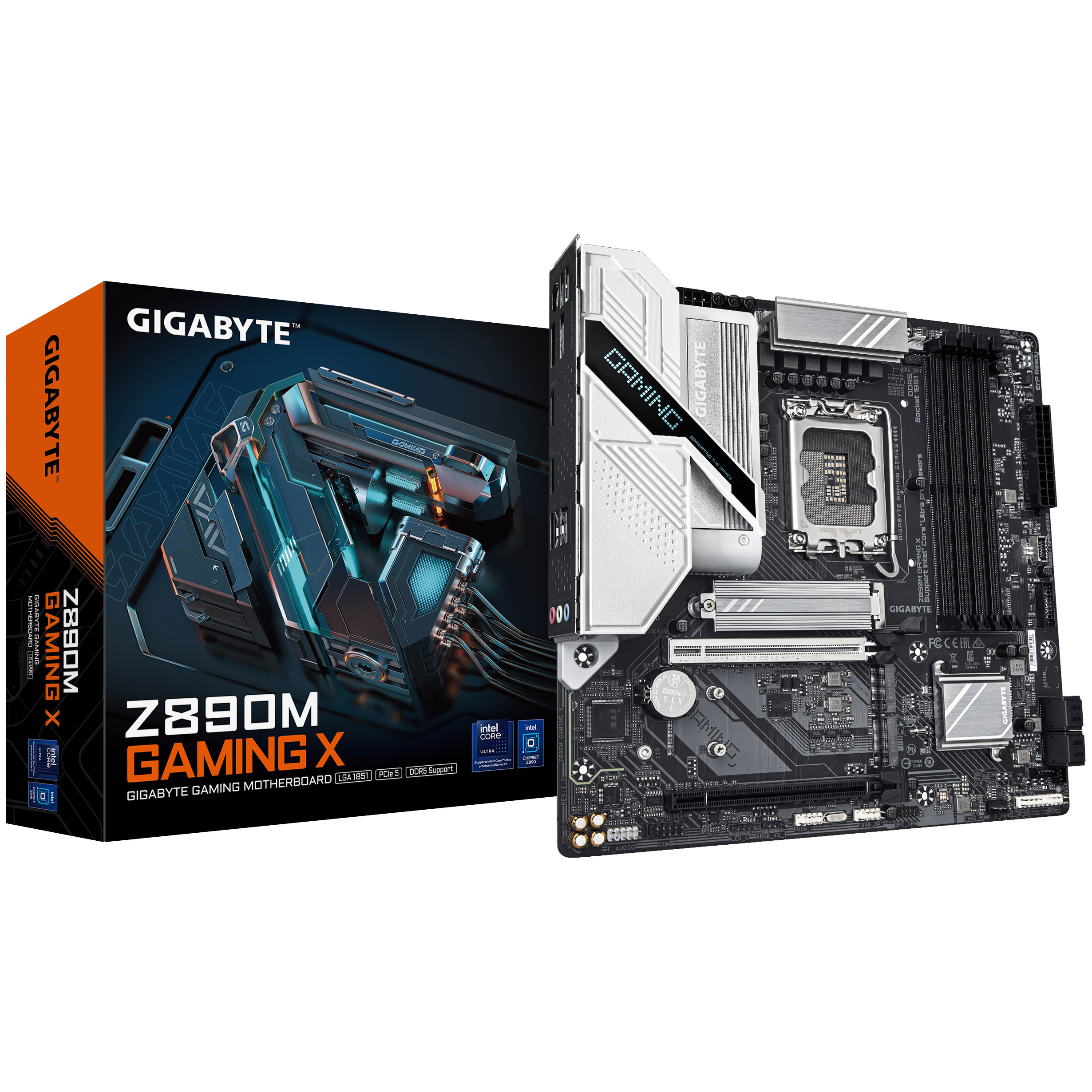
Gigabyte Z890M GAMING X (LGA1851) DDR5 Micro ATX Motherboard
MOT-GIG-03491
£159.95
(incl. VAT)
FREE SHIPPING
in stock
ADD TO BASKETLooking for More Server Content?
We’ve got a whole host of posts on our blog from streamlining your home set-up to utilising web hosting solutions. You can check them out below!


What Server Works for You?
Got a problem with your current server set-up? Or maybe there are some top tips you can recommend to others who are looking at building their own? Let us know in the comments!
- 10 min read


Ted Blank
Author
Ted is a sandbox and free-roam fanatic, and the most recent copywriter to join the content team at Overclockers UK. He loves playing a variety of games, mainly Animal Crossing, Cities: Skylines and GTA V, writing about everything that comes with playing them. Sometimes he’ll pluck up the courage to dabble in some horror (if he’s feeling adventurous). Other than gaming, he’s currently trying to finish writing his first novel and loves playing niche board games with his partner - the more unheard of the better!
Read More >>