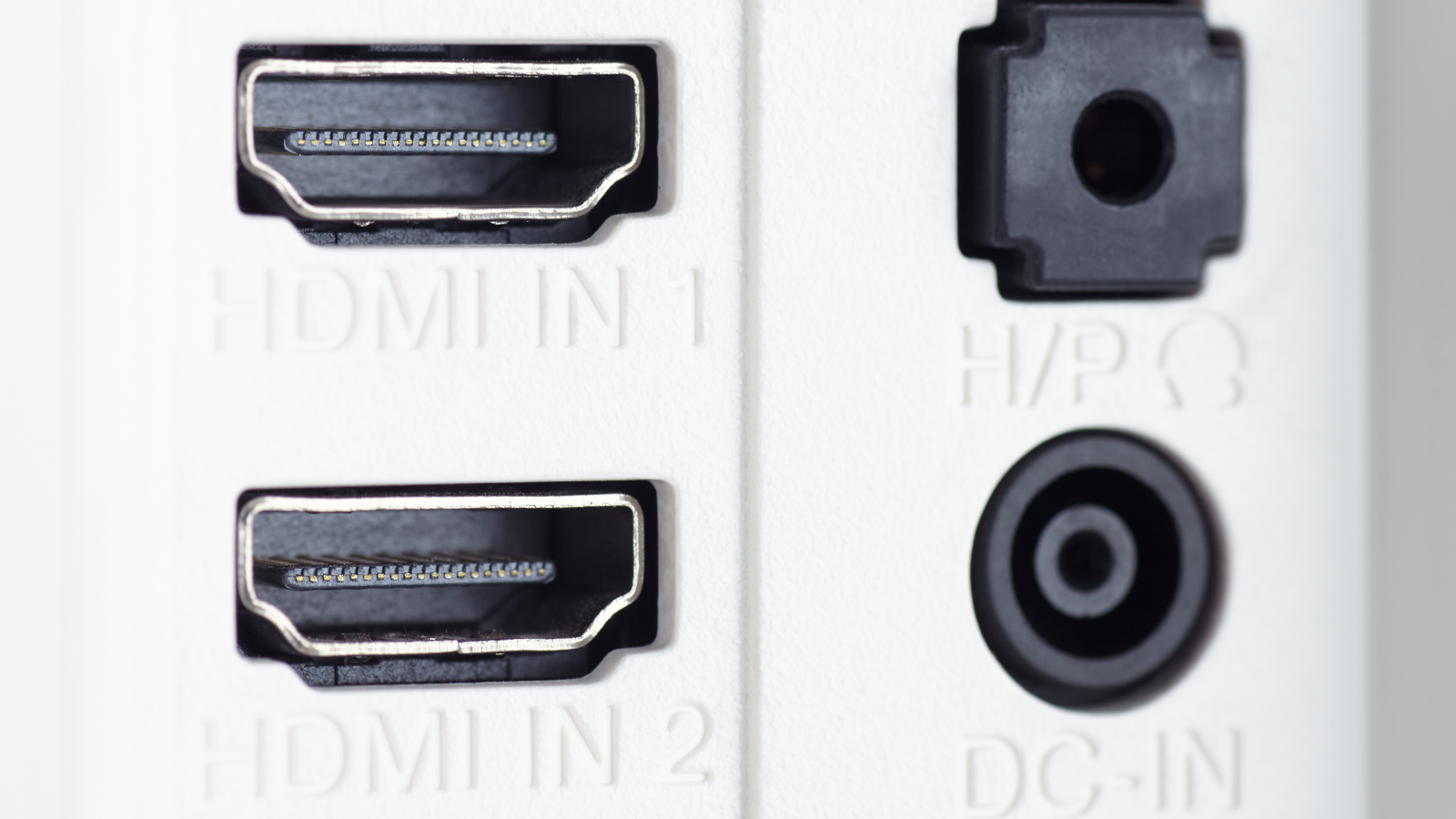
So, you’ve upgraded your graphics card, your processor, your monitor, and more. Are your cables up to scratch though?


Although an innocuous piece of kit, having an ancient cable is going to hamper your gaming more than you would think. Say goodbye to 4K resolutions, high bandwidths, and full colour. Without an up-to-date cable, you are going to miss out. The important question though, is which do you go for: HDMI or DisplayPort? You are in luck, we’re here to break down the difference and which of these cables is best for you.
Cable Specifications
There are a few types of cable that we use to connect our gaming PCs to a monitor. Today, we are focusing on the two gaming staples: HDMI and DisplayPort.
History of HDMI at a Glance
HDMI stands for High Definition Multimedia Interface, and this cable has been the industry standard for many years now. Developed in 2002 by big names like Hitachi, Sony, and Phillips, HDMI has been mass adopted across modern hardware – including GPUs and gaming monitors. As a result, HDMI cables come in a variety of sizes and lengths.
Over the years, the technology has been developed to meet our ever-evolving demands for high definition viewing and gaming. The current standard, HDMI 2.1, can facilitate 8K (7680×4320) resolutions, refresh rates up to 240Hz, and maximum bandwidths of 48Gbps for the very best in visual experiences.
Previous generations of HDMI technology are still widely in use, especially HDMI 1.4 and 2.0. Here is a breakdown of the specifications for previous generation HDMI standards
| HDMI | 1.0 – 1.2A | 1.3 – 1.3A | 1.4 – 1.4B | 2.0 – 2.0B |
|---|---|---|---|---|
| Max. Resolution | 1920 x 1080 | 2560 x 1440 | 3840 x 2160 | 5120 x 2880 |
| Refresh @ 1080p | 30Hz | 144Hz | 144Hz | 240Hz |
| Refresh @ Max. Res | 30Hz | 30Hz | 30Hz | 60Hz |
| Max. Bandwidth | 3.96Gbps | 8.16Gbps | 8.16Gbps | 14.4Gbps |
| Multi-Stream* | X | X | X | X |
| 3D Support | X | X | Y | Y |
| Video Compression | X | X | X | X |
| HDCP Version | 1.2 | 1.2 | 1.4 | 2.2 |
| Audio | Y | Y | Y | Y |
| HD Audio | X | Y | Y | Y |
| HDR / WCG | X | X | X | Y |
| Dynamic HDR | X | X | X | X |
Don’t worry, we have a breakdown of HDMI 2.1 coming. We’ll be pitting it against the latest standard from…
History DisplayPort at a Glance
DisplayPort was designed by a collective of PC component manufacturers in 2008 with the goal to replace VGA and DVI. Whilst offering backwards compatibility with these ports, its specs are on par with HDMI and serves as an alternative to HDMI.
How it differs, DisplayPort cables utilise a packet data transmission system that requires much fewer pins. Similar to the transmission systems found in PCIe, this technology embeds micro packets of information into the data stream, thus allowing for higher resolution. Plus, it has great potential for future upgrades. Plus, in addition to carrying audio and video, DisplayPort is capable of bi-directional USB signals, whereas HDMI is not.
Since launching nearly twenty years ago, DisplayPort technology has also evolved with the times. The current standard is DP 2.1, supporting resolutions up to 10,240×4320, refresh rates up to 1000Hz, and 80Gbps maximum bandwidths. But, much like HDMI, older standards are still widely adopted on hardware, especially DP 1.4.
We have a breakdown of previous DisplayPort standards here for you:
| DisplayPort | 1.0 – 1.1A | 1.2 – 1.2A | 1.3 | 1.4 |
|---|---|---|---|---|
| Max. Resolution | 3840 x 2160 | 3840 x 2160 | 7680 x 4320 | 7680 x 4320 |
| Refresh @ 1080p | 144Hz | 240Hz | 360Hz | 360Hz |
| Refresh @ Max. Res | 60Hz | 60Hz | 120Hz | 240Hz |
| Max. Bandwidth | 10.8Gbps | 17.28Gbps | 25.92Gbps | 25.92Gbps |
| Multi-Stream* | X | Y | Y | Y |
| 3D Support | Limited | Y | Y | Y |
| Video Compression | X | Y | Y | Y |
| HDCP Version | 1.3 | 1.3 | 2.2 | 2.2 |
| Audio | Y | Y | Y | Y |
| HD Audio | X | Y | Y | Y |
| HDR / WCG | X | X | X | Y |
| Dynamic HDR | X | X | X | Y |
Latest Gens Compared: HDMI 2.1b vs DisplayPort 2.1
Both HDMI 2.1 and DisplayPort 2.1 offer amazing performance when it comes to your visuals. With high refresh rates and support for incredible resolutions, whichever you pick your gaming is going to be phenomenal.
| Connection | HDMI 2.1b | DisplayPort 2.1 |
|---|---|---|
| Max. Resolution | 7680 x 4320 | 10,240 x 4320 |
| Refresh @ 1080p | 240Hz | 1000Hz |
| Refresh @ 4K | 144Hz | 240Hz |
| Refresh @ Max. Resolution | 60Hz | 60Hz |
| Max. Bandwidth | 48Gbps | 80Gbps |
| Multi-Stream | Y | Y |
| 3D Support | Y | Y |
| Video Compression | Y | Y |
| HDCP Version | 2.2 | 2.2 |
| Audio | Y | Y |
| HD Audio | Y | Y |
| HDR / WCG | Y | Y |
| Dynamic HDR | X | Y |
With Display Stream Compression (DSC) technology, you can achieve even higher refresh rates and resolutions, as it reduces the amount of data needed to be sent over the cable.
From these tables, we can see that if you truly want to harness smooth 4K gaming and above, then utilising HDMI 2.1 or DisplayPort 2.1 are a must. If you are gaming at 1440p and 1080p, you can game reliably on the older standards like HDMI 1.4 and DisplayPort 1.4. Just make sure your monitor resolution and connection support matches!

What About USB-C?
More and more monitors are harnessing USB-C for audiovisual data and even simultaneous power delivery. You can find out more about this connectivity option on our dedicated blog.
Cables Specifications Explained
There are a few terms in these specification tables which might have you scratching your head. They are HDCP, HDR, and WGC. I’ll briefly go into all these terms, to help you understand why they are awesome for your gaming experience.
HDCP stands for High-bandwidth Digital Content Protection. This is copy protection and was introduced back in 2015. Currently, we are on version 2.3, although 2.2 is still widely used. What this means for you is that your content is protected from being copied. Livestreams cannot be recorded, Blu-rays cannot be copied, and you can safely enjoy your Ultra HD content with HDR support (2.3 onwards). All of the devices in your set-up require HDCP support. If one in the chain does not, then you may not get any audio or visuals. Equally, if you are mixing generations, then performance and protection features will be limited to the oldest generation present.
HDR means High Dynamic Range, which allows your monitor to better display true-to-life colours. Those that are close to the human perception of brightness. This goes in hand with WCG which stands for Wide Colour Gamut. WCG allows for an increase in the variety of colours displayed onscreen. This is achieved with greater bit depth, making the RGB spectrum more vivid. Over a billion colours can be displayed with WCG. All three of these features are available on both HDMI and DisplayPort – from 2.0a and 1.4 respectively.

Developing this further is Dynamic HDR. Ordinarily, the parameters for brightness and contrast are static throughout playback. With Dynamic HDR, however, these can both be set per frame. This allows for better distinguishing between light and dark scenes, and more colours to display. The only drawback is that this is only available on DisplayPort 1.4 onwards. If only I had known about this during the Battle of Winterfell episode! (Game of Thrones, 8.3 “The Long Night”)
What are the Standard Ports of Graphics Cards?
Currently, most graphics cards will come equipped with both ports to allow for maximum flexibility, granting you the freedom of choice. The latest NVIDIA, AMD, and Intel graphics cards are equipped with both HDMI and DisplayPort, using a mix of the commonly used standards. This grants you flexible options when connecting to your gaming monitor or television.

If you are in the market for a graphics card with the latest HDMI and DisplayPort connectivity, you can browse our full collection.
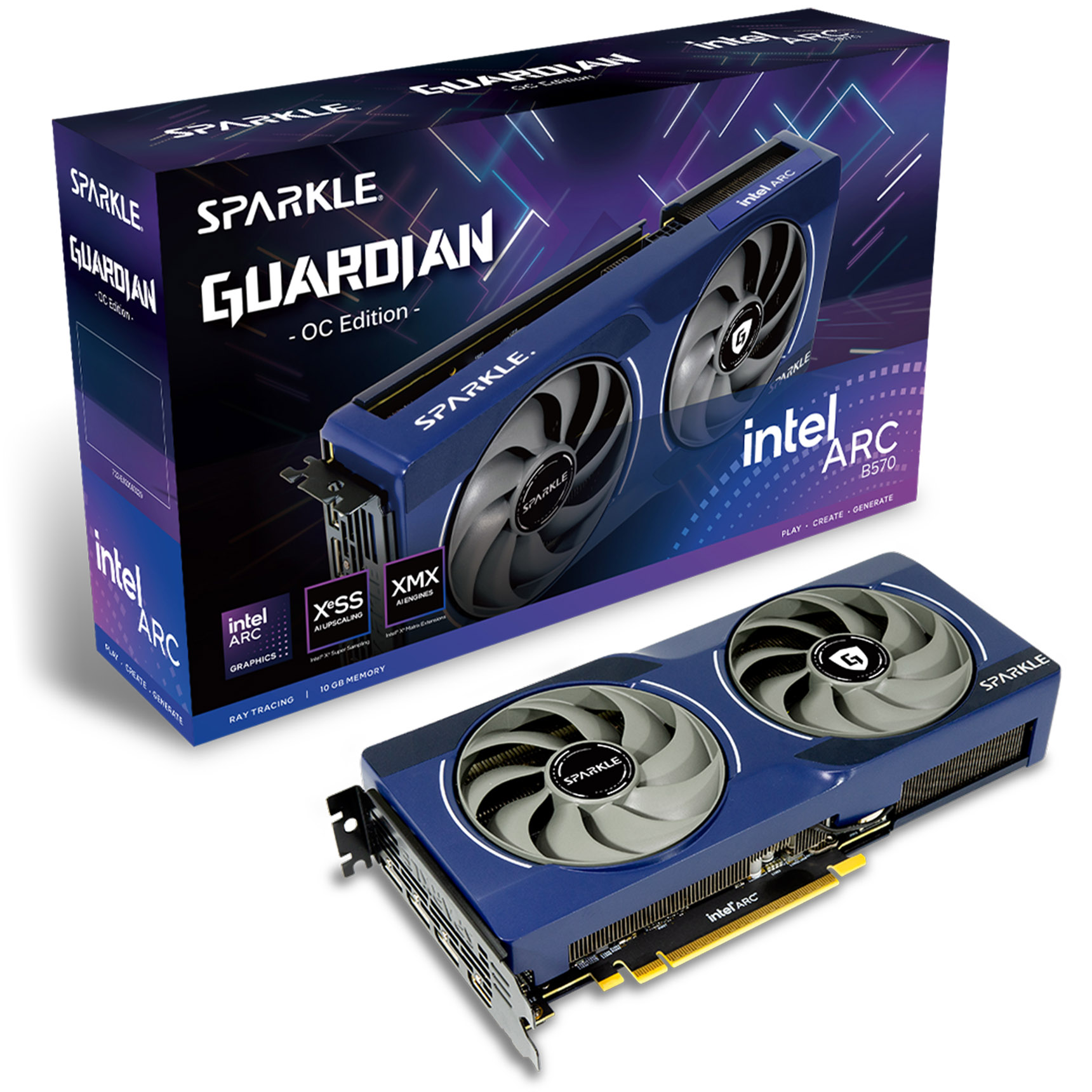
Sparkle Intel ARC B570 GUARDIAN OC 10GB GDDR6 Graphics Card
GRA-SPK-03924
£239.99
(incl. VAT)
FREE SHIPPING
in stock
ADD TO BASKET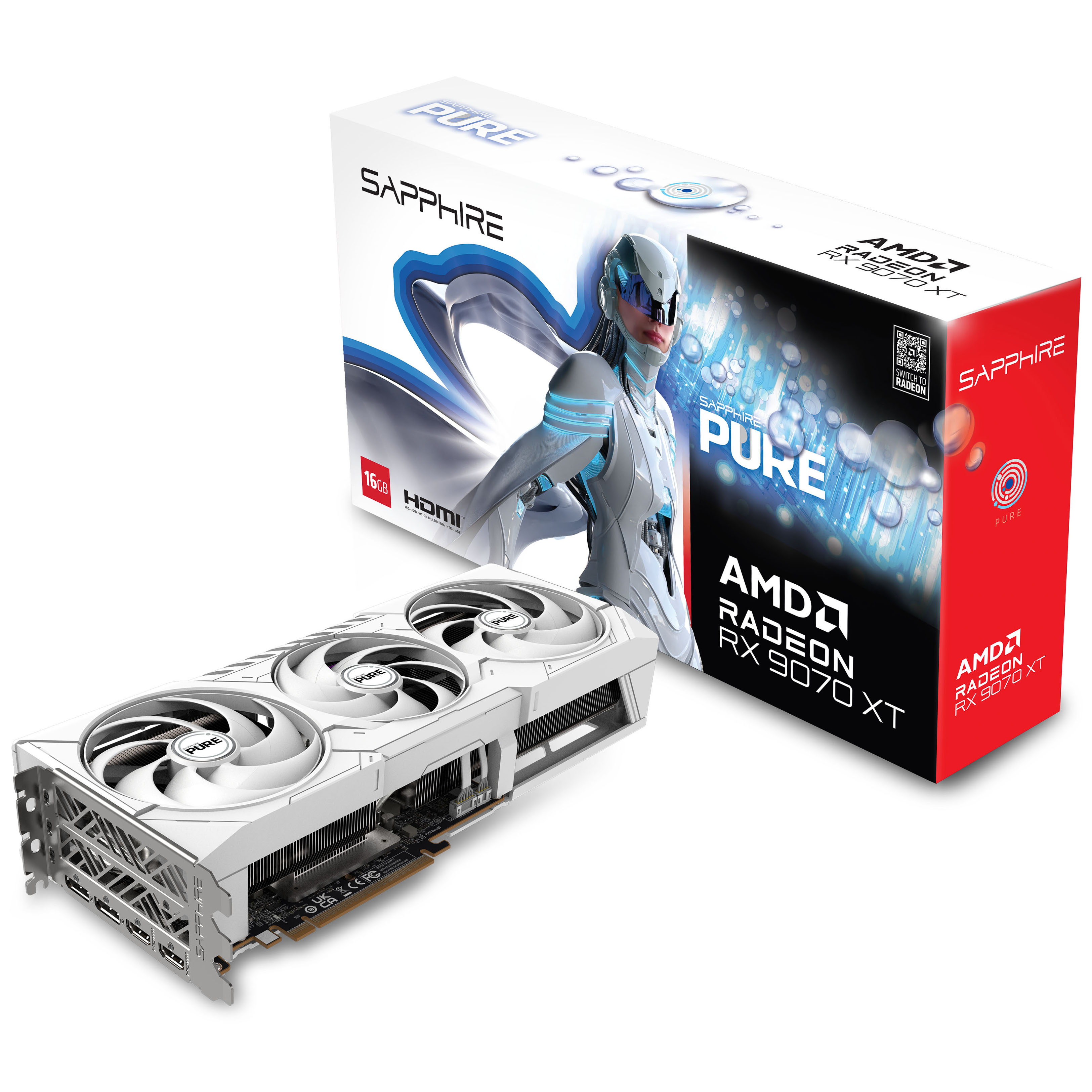
Sapphire Pure Radeon RX 9070 XT Gaming OC 16GB GDDR6 PCI-Express Graphics Card
GRA-SPR-03982
£679.99 £ 649.99
-4.41%(incl. VAT)
FREE SHIPPING
in stock
ADD TO BASKET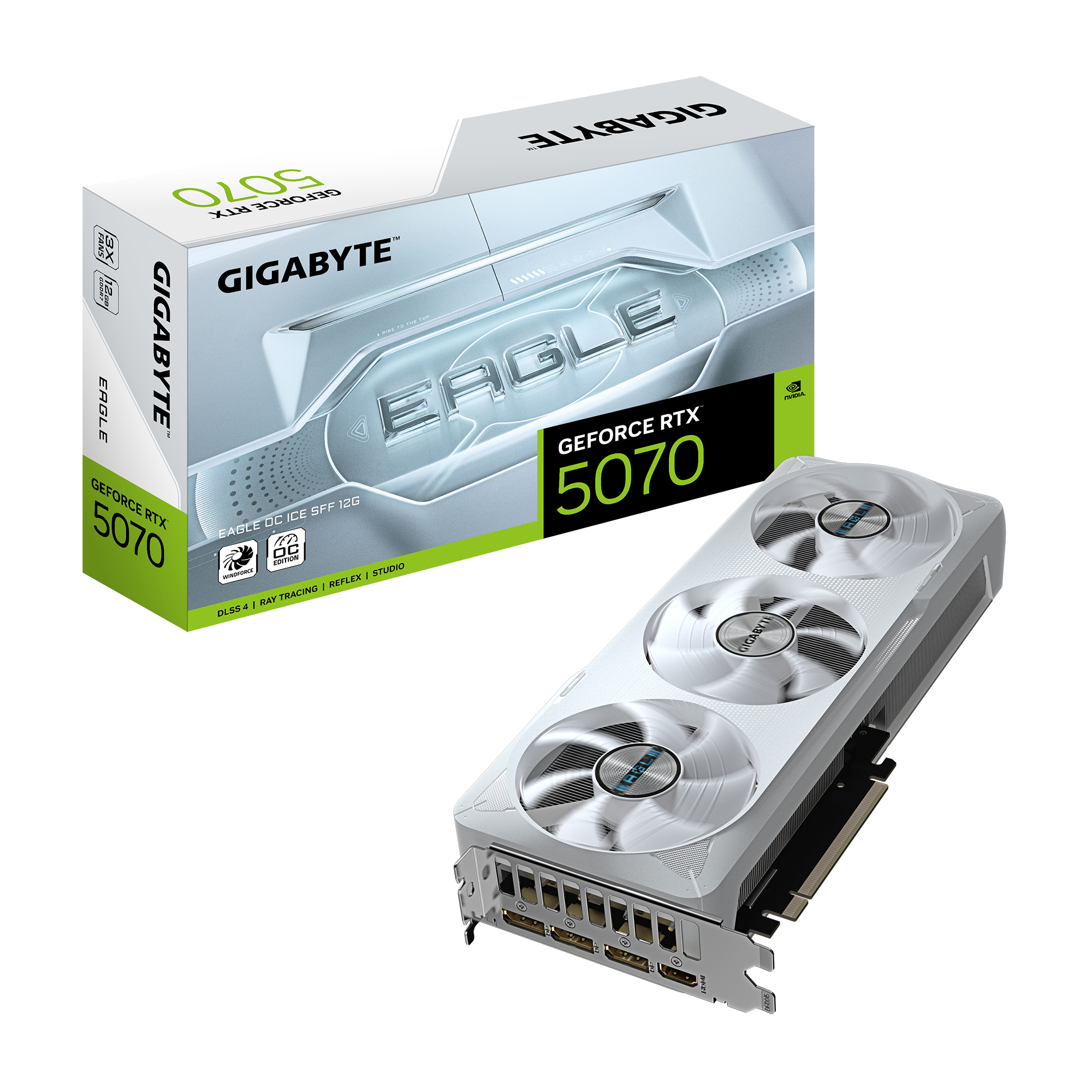
Gigabyte GeForce RTX 5070 Eagle OC Ice SFF 12GB GDDR7 PCI-Express Graphics Card
GRA-GIG-04241
£659.99 £ 629.99
-4.55%(incl. VAT)
FREE SHIPPING
in stock
ADD TO BASKETRefresh Rates and Resolution
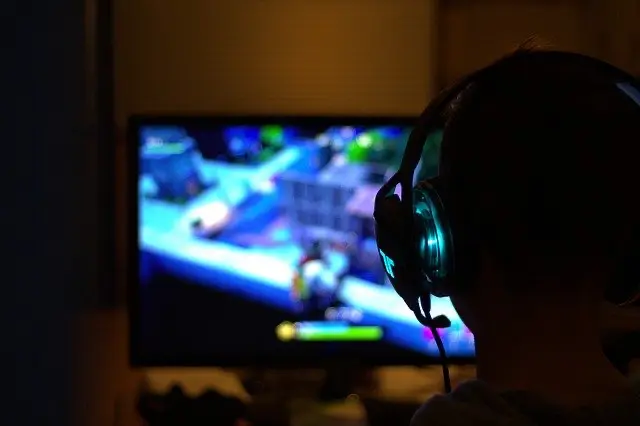
The next things to consider are refresh rates and resolutions. Both are vitally important for making your gaming buttery smooth. But what are they? Refresh rate refers to the number of images displayed per second on your screen, whereas the resolution is how many pixels are on the screen. When it comes to refresh rates, the sweet spot for gaming tends to be around 144Hz, although 240Hz is becoming popular too. In comparison, your work screen refresh rate will be 60Hz. To get your game as smooth as possible, you will need a monitor, graphics card, and cable that all support the maximum resolution at the highest refresh rate. Otherwise, your game will be juddery and you may have to operate at, *shudders*, lower resolutions.
When looking at the specs, DisplayPort is the way to go if you are after some hardcore gaming. Working your way through Battlefield 6 on a substandard definition is not how we want to play. On the other hand, if you’re using your monitor for more run-of-the-mill tasks, like staring at endless spreadsheets, then an HDMI cable is the better option.
What about 4K and Ultra HD?
Scroll back up to the tables and take from HDMI 1.4 onwards. Yep, 4K is possible from that point on. It’s possible on DisplayPort 1.4, as well. The refresh rates on HDMI are limited, with a maximum of 60Hz. If you are a casual gamer, hitting the farming sims like Stardew Valley more often than Silent Hill f, then HDMI is sufficient. However, if you’re looking for better image transmission at 4K resolutions, then it is DisplayPort all the way. So long as your GPU and monitor support 4K, then DisplayPort is going to have you gaming at amazing resolutions. The way all your cinematic faves were meant to be played!

If your monitor has lacklustre resolution and refresh rates, do check out our wonderful selection.

BenQ 27″ PD2705U 3840×2160 IPS 60Hz 5ms HDR10 USB-C 4K UHD Widescreen Monitor
MO-13P-BQ
£348.95
(incl. VAT)
FREE SHIPPING
in stock
ADD TO BASKET
Gigabyte 32″ FO32U2 3840×2160 QD-OLED 240Hz 0.03ms FreeSync Widescreen Gaming Monitor
MON-GIG-02278
£898.99
(incl. VAT)
FREE SHIPPING
in stock
ADD TO BASKET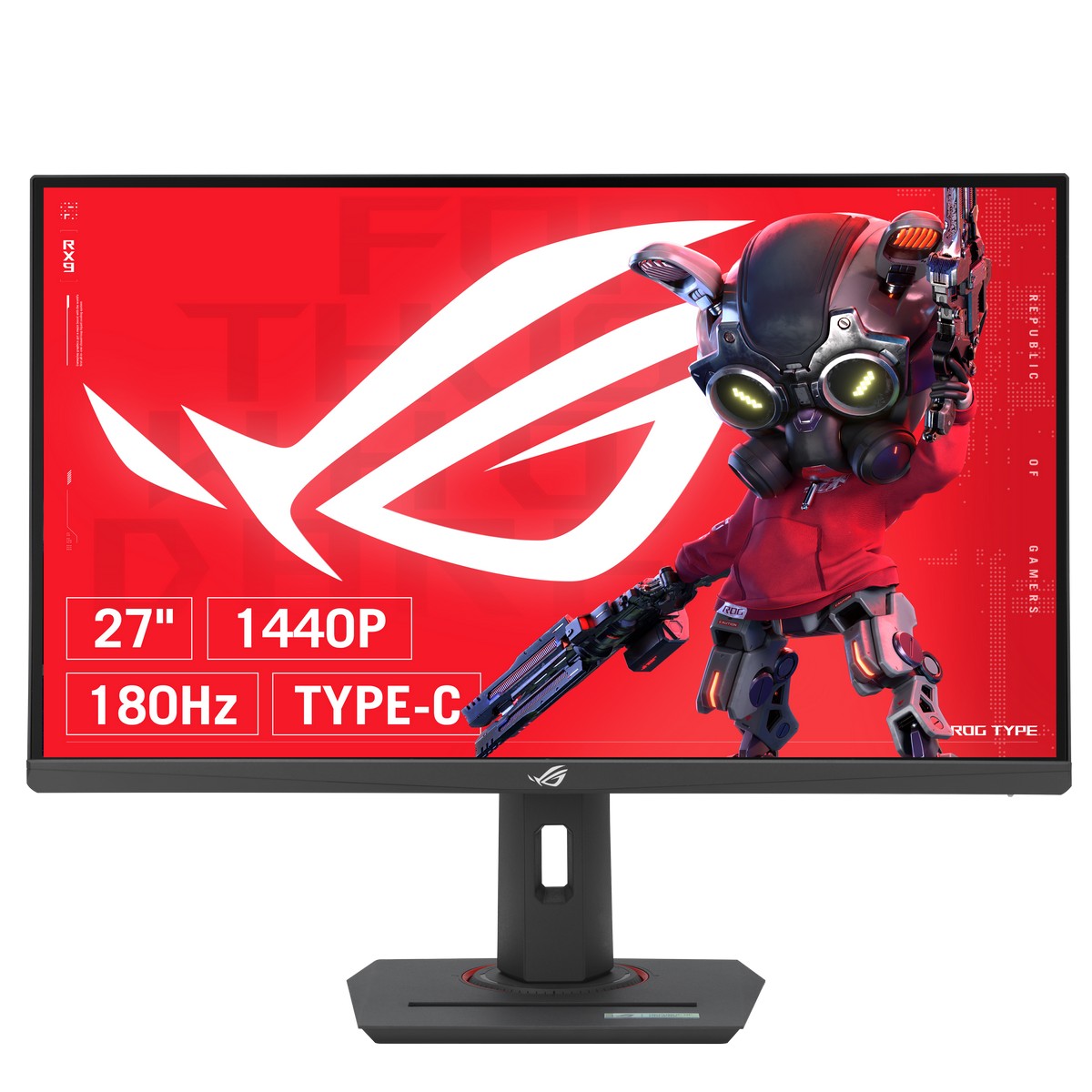
ASUS ROG Strix XG27UCS 27″ 3840×2160 IPS 160Hz 1ms Widescreen Gaming Monitor
MON-ASU-02549
£398.99 £ 314.99
-21.05%(incl. VAT)
FREE SHIPPING
in stock
ADD TO BASKETWhat are AMD FreeSync and Nvidia G-SYNC?
AMD FreeSync and NVIDIA G-SYNC are technologies for synchronising frame rates between graphics cards and monitors. As a result, this vastly improves gameplay as everything is running cohesively, and does not overtax your graphics cards. Ordinarily, monitors do not have a fixed frame rate and thus your graphics card does not always necessarily match what your monitor is showing. It can work too hard or not enough! As a result, your gaming suffers. Images tear or shatter, stuttering occurs, and a bad time is had all round. FreeSync and G-Sync eliminate this. Both of these technologies are supported by HDMI and DisplayPort.

You can learn more about AMD FreeSync and NVIDIA G-SYNC in our dedicated versus guide.
Multiple Monitor Set-Ups
In the specification table, I mention “multi-stream” which is referring to the cable’s ability to daisy chain monitors in sequence. This can only be achieved with DisplayPort and means that not every monitor needs to be directly plugged into your graphics card, unlike with HDMI. One connection is sufficient and able to be continued from one monitor to the next. Cable management is much easier and you get amazing connectivity on all your monitors. That is *chefs kiss* indeed!
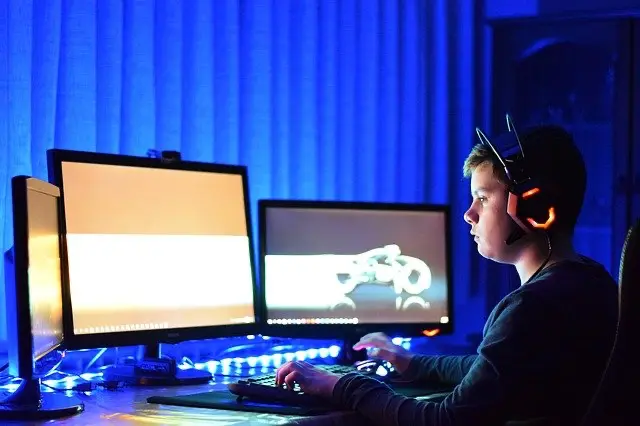

Not sure whether to go ultrawide or for dual-monitors? We have an article comparing the two set-ups and how they can benefit your gaming.
Cables Summed Up
Both HDMI and DisplayPort have amazing features that are evolving all the time with the releases of new generations. Both have their benefits for different styles of gaming and the reason you’ll be using your computer. We’ve picked out a few cables for different situations here, but you can browse our full collection if none of these fit your needs.
1080p Gamers
For casual gamers or even entry-level gamers, 1080p and HDMI cables are the simplest options. Exploring higher resolutions and different cables can wait until you’ve found the game in your library just needs to be played at 4K. For now, Overclockers UK stock a range of HDMI 2.1 cables that come in a variety of colours and lengths.

OcUK Value 5m Red LED HDMI V2.0 Braided Cable (99HD4-05RD)
CB-132-OK
£6.49
(incl. VAT)
FREE SHIPPING
in stock
ADD TO BASKET
OcUK Professional 3M Braided HDMI High Speed With Ethernet Cable (NL2HDMI-03)
CB-049-OP
£6.95
(incl. VAT)
FREE SHIPPING
in stock
ADD TO BASKET
OcUK Value 1m Blue LED HDMI V2.0 Braided Cable (99HD4-01BL)
CB-121-OK
£4.99
(incl. VAT)
FREE SHIPPING
in stock
ADD TO BASKET4K Gamers
Gaming at 4K requires the cable to support it. While DisplayPort tends to be better for higher resolution gaming, it can still be achieved on HDMI 2.1. Below, we have a mix.

OcUK Value 3Mtr HDMI V2.1 Braided Cable – Blue
CB-17V-OK
£7.99
(incl. VAT)
FREE SHIPPING
in stock
ADD TO BASKET
OcUK Value 2m DisplayPort Extension Cable (CDLDPMF-402)
CB-163-OK
£3.95
(incl. VAT)
FREE SHIPPING
in stock
ADD TO BASKET
OcUK Value 3Mtr HDMI V2.1 Braided Cable – Silver
CB-17Y-OK
£7.99
(incl. VAT)
FREE SHIPPING
in stock
ADD TO BASKETPerfect Your Monitor Set-Up
If you’re looking for more tips on how to perfect your monitor set-up, we’ve got the article for you!


Which Do You Use for Gaming?
Are you Team HDMI or Team DisplayPort? Let us know why in the comments below!
- 11 min read


Emily Haylock
Author
Emily is a board and cosy gamer, keyboard obsessive, and content copywriter for Overclockers UK. She has been with Overclockers UK since 2020, writing about everything from noblechairs to 8Pack PCs. She writes from within her desk nest with a foster pup at her feet. (What, a desk duvet is a totally normal thing!) In her downtime, she likes to play board games, farming sims, and old-school Final Fantasy. IX to be specific. It is the best, and that is a hill she will die on.
Read More >>