
We’re contributing another article to our in-depth Motherboards Explained series. In this entry, we’re covering fan headers, detailing how they facilitate cooling solutions and help keep your gaming PC tickety-boo.

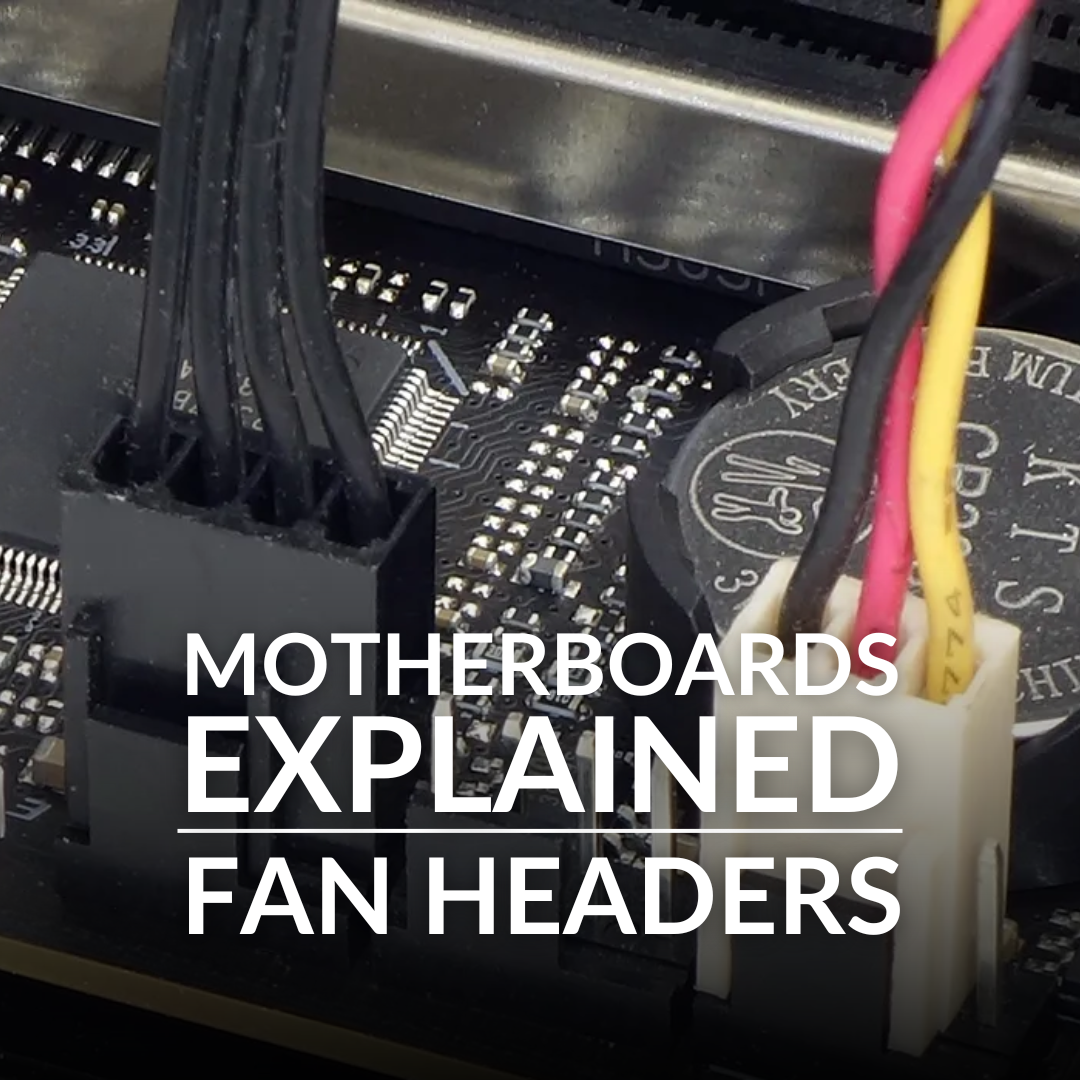
Motherboard fan headers supply the signal and electrical power that cooling fans need to operate. They are designed to directly interface with the connector found on the end of a PC fan’s cable.
Motherboards feature a mixture of 3-pin DC and 4-pin PWM fan headers. DC stands for Direct Current, and PWM refers to Pulse-Width Modulation.
Both types of headers allow you to control and monitor your fan speeds, with DC headers using voltage regulation, while PWM communicates directly with the fan. As such, PWM offers finer control of your fans’ RPM, helping you ensure efficient airflow and stable temperatures under any load.
It’s not just about thermals, either. Speed affects sound, so you can favour quiet operation whenever you like with PWM fans as well.
3-pin and 4-pin Headers
As previously mentioned, there are two types of fan headers: 3-pin and 4-pin. You’ll need to check your motherboard manual to see which you have and how many. Here’s a quick breakdown of their capabilities:
- 3-pin headers – Accommodate DC fans with three wires, which cover power (red wire), ground (black wire), and signal (yellow wire). You can’t use the motherboard to alter the speed of the rotating blades.
- 4-pin headers – Connect to DC and PWM fans. You are able to adjust fan RPM on PWM fans, which is what the extra cable is for.
Connecting is straightforward. Simply line up the cable with the motherboard and header, and gently slot it in. A final check can help you ensure the link is secure, so give it a light pull to test for any resistance. Remember that there’s no latch, which makes extraction easier, but this also means you shouldn’t apply too much force when linking up the wires.
3-pin fans are smaller and so can be connected to 4-pin headers. However, you shouldn’t expect PWM support without that extra fourth cable. That said, some motherboards can automatically detect what kind of fan you plugged in and adjust their performance accordingly. TL;DR: 4-pin headers are backwards compatible.

Want to know more about PWM fans? We had them do battle with their DC counterparts just over here.
CPU-FAN and CPU-OPT
As the labels on your motherboard might suggest, there are many specific cooling headers, such as the PUMP, which is reserved for connecting AIO liquid pumps. However, we’re focused on our fan headers, and those should be designated CPU-FAN and CPU-OPT.
The CPU-FAN header is designed to power the primary cooling solution for your processor. It can increase or decrease the speed of your fans based on what kind of CPU temperature you’re dealing with, but you can adjust to your liking if you’re in 4-pin territory with PWM fans.
CPU-OPT is a second cooler fan header, hence the name ‘opt’, literally meaning optional. It’s a useful header to have if you need to power additional fans. When in use, this header mirrors the performance of the CPU-FAN. You can connect multiple devices to this interface, whereas the CPU fan is solely designated for your CPU cooler.
If you are going to get experimental with these headers, always refer back to your motherboard manual. They should have guidance on what additional power you can extrapolate, which types of fans can be interfaced with certain headers, and where to watch out for failures in your system, should your set-up be ill-advised. Always double-check your configurations!
Time to Upgrade Your Motherboard?
Looking to customise cooling speeds and add more fans to your PC gaming build rig? Here at Overclockers UK, our stock of motherboards will support your ambitions!

Sapphire Pure X870A WiFi7 (Socket AM5) DDR5 ATX Motherboard
MOT-SPR-05687
£219.95 GBP
(incl. VAT)
FREE SHIPPING
in stock
ADD TO BASKET
Gigabyte X870E Aorus Elite WIFI7 (Socket AM5) DDR5 ATX Motherboard
MOT-GIG-03318
£284.99 GBP
(incl. VAT)
FREE SHIPPING
Pre order
ADD TO BASKET
MSI MPG Z890 CARBON WIFI (LGA 1851) DDR5 ATX Motherboard
MOT-MSI-03436
£329.99 GBP
(incl. VAT)
FREE SHIPPING
in stock
ADD TO BASKETLearn More in ‘Motherboards Explained’


How Are You Using Motherboard Fan Headers?
Are you rocking PWM fans or sticking with trusty DC fans a while longer? Have you curated a glorious cooling set-up using the CPU-OPT header? Tell us your thoughts in the comments.
- 5 min read


George Moss
Author
George has long enjoyed writing and PC gaming, so working for Overclockers is very exciting! When he's not at the computer, he can be found adventuring with his apricot cockapoo, reading books on seabirds, or being a liability for his Dungeons and Dragons party.
Read More >>