
Unsure whether your processor has integrated graphics?

In this informative guide, we’re breaking down everything you need to know about processors with integrated graphics, rounding up a selection of the latest models and how you can check if your CPU has them.

What Are Integrated Graphics?
Integrated graphics, or iGPUs, are directly built onto a processor, often on the same chip, allowing them to share resources. Onboard graphics are best suited for light tasks such as web browsing, video streaming, or casual gaming.
Are Integrated Graphics Good for Gaming?
You can enjoy gaming while using integrated graphics, but you will have to make some compromises. iGPUs aren’t capable of powering modern-day AAA titles and utilising features such as ray tracing. Instead, integrated graphics are best suited for more casual, indie, and older video games that aren’t nearly as demanding. Think Stardew Valley, Spritfarer, Duck Detective, or Spiritea.

However, while you can’t play every game with integrated graphics, there are some advantages for gamers. iGPUs are notably more cost-effective, making them better suited for complete beginners or those trying to build a gaming PC on a stricter budget. Plus, since they don’t require as much energy as a standard dedicated GPU, integrated graphics are perfect for energy-efficient systems that won’t break the bank.
What CPUs Have Integrated Graphics?
Both Intel and AMD have manufactured processors with integrated graphics, and we’ve broken them all down below.
Intel
Intel has made it easier to understand which CPUs feature onboard Intel UHD graphics, as they’ll feature different suffixes to indicate whether you need to also have a dedicated GPU. This includes:
- K – The CPU is unlocked, meaning it can be overclocked and features onboard graphics.
- F – The CPU does not feature onboard graphics.
- KF – The CPU can be overclocked and doesn’t have onboard graphics.
Don’t know which Intel CPUs have onboard graphics? We’ve broken down some of the latest models in the table below.
| Architecture | Socket | Cores | Threads | Max Clock Speed | Cache | TDP | |
|---|---|---|---|---|---|---|---|
| Intel Core Ultra 9 285K | Arrow Lake | LGA 1851 | 24 8P and 16E | 24 | 5.7GHz | 36MB Intel Smart Cache | 250W |
| Intel Core Ultra 5 245K | Arrow Lake | LGA 1851 | 14 6P and 8E | 14 | 5.2GHz | 24MB Intel Smart Cache | 125W |
| Intel Core Ultra 7 265K | Arrow Lake | LGA 1851 | 20 12P and 8E | 20 | 5.5GHz | 30MB Intel Smart Cache | 125W |
| Intel Core Ultra 7 265 | Arrow Lake | LGA 1851 | 20 8P and 12E | 20 | 5.3GHz | 30MB Intel Smart Cache | 65W |
| Intel Core Ultra 5 235 | Arrow Lake | LGA 1851 | 14 6P and 8E | 14 | 5GHz | 24MB Intel Smart Cache | 65W |
| Intel Core Ultra 5 225 | Arrow Lake | LGA 1851 | 10 6 P and 4 E | 10 | 4.9GHz | 20MB Intel Smart Cache | 65W |
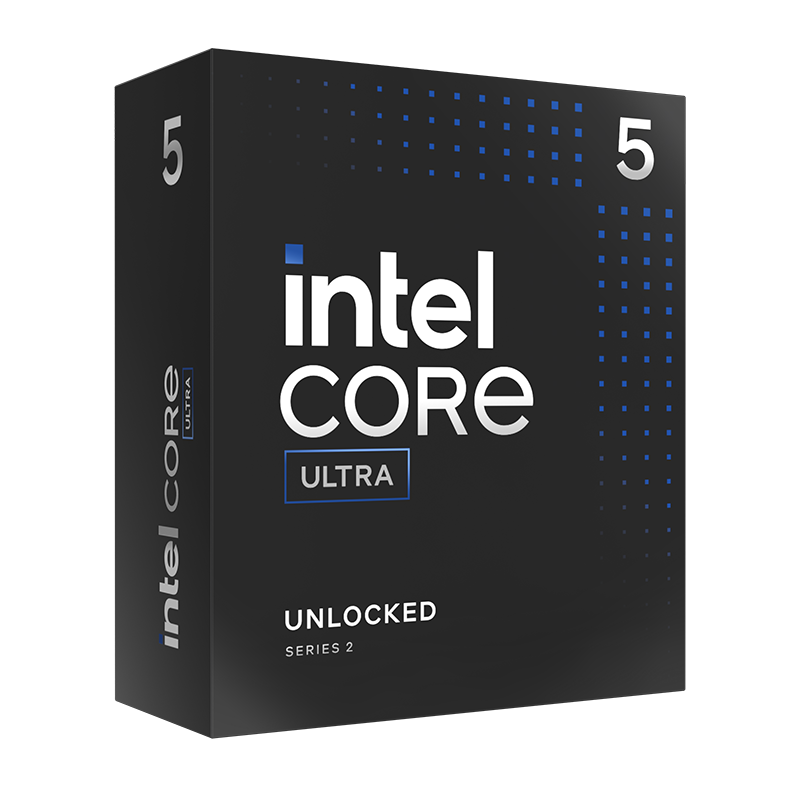
Intel Core Ultra 5 245K (Arrow Lake) Socket LGA 1851 Processor – Retail
PRO-INT-03113
£259.99 £ 179.99
-30.77%(incl. VAT)
FREE SHIPPING
in stock
ADD TO BASKET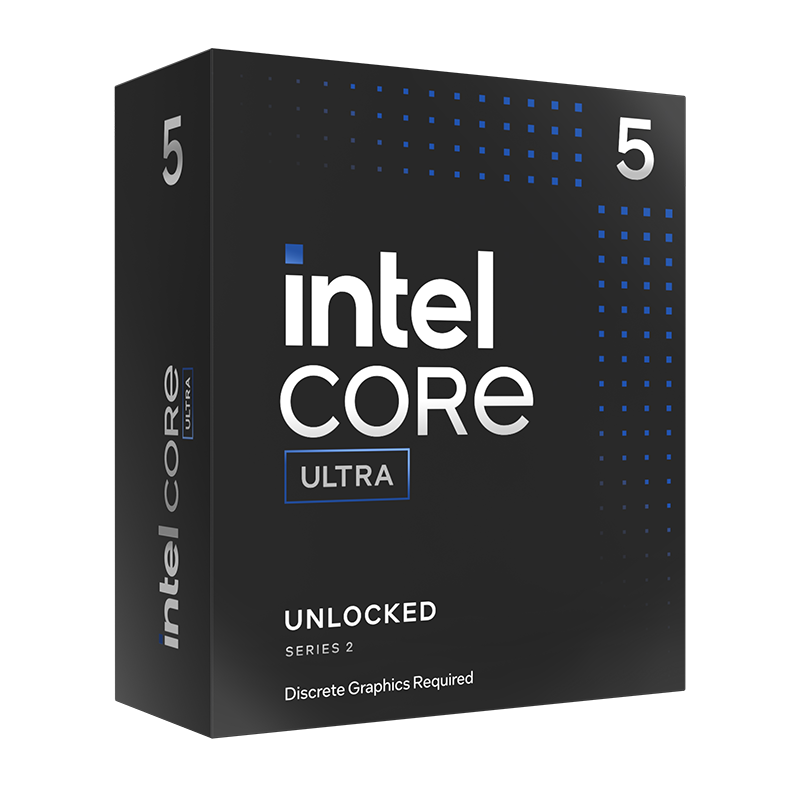
Intel Core Ultra 5 245KF (Arrow Lake) Socket LGA 1851 Processor – Retail
PRO-INT-03114
£239.99 £ 149.99
-37.5%(incl. VAT)
FREE SHIPPING
in stock
ADD TO BASKETAMD
Similar to Intel, AMD also denotes their processors with integrated Radeon graphics, otherwise known as APUs (Accelerated Processing Unit). This is often with either a ‘G’ or ‘GE’.
Don’t know which AMD CPUs have onboard graphics? We’ve broken it down below.
| Architecture | Socket | Cores | Threads | Max Clock Speed | Cache | TDP | |
|---|---|---|---|---|---|---|---|
| AMD Ryzen 5 8500G | AMD Phoenix | AM5 | 8 | 16 | 5.10GHz | 16MB | 65W |
| AMD Ryzen 5 8600G | AMD Phoenix | AM5 | 6 | 12 | 5.0GHz | 16MB | 65W |
| AMD Ryzen 7 8700G | AMD Phoenix | AM5 | 8 | 16 | 5.10GHz | 16MB | 65W |

AMD Ryzen 7 8700G Eight Core 4.2GHz (Socket AM5) APU With Radeon 780M Graphics
PRO-AMD-01796
£278.99 £ 259.99
-6.81%(incl. VAT)
FREE SHIPPING
in stock
ADD TO BASKET
AMD Ryzen 5 8500G Six Core 3.5GHz (Socket AM5) APU With Radeon 740M Graphics
PRO-AMD-01798
£169.99
(incl. VAT)
FREE SHIPPING
in stock
ADD TO BASKETHow to Know if My CPU Supports Onboard Graphics?
To check if your CPU has onboard graphics, you can either refer back to any official manufacturer information, such as manuals and product pages, or use the Task and Device Managers in Windows.
Via Task Manager
- Search for the Task Manager or press CTRL + Shift + Esc.
- Select the ‘Performance’ tab and click on GPU.
- In the ‘GPU Engine’ column in the ‘Processes’ tab, you’ll be able to see what GPU is currently being used.
- If you can see that ‘GPU 0’ or ‘GPU 1’ is being used by a graphics intensive application – your CPU has integrated graphics.
Via Device Manager
- Search for Device Manager or press Windows + X.
- Expand the ‘Display Adapters’ drop down.
- If you can see something similar to ‘Intel(R) UHD Graphics’ or ‘AMD Radeon Graphics’, your CPU has integrated graphics.
Looking to Upgrade?
In need of a CPU upgrade or dedicated GPU to take your gaming to the next level? At Overclockers UK, you can find everything you need to enhance your performance and productivity.
You can browse our full selection of both CPUs and dedicated graphics cards by clicking the buttons below.
Learn More About Your Processor



Does Your CPU Have Integrated Graphics?
Does your CPU have onboard graphics? Which model do you use and why? Tell us in the comments below.
- 4 min read

Ruth Rowley
Author
Ruth has been with Overclockers UK for over four years and has gone on to write about everything ranging from in-depth hardware guides to monthly game releases.
Outside of writing blog posts, she can be found wrapped in a blanket with her black cat, engrossed in a book or playing life-simulation games such as The Sims, Stardew Valley, and Animal Crossing.
Read More >>