
It’s no secret that our NVIDIA graphics cards come equipped with plenty of integrated tech to level up our gaming and productivity. Our ‘Inside Look’ series shines the light on many of these, but in this blog post we’re taking a closer look at NVIDIA G-Sync.


What is NVIDIA G-Sync?
G-Sync is NVIDIA’s own dedicated display technology that has been designed to deliver silky-smooth gaming courtesy of rapid response times and near-zero input lag.
How Does NVIDIA G-Sync Work?
NVIDIA G-Sync works by synchronising your monitor’s refresh rates with your GPU’s frame rate. For example, if your GPU performs at 50 FPS, G-Sync will swap your monitor’s refresh rate to 50Hz.

By automatically matching your refresh rate to your FPS, G-Sync can notably reduce input lag, display stutter, and screen tearing, delivering an uninterrupted gaming experience.
How Can NVIDIA G-Sync Improve My Performance?
NVIDIA G-Sync can have a huge impact on your gaming. By eliminating screen tearing and facilitating smoother performance, you can enjoy an optimised experience every time that fully immerses you in game. There’ll be no unwanted input lag or display stutter breaking up your immersion, delivering you that all-important competitive in-game edge.
Benefits of NVIDIA G-Sync for Gaming
We’ve rounded-up all the key benefits of NVIDIA G-Sync and why you want it for gaming below.
- Sharper objects – objects in-game can appear sharper, offering you greater detail.
- Scenes appear instantly – there’s no more waiting around for the next unexplored area to load. With G-Sync they load instantaneously.
- Realistic colours – most monitors that support G-Sync also feature a high DCI-P3 colour gamut for true-to-life colour representation in-game.
- Ultra-low latency.
- Improved motion clarity – G-Sync monitors will also typically include ULMB (Ultra Low Motion Blur) to facilitate brighter images, no screen tearing, and improved clarity when images are moving on screen.
G-SYNC Pulsar
NVIDIA is constantly working to improve our gaming experience. Announced at CES 2026, G-SYNC Pulsar is here to kick things up a notch or two!
Harnessing innovative backlight strobing, G-SYNC Pulsar drastically reduces motion blur by up to four times! The monitor backlight pulses down the screen in sections, giving pixels time to move from A to B without any persistence that we can perceive. As a result, images are sharper, clearer, and more crisply detailed.
The incredible motion clarity means you will have the distinct advantage in competitive play and more immersion for cinematic visuals.
G-SYNC Ambient Adaptive Technology
G-SYNC Pulsar brings with it G-SYNC Ambient Adaptive Technology. This utilises an external sensor to automatically detect the ambient lighting of your surrounding environment and adjust accordingly. The display will change brightness and colour temperature according to your lighting levels, to ensure you’re gaming with an optimal display at all times.
In daylight, your monitor will be at 100% brightness with cool white tones. As it gets darker, the brightness will reduce and tones will become warmer.

What Hardware Do I Need for NVIDIA G-Sync
NVIDIA G-Sync does have some hardware requirements, meaning you’ll need to make sure your PC meets the following to fully utilise G-Sync.
| Component | Recommended Specs |
|---|---|
| Operating System | Windows 11 / 11 / 8 / 7 |
| Graphics Card | G-Sync compatible GPU GeForce GTX 650 Ti Boost or higher |
| Software | The latest NVIDIA GPU drivers |
| Monitor | A G-Sync compatible monitor connected via DisplayPort. |
| G-SYNC Pulsar | Pulsar-Enabled monitor DisplayPort 1.2+ |
NVIDIA G-Sync monitors can also be split into three tiers.
- G-Sync Compatible
- G-Sync
- G-Sync Ultimate

G-Sync Compatible
A G-Sync compatible monitor doesn’t include a dedicated NVIDIA G-Sync processor but have been certified by NVIDIA to deliver a high-quality variable refresh rate (VRR) for tear-free and stutter-free gaming.
G-Sync
A monitor with G-Sync support features a dedicated NVIDIA processor which has been designed to facilitate outstanding gaming performance with zero screen tearing, display stutter, or input lag. What’s more, the variable refresh rate (VRR) ensures stunning high-resolution images and responsiveness.
G-Sync Ultimate
G-Sync Ultimate monitors harness only the very best NVIDIA G-Sync processors along with HDR to deliver lifelike visuals, stunning image contrast, true-to-life colours, and seriously ultra-low latency gameplay. Everything you need to dominate your in-game enemies.
Not sure which tier your monitor falls under? Click the button below to see all NVIDIA compatible gaming monitors and their tiers.
Don’t Have the Hardware You Need for NVIDIA G-Sync?
Don’t have the right GPU or monitor for NVIDIA G-Sync? Why not treat yourself to one of the many tasty upgrades you can buy right now from Overclockers UK. We stock a huge range of both compatible GPUs and G-Sync gaming monitors.
Not sure where to start? We’ve highlighted some of our top picks, but you can also explore our full selection by clicking the relevant buttons.

Gigabyte GeForce RTX 5070 Eagle OC SFF 12GB GDDR7 PCI-Express Graphics Card
GRA-GIG-04242
£649.99 £ 589.99
-9.23%(incl. VAT)
FREE SHIPPING
in stock
ADD TO BASKET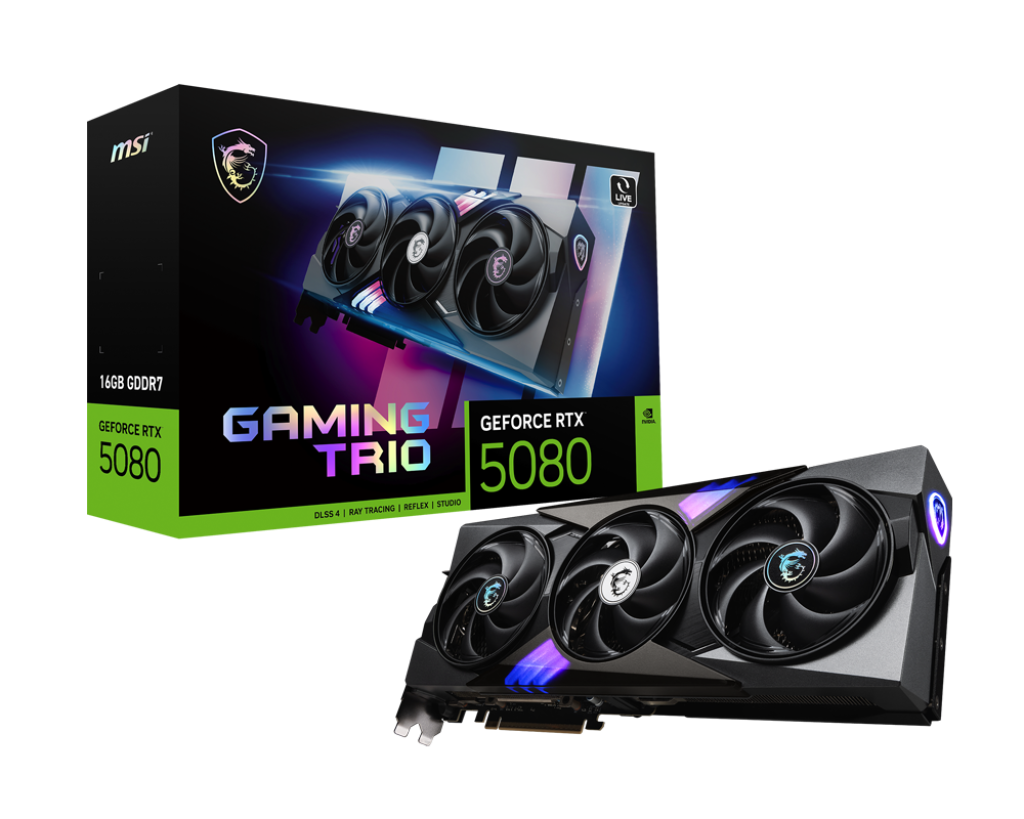
MSI GeForce RTX 5080 Gaming Trio OC 16GB GDDR7 PCI-Express Graphics Card
GRA-MSI-04044
£1469.99
(incl. VAT)
FREE SHIPPING
in stock
ADD TO BASKET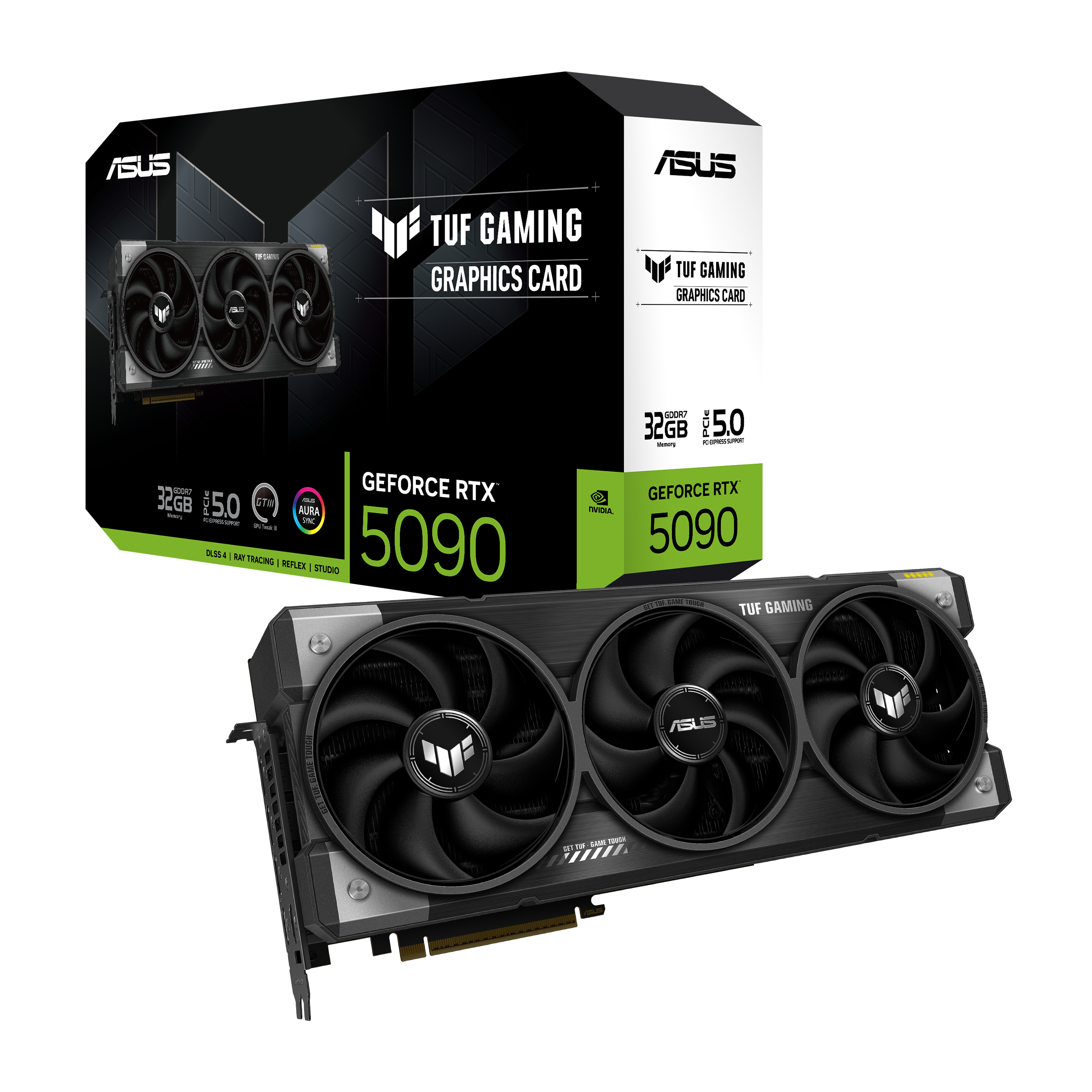
Asus GeForce RTX 5090 TUF Gaming 32GB GDDR7 PCI-Express Graphics Card
GRA-ASU-04149
£3499.99
(incl. VAT)
FREE SHIPPING
out of stock
ADD TO BASKET
Iiyama G-Master GB2771HSU-B1 27″ 1920×1080 Fast-IPS LCD 240Hz 0.4ms G-Sync Widescreen Gaming Monitor
MON-IIY-06789
£148.99 £ 129.95
-12.78%(incl. VAT)
FREE SHIPPING
Pre order
ADD TO BASKET
ASUS TUF Gaming VG259QM5A 24.5” 1920×1080 Fast-IPS 240Hz 0.3ms G-Sync/FreeSync Widescreen Gaming Monitor
MON-ASU-06464
£138.95 £ 123.95
-10.8%(incl. VAT)
FREE SHIPPING
in stock
ADD TO BASKET
AOC Agon Pro 27″ AG276QSG2 2560×1440 Fast IPS 360Hz 0.3ms Nvidia G-Sync Pulsar Widescreen Gaming Monitor
MON-AOC-07010
£558.95
(incl. VAT)
FREE SHIPPING
in stock
ADD TO BASKETLearn More in NVIDIA Inside Look
Do You Use NVIDIA G-Sync?
Do you use NVIDIA G-Sync? How has this display tech improved your gaming performance? Share your thoughts in the comments below.
- 5 min read


Ruth Rowley
Author
Ruth has been with Overclockers UK for over four years and has gone on to write about everything ranging from in-depth hardware guides to monthly game releases.
Outside of writing blog posts, she can be found wrapped in a blanket with her black cat, engrossed in a book or playing life-simulation games such as The Sims, Stardew Valley, and Animal Crossing.
Read More >>