Rasterisation has long been used to generate gorgeous visuals in video gaming.

While ray tracing has been able to provide enhanced fidelity for graphically demanding games more recently, rasterisation is now fighting back with modern AI-upscaling optimisation and frame generation. In this article, we are going to be diving into everything rasterisation, how it differs from ray tracing, and how to implement it into your gaming!
What is Rasterisation?
If you’re completely new to rasterisation, you’re not alone! This graphical process has been around for a while, but as trends have changed and gaming requirements have developed, so, too, have the norms that come with them.
To put it simply: rasterisation is a lighting technique. Imagine a cube, and light rays hitting that cube. Whatever the light highlights is what the rasterisation algorithm will process. In 3D shapes like this, there will be certain parts that aren’t visible in 2D, so rasterisation allows the processor to display what can be seen in greater detail, and ignore the parts that cannot be seen. This allows graphics to be processed faster, and for more power to be allocated to necessary visuals over those that aren’t seen by the user.
The rasterisation process is usually depicted using a grid, called a 2D screen. In this way, you can see how certain points from separate polygons can be mapped out and generated. As 3D shapes are perceived from different angles, their shape changes to the human eye. This is why the grid is often used to show the rasterisation process as we can see how 3D shapes should look with lighting and shadow on a 2D display.
How Rasterisation Works
There are a few key stages to the rasterisation process. They are as follows:
- Vertex Processing: 3D scene data is transformed, lit, and projected onto a 2D grid.
- Triangle Setup: The shape’s intersections are assembled as polygons to define the shapes on the 2D grid.
- Rasterisation: The rasterisation algorithm deciphers which pixels on the screen are covered by the triangle. A pixel is then filled if its centre is inside the triangle.
- Pixel Shading: Colours, textures, and lighting effects are applied to the covered pixels.
- Output Merging: The renderer processes depth information, also known as the Z-buffer, ensuring that closer objects cover distant ones to prevent rendering anomalies. Anti-aliasing is then applied to smooth any jagged edges.
These steps make up the rasterisation process. What the algorithm is outputting is the correct pixel colour, determined by the shape and the shadows it creates. For a pixel effected by shadow, a darker colour will be generated. If the pixel is in direct light, though, a much brighter colour will be generated. The colour of the pixel entirely depends on the shape being displayed, and in what lighting scenario it is situated in.
Rasterisation vs Ray Tracing
As modern technologies and tech requirements have evolved, so have the processes that come with them. Ray tracing, in this case, is mostly considered a step up from rasterisation. When processing light and shadow with ray tracing, light is physically simulated by considering how it bounces and refracts through a scene. This is opposed to rasterisation, where pre-calculated lighting maps are used to mimic shadows, textures, and ambient occlusion. But this increase in visual performance demands a lot more from your PC and can lead to poorer performance in gaming computers that can’t handle ray tracing. With rasterisation increasingly improving with new upscaling and frame generation, the two may very well end up levelling out in terms of visual clarity in the near future!

We’ve gone into a lot more detail on ray tracing in a dedicated article. You can find that here:
Raster vs Vector Graphics
The rasterisation process is not only used for gaming. It can be used to convert vector graphics (SVG, AI and EPS files) to image files (JPEG, PNG). If you have ever tried to upscale a JPEG image and found that detail deteriorates the larger it becomes, this is due to it being a raster graphic and made up of pixels. Whereas vector graphics can upscale infinitely as they utilise mathematical formulas or paths. These image types are usually used for logos and feature elements that need to be upscaled or downscaled depending on their use.
Rasterisation heavily relies on vector formulas to calculate lighting and shadow when processing graphics. The process acts like a bit of a bridge between vector formulas and pixels. It turns complex vector shapes, which require high processing power to redraw constantly, into simpler, fixed resolutions for faster rendering.

Real-World Uses of Rasterisation
The rasterisation process is still heavily used in mainstream games and gaming engines today. It’s a great solution for getting the most out of high-end graphics, without needing to splash loads of cash on expensive hardware. With that being said, even the newest GPUs on the market use rasterisation. Many now come equipped with ray tracing capabilities too, allowing you to choose between both processes!!!
Design applications like Unity and Unreal Engine also use rasterisation to project 3D triangles and construct entire 3D worlds. Rasterisation allows for much quicker graphical processes and smooth visuals by sacrificing a little bit of the ultra-realism that comes with ray tracing.
Advantages and Disadvantages of Rasterisation
Different graphical procedures work better for certain tasks. Below, we have put together the main pros and cons to consider when deciding whether to use rasterisation to process your next gaming session.
Pros:
- Fast rendering speed – rendering frames quickly at 60FPS and above
- Optimised for real-time applications for instant scene processing
- Compatible with a wide range of GPUs
- Lower cost due to less need for high processing power
- Widely supported and long established
Cons:
- Less realistic lighting than ray tracing
- Limitations when handling more complex lighting and shadow effects
- Can sometimes produce aliasing issues and jagged edges
- Can lose detail at lower resolutions
- Based on approximations, not real-world lighting physics
A Rasterisation Roundup
Hopefully, you’ve discovered a little bit more about rasterisation and how exactly it impacts your graphics! There’s definitely a lot to learn around the topic, and new technologies are always being released requiring newer specs. Here at Overclockers UK, we have a bunch of the newest GPUs, PCs, and other computer hardware to keep you up to date!

Gigabyte GeForce RTX 5060 Ti WINDFORCE MAX OC 8GB PCI-Express Graphics Card
GRA-GIG-07639
£389.99
(incl. VAT)
FREE SHIPPING
in stock
ADD TO BASKET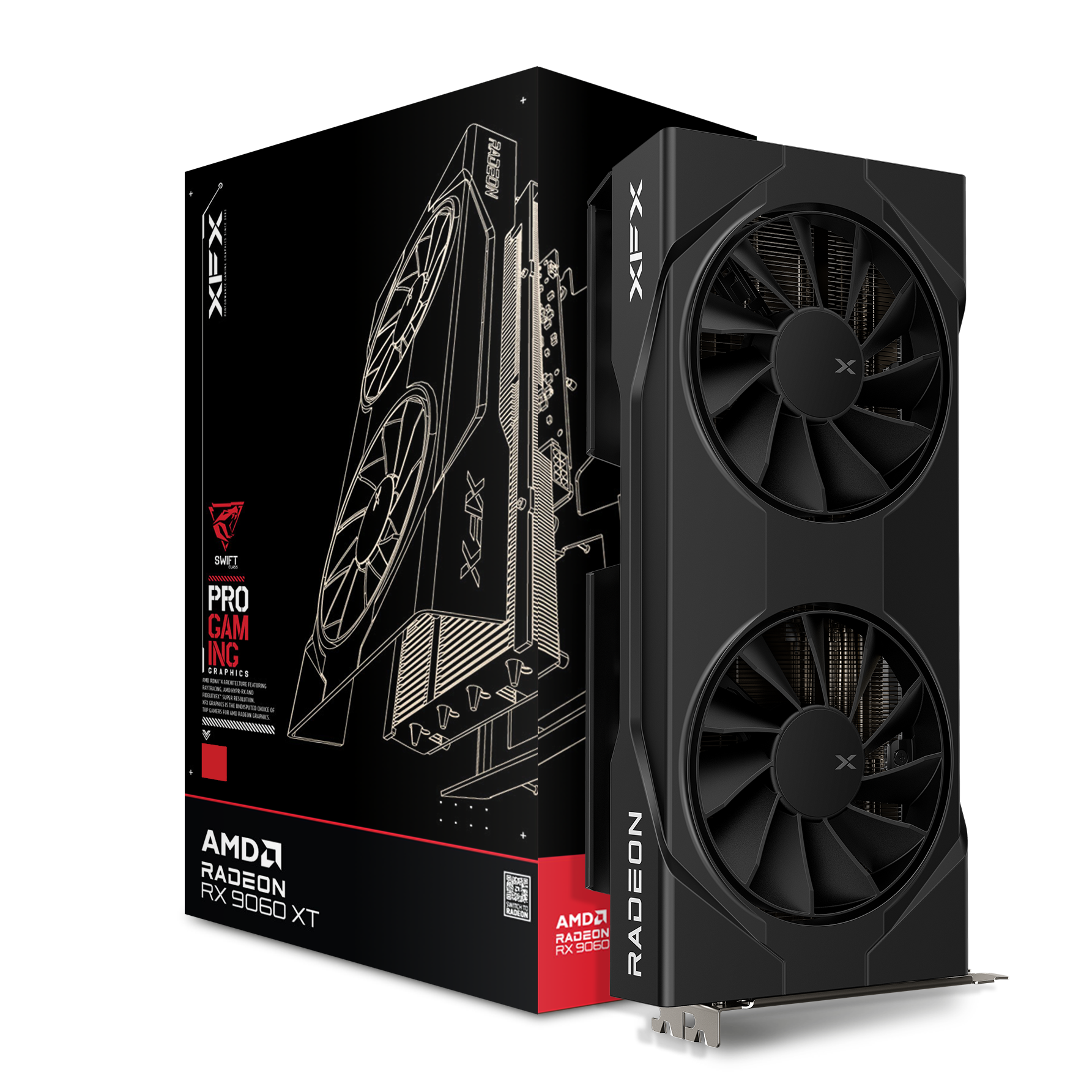
XFX Swift 9060 XT Gaming OC Dual Fan 16GB GDDR6 PCI-Express Graphics Card
GRA-XFX-05433
£419.99 £ 399.95
-4.77%(incl. VAT)
FREE SHIPPING
in stock
ADD TO BASKET
Sparkle Intel ARC B580 ROC Luna OC Ultra 12GB GDDR6 Graphics Card
GRA-SPK-06841
£329.99
(incl. VAT)
FREE SHIPPING
in stock
ADD TO BASKET
OcUK Gaming Calcite – Intel Core I7 14700KF, RTX 5070 Ti Pre-Built Gaming PC
FS-PB05-EP
£2399.99 £ 2299.99
-4.17%(incl. VAT)
FREE SHIPPING
in stock
ADD TO BASKET
OcUK Gaming Indigo – GeForce RTX 5080 Pre-Built Gaming PC
FS-1DN-EP
£2999.99
(incl. VAT)
FREE SHIPPING
in stock
ADD TO BASKET
OcUK Gaming Pyrite – Ryzen 7 7700 – Radeon RX 9060 XT Pre-Built Gaming PC
FS-PB13-EP
£1479.95
(incl. VAT)
FREE SHIPPING
in stock
ADD TO BASKET
Thirsty for More Graphics Content?
Want to expand your knowledge on graphics a bit more? We’ve popped some more posts below for you to sink your gnashers into.


What are Your Thoughts on Rasterisation?
Do you prefer rasterisation or ray tracing when it comes to your visuals? Is there a GPU you have in mind that allows you to get the best out of both? Let us know in the comments!
- 8 min read


Ted Blank
Author
Ted is a sandbox and free-roam fanatic, and the most recent copywriter to join the content team at Overclockers UK. He loves playing a variety of games, mainly Animal Crossing, Cities: Skylines and GTA V, writing about everything that comes with playing them. Sometimes he’ll pluck up the courage to dabble in some horror (if he’s feeling adventurous). Other than gaming, he’s currently trying to finish writing his first novel and loves playing niche board games with his partner - the more unheard of the better!
Read More >>