-
PC Components
-
Processors (221)
- AMD Processors (142)
-
Intel Processors (75)
- Intel Core i9 Processors (15)
- Intel Core i7 Processors (13)
- Intel Core i5 Processors (18)
- Intel Core i3 Processors (6)
- Intel Socket 1851 Processors (8)
- Intel Socket 1700 Processors (30)
- Intel Socket 1200 Processors (13)
- Intel Core Ultra Arrow Lake Processors (14)
- Intel 14th Gen Raptor Lake Refresh Processors (9)
- Intel 13th Gen Raptor Lake Processors (11)
- Intel 12th Gen Alder Lake Processors (12)
- Intel 11th Gen Rocket Lake Processors (8)
- Intel 10th Gen Comet Lake Processors (3)
- Intel Xeon W9 Processors (2)
- Intel Xeon W7 Processors (3)
- Intel Xeon E5 Processors (1)
- Intel Pentium Processors (2)
- Intel Mobile Processors (2)
- Intel Xeon 6 Processors (4)
- Intel Socket 4710 Processors (4)
- Processor CPU Bundles (4)
- Motherboards (304)
- Graphics Cards (606)
- PC Power Supplies (294)
- RAM Computer Memory (510)
- Computer Storage (200)
- Adapter Cards (19)
- PC Component Upgrade Bundles (48)
- Software (2)
- Sound Cards (9)
- Internal PC Cables (177)
-
Processors (221)
Intel Processors
Intel Processors
Intel was founded in 1968, in California, USA. Since then, they have been one of the main contributors to the advances made in the PC market, including CPUs. Intel processors come in a range of models that cater to any use, from entry-level gaming to professional workloads. The Intel Core Series is aimed at the consumer market and the Intel Xeon Series is focused on servers and workstations. These CPUs are organised by generations and performance tier, such as 14th Gen Raptor Lake-S and Core i7. Each features a different number of cores which can operate at a range of speeds. Thanks to these options, Intel processors are ideal to meet any demand, whether you're building a gaming PC or a professional workstation.
Intel Sockets
Intel has been utilising a Land Grid Array (LGA) socket for many of their processors, dating back to at least the Pentium 4. LGA sockets feature a series of connection pads (Lands) on the processor, set out in a grid pattern. These then connect to the pins on a motherboard. The number of pins and pads is denoted by the socket number, for example LGA 1700 has 1700 pins, and have generally increased over time as processors have become more powerful.
When choosing an Intel CPU, you need to ensure that you pair it with a compatible motherboard. The following list details Intel’s most common sockets:
- LGA 1700 is the most recent socket, launched in 2021 and introduced with the 12th Generation Core processors. LGA 1700 supports 12th (Alder Lake), 13th (Raptor Lake), and 14th (Raptor Lake-S) CPUs.
- LGA 1200 was introduced with 10th Gen (Comet Lake) processors and supports 11th Gen (Tiger Lake) CPUs as well. This socket was released in 2019.
- LGA 115X encompasses a wide range of sockets, including LGA 1150, 1151, and 1155. The LGA 115X socket was initially utilised with the first generation of Intel Core Series processors. As this series of sockets covers such a broad range of CPUs, they will feature different motherboard chipsets. As such, you need to ensure that your CPU is paired with a compatible motherboard.
- LGA 4677 is the socket utilised for servers and workstations. This includes Intel Sapphire Rapids processors, such as the Intel Xeon W9-3475X and Xeon W9-3495X.
Want to Read More?
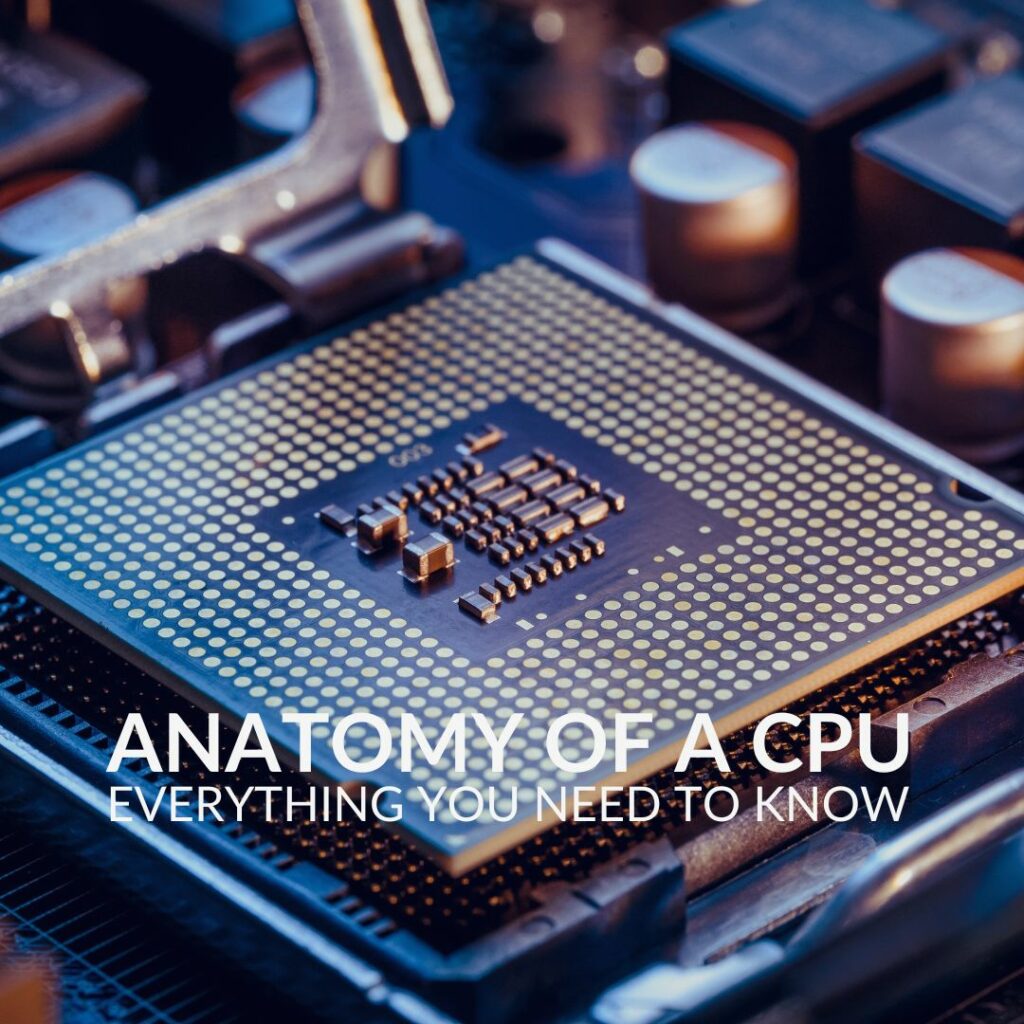
Have you ever wanted to know what lies under the heat spreader of your CPU? In our Anatomy of a CPU article, we explore everything you need to know about the brain of your computer.
Read MoreIntel Processors FAQ
Which Intel processor should I use for gaming?
We recommend a consumer grade Intel Core Series CPU for gaming. With a wide range of performance brackets ideal to suit any budget, you’re sure to find a CPU perfect for your gaming PC.
Do Intel processors have integrated graphics?
Not all Intel processors feature integrated graphics. Check the Intel website to discover whether your processor does.
Does Windows 11 support Intel processors??
Windows 11 is compatible with any Intel processor that is 8th Gen or higher. What’s more, Windows 11 is compatible with Intel Thread Director, meaning that it will be able to fully harness the hybrid architecture of 12th, 13th, and 14th Gen Intel processors.
How do I install an Intel processor?
To install an Intel CPU simply follow these steps:
- Lift the lever next to the socket to unlock the cover
- Lift the cover out of the way
- Locate the notches on your Intel CPU and align these with the notches on the socket
- Gently place your CPU into the socket, ensuring it is seated in the right position according to the notches
- Lower the cover back into place
- Lock the cover in place with the lever
- The plastic dust cover should pop out at this point, store this away for future use
If you’d like a more detailed guide on installing a CPU, you can check out our Overclockers UK Academy Guide.
Are Intel processors backwards compatible?
Some Intel processors can be used with older sockets. For example, you can utilise an Intel Core i9 14600K with a motherboard you had for an Intel Core i7 13700KF. To confirm whether a processor is compatible with your motherboard, check the manufacturer’s website for details.