Mice








Glorious G-L Large Pro Gaming Surface - Black 330x280x2mm

Glorious Model I Replacement Button Kit - Black (GLO-ACC-MS-I-BK-B-REP)

Glorious Model D Gaming Mouse Grip Tape (GLO-ACC-GRIP-D)

Glorious GSW-87 Keyboard palm rest Slim - TKL, black
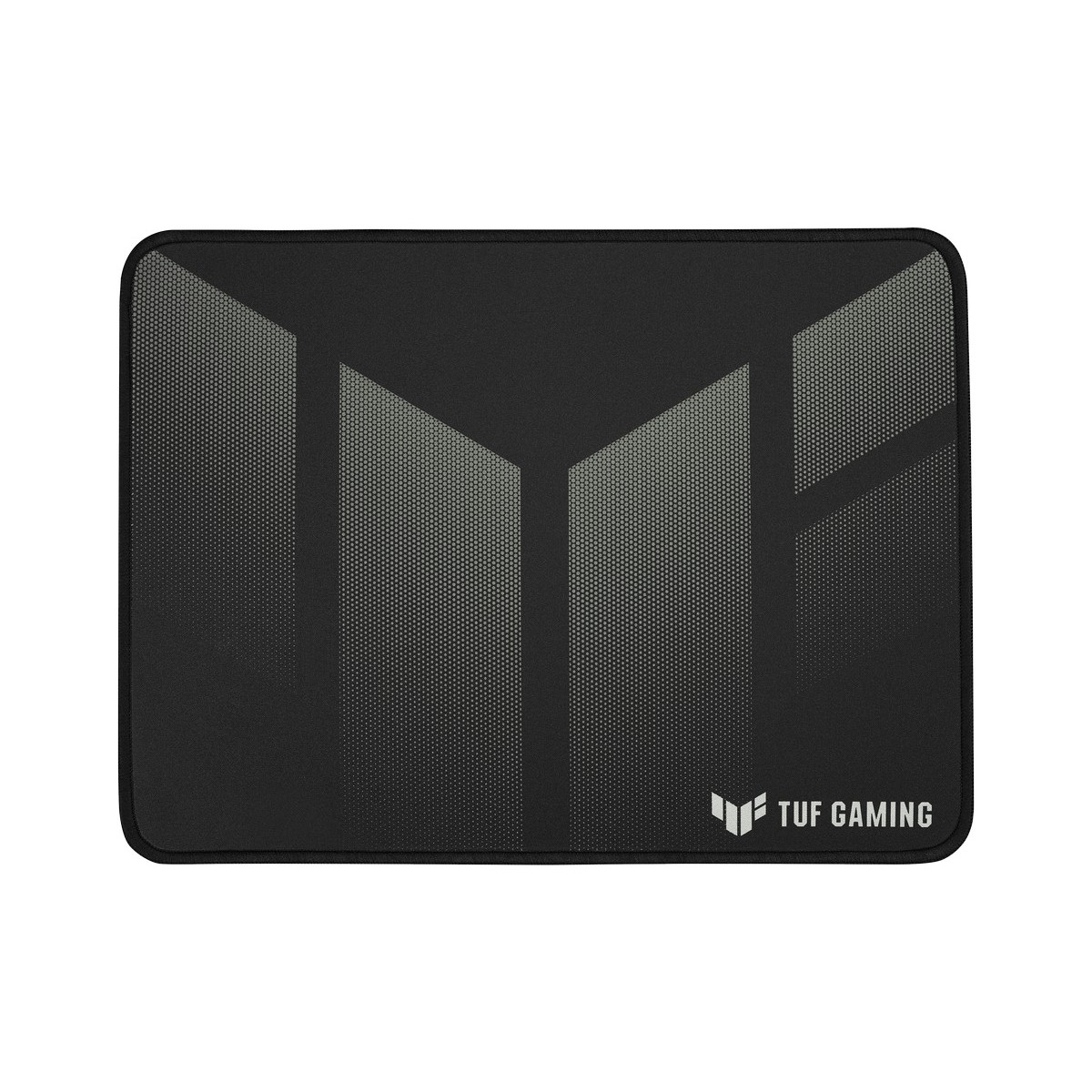
ASUS P1 Gaming Surface (260x360x2mm, 90MP02G0-BPUA00)

Glorious G-HXL Heavy Extra Large Pro Gaming Surface - Black 475x406x5mm

Razer Goliathus Chroma RGB Gaming Surface (RZ02-02500100-R3M1)

Glorious G-Floats Mouse Feet for Model D (GLO-FT-D-GF)

Corsair MM300 PRO Premium Spill-Proof Cloth Gaming Mouse Pad – Medium 360x300x3mm CH-9413631-WW

Corsair MM250 Champion Series Performance Cloth Gaming Mouse Pad - X-Large 450x400x5mm

Tiger Gaming Mouse Skates (v2) for Razer Viper - 1 Set White

Glorious Model D G-Skatez - 1 Set - White (GD-GSKATE)

ASUS ROG Scabbard II Pad XXL Gaming Surface (900x400x3mm, 90MP0210-BPUA00)

Glorious Model O- USB RGB Odin Gaming Mouse - Matte Pink (GLO-MS-OM-P-FORGE)

Glorious G-XL Extra Large Pro Gaming Surface - Black 475x406x2mm

Razer Gigantus V2 Gaming Surface - Medium (360x275x3mm)

Glorious Series One PRO Wireless Lightweight USB Optical Gaming Mouse - Vidar Blue (GLO-MS-P1W-VI-FORGE)

Corsair MM350 Champion Series Premium Anti-Fray Cloth Gaming Mouse Pad X-Large (CH-9413560-WW)

ASUS ROG Keris Wireless Aimpoint Wireless Gaming Mouse - White (90MP02V0-BMUA10)

Ducky Shield Large Gaming Surface 450 x 400mm (DPCL21-CXAA1)

Glorious GW-M Ergonomic Mouse Wrist Rest - Black

SteelSeries Qck+ PUBG Erangel Edition Large Gaming Surface (63807)

Glorious Series One PRO Wireless Lightweight USB Optical Gaming Mouse - Genos Yellow (GLO-MS-P1W-GE-FORGE)

Glorious Series One PRO Wireless Lightweight USB Optical Gaming Mouse - Centauri Red (GLO-MS-P1W-CT-FORGE)

Glorious GSW-75-STEALTH Keyboard Wrist Rest Slim - Compact,Black 300x100x13mm

ASUS ROG Keris Optical RGB USB Lightweight FPS Gaming Mouse (90MP01R0-B0UA00)

Glorious Model I 2 Wireless RGB Optical Gaming Mouse - Matte Black (GLO-MS-IWV2-MB)

Glorious Model O 2 Wireless RGB Optical Gaming Mouse - Matte Black (GLO-MS-OWV2-MB)

ASUS ROG Spatha X Wireless Optical RGB Gaming Mouse (90MP0220-BMUA00)

Glorious Model D Wireless RGB Optical Gaming Mouse - Matte Black (GLO-MS-DW-MB)

Glorious Model D- USB RGB Optical Gaming Mouse - Glossy White (GLO-MS-DM-GW)

OcUK Air Duster Compressed Air (400ml)

Glorious GWR-100 Full Size Ergonomic Keyboard Wrist Rest

Corsair KATAR PRO XT USB RGB Optical Lightweight Gaming Mouse (CH-930C111-EU)

ASUS ROG Hone Ace Aim Lab Edition Gaming Surface (90MP0380-BPUA00)

Glorious Model D USB RGB Optical Gaming Mouse - Matte White (GD-WHITE)

Razer Gigantus V2 3XL Gaming Surface (1200x550x4mm)

Glorious G-Floats Mouse Feet for Model D- (GLO-FT-DM-GF)

Glorious GSW-75 Compact Slim Keyboard Wrist Rest - Black

Glorious Model O- USB RGB Odin Optical Gaming Mouse - Matte White (GOM-WHITE)
Your Weapon of Choice: The Gaming Mouse
Buying a mouse for your computer is one of the most important aspects of completing your dream rig. Since the mouse is the fundamental peripheral for interacting with your computer, which many of us use daily, its importance cannot be overlooked. A high-quality mouse is widely regarded as essential for high level gaming, but in reality they can benefit everyone from die-hard gamers and image editors, to casual or everyday users. Selecting your ideal computer mouse from our collection, complete with leading brands such as Corsair, Asus and Endgame Gear will result in a more precise, more efficient, and more comfortable experience. To hone your set-up further, discover our range of performance mouse pads and wrist rests.
Varieties of Computer Mouse
As is so often the case with computer hardware, what counts as the ‘best mouse’ will depend on your needs: are you looking for optimal gaming performance? Added comfort? Portability? Extra features? Quite possibly you’re looking for a particular combination of these qualities that functions as the best computer mouse for you. Luckily, at Overclockers UK we provide options for all these specifications. We have selected mice that are designed with gamers in mind, offering you a choice of size, weight, and button configurations to suit your style of play. For a truly ergonomic mouse, our selections feature a variety of shapes and grip styles—such as palm, claw, and fingertip—designed for maximum comfort and precision of movement. Also featured are smaller models, perfect as a laptop mouse, as well as ambidextrous mice.
Construction of a Computer Mouse
In addition to the standard left and right buttons, mice for PCs are constructed to various specifications. For instance, most computer mice feature a scroll wheel, but each one will be made differently and therefore will vary in sensitivity; having either detents for incremental scrolling or allowing for free scrolling. The button layout of your PC mouse is a key part of selecting the most effective option for you; additional buttons are ideal for quickly and intuitively accessing what you need, whether it’s switching items in a game, or simply navigating in your web browser. These buttons are also custom-assignable for a fully individual experience. The weight of a computer mouse is also a personal preference, depending entirely on your style of use, which is why we provide a comprehensive array of differently weighted models, in addition to mice with adjustable weights to hit the sweet spot.
Computer Mouse Connectivity
There are a variety of ways to connect a new mouse with your PC. The first thing to consider is whether you prefer a wired or a wireless mouse. A wired USB mouse is a popular choice for good reason: not only is the connection secure and reliable but they are compatible with almost every device and draw power from the USB port. Wireless computer mice, because they are cable-free, offer greater freedom of movement and hassle-free operation than their corded counterparts, but do require batteries and mostly rely on a Bluetooth connection. Both methods offer their own advantages when put to proper use.
The other vital consideration for mouse connectivity is the choice between an optical or a laser sensor. Both function with light sensors, as opposed to the now obsolete ball sensors, and therefore benefit from greater accuracy and resistance to dirt and dust, resulting in a highly reliable computer mouse. The sensors of optical and laser mice emit a red LED or infrared light from the bottom respectively, and then take thousands of pictures per second to determine the direction and distance of movement. In this sense they are remarkably similar, however, a laser mouse may be able to achieve slightly higher sensitivity and an optical mouse is less affected by rough surfaces. The choice, as always, is down to your personal preference.
Computer Mouse DPI
Since the introduction of optical and laser computer mice, DPI (dots per inch) has become one of the most crucial aspects of a mouse’s performance, particularly in gaming. The DPI determines the sensitivity of the device; because an optical or laser mouse uses an internal camera to monitor your movements relative to the light projected under the mouse, the more “dots per inch” that are captured, the higher the sensitivity. Therefore, with a higher DPI, the connection between the movement of the mouse and the cursor is more detailed.
This is especially advantageous for gaming, particularly in high resolution, because it allows for rapid movement to ensure your reaction times are competitive, while also aiding precision. Specialised gaming mice often also come equipped with buttons to switch DPI on the fly, for when you require varying sensitivity levels to optimise your first person shooter gameplay. If you are looking to buy a mouse to sharpen up your performance, with highly competitive DPI ratings, look no further than Overclockers UK.

Stay Up To Date
Keep me up to date with the latest news, product launches and promotions
* Required field
Our customers know our services and this is reflected in the rating they give us. Leave us your opinion and help us to improve it.
What our customers say about us