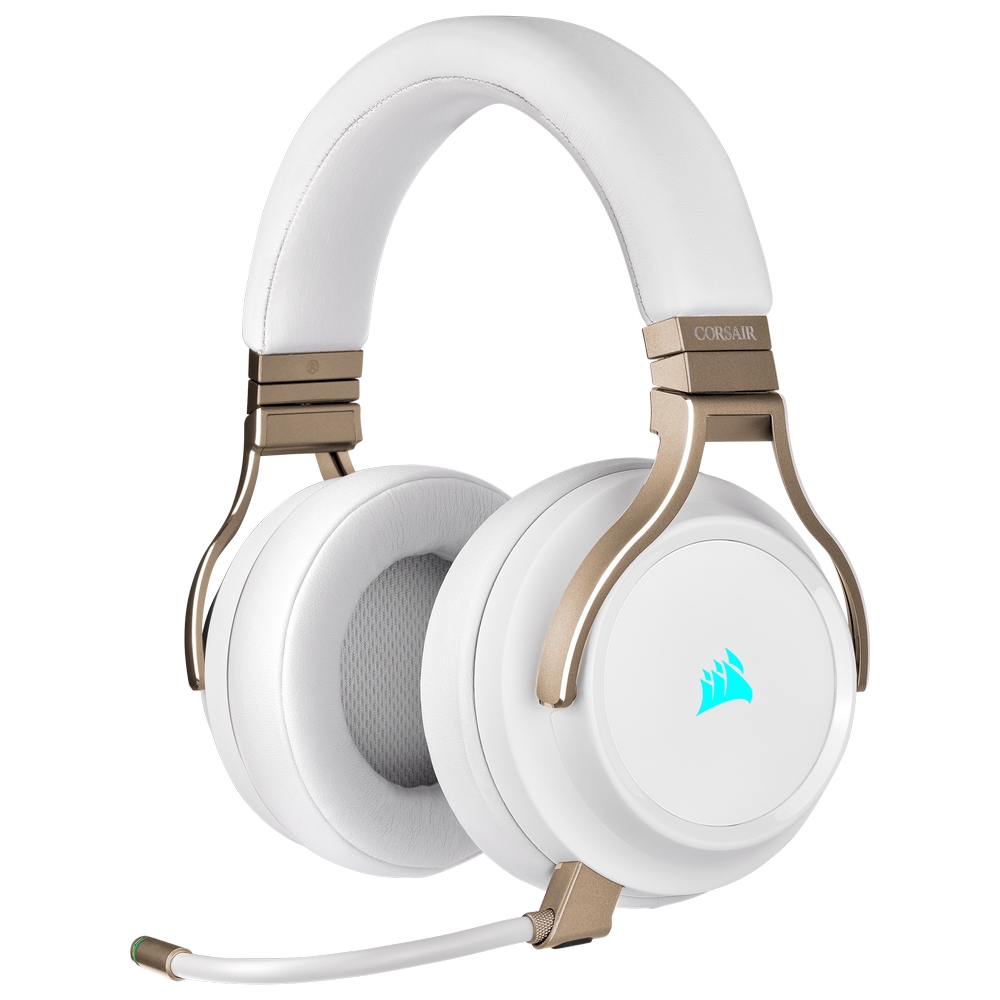
Wireless Gaming Headsets
- Dual-mode wireless connectivity: Unmatched versatility with Bluetooth® and 2.4 GHz modes
- ROG SpeedNova wireless technology: Experiences ultra-low latency audio, reliable connection, plus optimized power efficiency
- Realistic audio: High-resolution 24-bit 96 kHz audio* with lifelike details enhanced by Dirac OpteoTM technology
- Bone-Conduction AI Microphones: Precise voice pick-up for crystal-clear communication
- Adaptive ANC with Auto mode: Optimizes ANC based on in-ear fit and shape of ear canal, automatically adjusts to ambient noise levels for full immersion
- Hybrid Multipoint: Be paired with two devices via 2.4 GHz and Bluetooth modes simultaneously
- Extensive battery life: Up to 46-hour battery life** with wireless and fast in-case charging
- ASUS Aura RGB lighting: Show off your style with customizable effects
Wireless Gaming Headsets
Free yourself of cable clutter, with an amazing wireless gaming headset from Overclockers UK. Our range of wireless headsets come equipped with the features gamers have come to know and love, such as surround sound, premium microphones, and beautiful aesthetics. Thanks to their wireless design, you’ll not only be able to play directly in front of your gaming PC, but also easily enjoy your favourite titles on a big screen from the comfort of your sofa! Furthermore, many of these headsets are cross-compatible on popular platforms, so you’ll have the same experience whether you’re gaming on PC or console.
What connections are available?
With gaming headsets, you have three main types of connection to choose from, which are wired, Bluetooth, and Wi-Fi.
Wired headsets, as their name suggests, utilise a cable to make the connection, either as analogue or digital. An analogue connection is generally made through the traditional 3.5mm jack. This technology has been refined over many decades, and provides excellent sound reproduction, although it is susceptible to "electrical noise" causing background interference. With a digital interface, made through a USB, the sound card is located within the headset itself, this eliminates any background static when talking.
Bluetooth is a wireless technology used for transmitting audio between a device and headset. It utilises short-wavelength UHF radio waves around 2.4GHz. Bluetooth has been adopted by a wide range of industries, including PC gaming, mobile phones, and even cars. With this ubiquity, you’ll be able to utilise a single headset with multiple devices once paired. The latest Bluetooth standards boasts theoretical ranges of up to 200 meters, meaning you can keep talking to your squad even if you must step away from your PC.
Wi-Fi is the second wireless technology used in gaming headsets. It also utilises 2.4GHz radio frequencies, but unlike Bluetooth, Wi-Fi uses a proprietary frequency that provides an extended range and is almost lag free. The main advantage of Wi-Fi over Bluetooth is that it does not feature sound compression thus providing outstanding sound reproduction. To connect your device, you’ll usually require a dongle that plugs into a USB port on your computer. What's more, it is plug and play without the need to pair.
Want to Read More?
Did you know that there’s more than just wireless headsets available? On our blog, we pitch wired vs wireless peripherals against each other, plus identify the pros and cons for each.
Read MoreWireless Gaming Headsets FAQ
What brands of wireless gaming headsets are available?
Here at Overclockers UK, you can find a wide range of wireless gaming headsets from well-known manufacturers including Corsair, Razer, and ASUS.
Do wireless gaming headsets have lag?
Wireless gaming headsets will feature a slightly higher latency than their wired counterparts. A wired connection can offer audio latency under 10ms, whereas Wi-Fi can offer around 20ms. Bluetooth connections, meanwhile, can reach latencies of 200ms and over.
How long does the charge of a wireless gaming headset last?
Many wireless gaming headsets feature long life batteries, with many offering 20-24 hours of use on a single charge.
Which is better Bluetooth or Wi-Fi?
If you want to use your headset for just gaming, the lower latency of Wi-Fi offers a clear advantage. Meanwhile, Bluetooth features the ability to connect to multiple devices including PCs, phones, and tablets, perfect for gaming on the go.
How do I connect my wireless gaming headset to my computer?
Many wireless gaming headsets will connect via a dongle, which when connected to your PC will automatically identify the headset. Additionally, your computer may have built-in Bluetooth capabilities. If it does simply turn on Bluetooth connectivity in Windows and follow any pairing instructions to connect the two devices.