Office Keyboards

3 Results
KB-252-LG
(2)
Logitech® Advanced 2.4 GHz wireless gives you a fast, reliable connection up to 10 meters away with virtually no delays or dropouts.
£29.99
Incl. VAT
In Stock
KB-204-LG
(0)
Whether you're getting on with work or simply browsing online, you'll be able to enjoy comfortable typing with the Logitech K120 Keyboard.
£12.95
Incl. VAT
In Stock
KB-205-LG
(0)
With a comfortable, quiet keyboard that’s sleek yet sturdy and a high-definition optical mouse, the durable Logitech® Desktop MK120 brings comfort, style and USB simplicity together.
£24.95
Incl. VAT
In Stock

High-quality Office Keyboards at Overclockers UK!


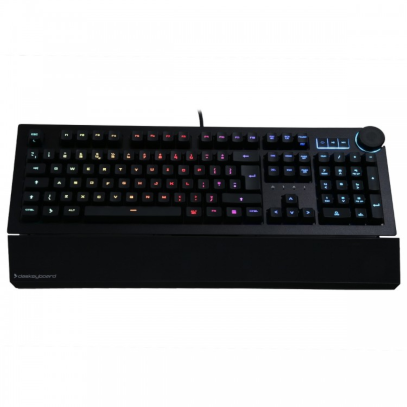
main office keyboard image

Choosing a high quality keyboard is important as office workers spend so much of their day typing. At Overclockers we offer a tremendous selection of keyboards so finding the right one is simple.

When selecting a keyboard the first decision to make is whether you want a membrane or mechanical keyboard and whether you want a wired or wireless model.


Membrane Keyboards

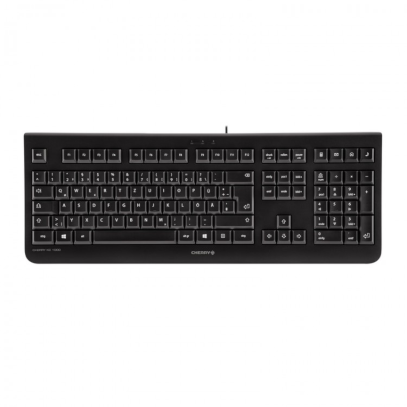
A membrane keyboard is made from a series of 3 layers. The individual keys sit on top of the layers and a keystroke is registered when the key makes contact with the membrane.

This structure means that membrane keyboards are relatively cheap compared to mechanical keyboards, they are also light and keystrokes are quieter. However, typists often find membrane keyboards less accurate and less satisfying to type on than mechanical counterparts.

 image of membrane keyboard

Mechanical Keyboards

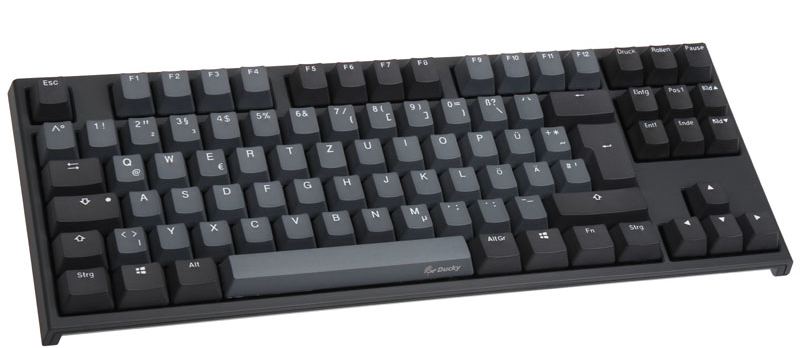
 image of mechanical keyboard

Mechanical keyboards are made in a different way from membrane keyboards. Mechanical keyboards use switches to directly register keystrokes. German manufacturer Cherry is the most famous switch manufacturer. They produce a range of Cherry MX switches, which have different properties with performance characteristics associated with the switch colour. As a result, users can choose a mechanical keyboards based on their performance preferences.


Important characteristics to consider are:

  • Actuation force: How forcefully you have to press down on a switch before it is recognised
  • Tactile feel: Refers to a subtle bump made when a key pressed before bottoming out.
  • Linear feel: This is when the switch has no bump before bottoming out.

In respect to the Cherry MX switches, at one extreme there are red switches, which have a linear feel, as well a low actuation force and at the other there are blue switches, which are significantly more tactile and possess a high actuation force. Blue switches are also known for the loud click they make when depressed, this can be attractive or not depending on the user.

A compromise between red and blue are black switches, which also have a linear feel and are silent, or brown switches, which have a tactile feel but are also silent.

Due to the high degree of customisation possible, mechanical keyboards are often attractive for enthusiasts. However it is worth bearing in mind that they can be heavier and tend to be more expensive than membrane keyboards.


Wireless vs Wired Keyboards

image of wireless keyboard and mouse

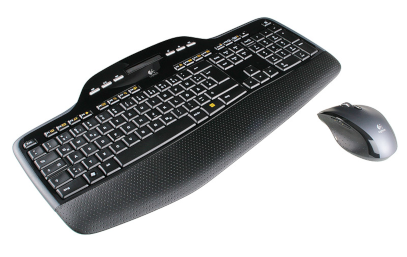
Another factor to consider when choosing your office keyboard is whether to buy a wired or wireless keyboard. The advantage with wireless keyboards is they that can be placed anywhere within a room.

If you decide to pick up a wireless keyboard, then you should think about whether to get one that uses Bluetooth or an RF-Radio signal. Both Bluetooth and RF-Radio transmit at a 2.4 GHz radio frequency however Bluetooth is extremely common so a Bluetooth keyboard can connect to many devices - not just desktops but laptops and mobile devices.

Do be aware that cheaper Bluetooth keyboards may have issues maintaining a stable connection, which could drain battery-life. Indeed, one considerable advantage of wired keyboards is that since they are always connected to a system battery-life is not an issue. Also, a wired keyboard will be suitable for the majority of office tasks, so it really comes down to user preference. whether to go for a wired or wireless keyboard.