


Water Cooling Radiators
74 Results


£124.99
Incl. VAT

Incl. VAT

£127.99
Incl. VAT


£89.99
Incl. VAT

£47.45
Incl. VAT

COO-CRS-06132
(0)
Corsair 360mm water cooling radiator, Supports six 120mm fans in push-pull configuration, Extra-thick 54mm profile, High-quality construction, Premium copper fins and brass channels
£124.99
Incl. VAT

£122.99
Incl. VAT

£99.95
Incl. VAT

£99.95
Incl. VAT


WC-054-BX
(0)
Strong black low-profile radiator (29.6 mm) Hardware Labs' Nemesis series with 16 FPI for three 120mm fans.
Incl. VAT


Incl. VAT

£69.95
Incl. VAT

Incl. VAT

COO-CRS-06133
(0)
Corsair 420mm water cooling radiator, Supports eight120mm fans in push-pull configuration, Extra-thick 54mm profile, High-quality construction, Premium copper fins and brass channels
£149.99
Incl. VAT

WC-46S-XS
(0)
The XSPC TX is the worlds thinnest PC radiator. At just over 20mm thick, it's 20% thinner than a standard 120mm fan and over 40% thinner than our EX series radiators.
Incl. VAT

WC-053-BX
(1)
Strong black low-profile radiator (29.6 mm) Hardware Labs' Nemesis series with 16 FPI for two 140mm fans.
Incl. VAT

Incl. VAT


£64.99
Incl. VAT

COO-PHK-06084
(0)
420mm fan, All-copper core, High-density fin design, EZ-Fit ecosystem, Steel frame, Versatile fan compatibility
£94.99
Incl. VAT


Incl. VAT

WC-09D-BX
(0)
Strong white low-profile radiator (29.6 mm) Hardware Labs' Nemesis series with 16 FPI for a 120mm fan.
Incl. VAT

Incl. VAT


£99.95
Incl. VAT

COO-CRS-06135
(0)
240mm radiator, Copper fins and brass channels, 30mm slim design, Supports up to 3 x 120mm fans, Enhanced craftsmanship
£89.99
Incl. VAT

Incl. VAT

Incl. VAT
Water Cooling Radiators
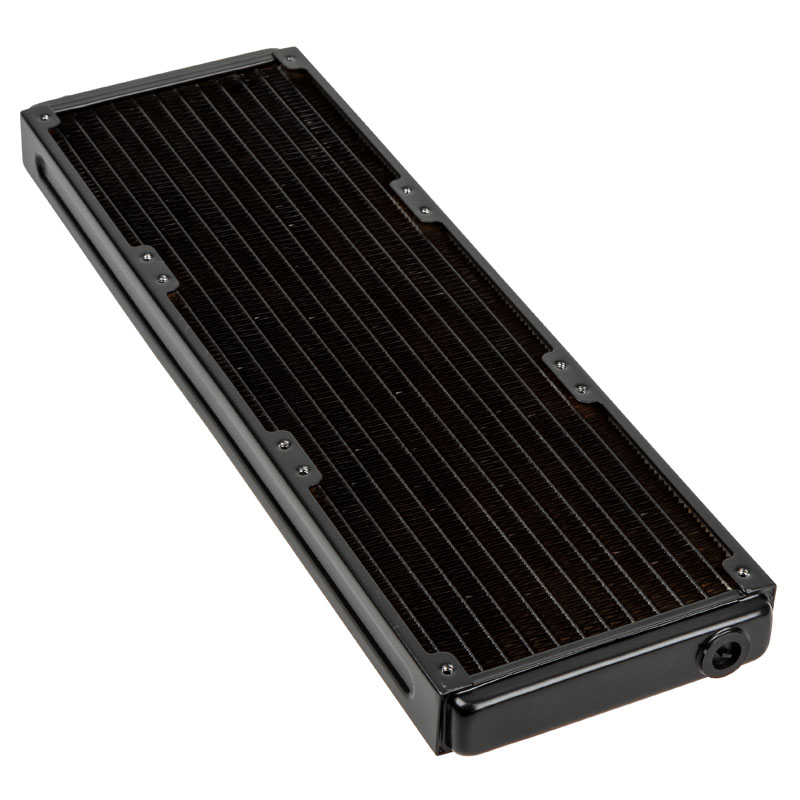
Maintain your gaming PC at optimum temperatures using a Water Cooling Radiator from Overclockers UK. Explore a fantastic range of radiators from Hardware Labs, Barrow, Magicool, and EK Water Blocks, in sizes ranging from 120mm to 560mm. Radiators are designed to efficiently transfer the waste heat produced by your gaming hardware into the surrounding air, where it can be effectively dispersed. To do this, a radiator utilises multiple heat pipes, interconnected by hundreds of small fins to maximise the surface area. These delicate components are then encased in a protective frame, featuring multiple mounting points for attaching the radiator to your case and installing cooling fans. Additionally, a radiator has inlet and outlet ports for tube fittings. Typically, a radiator is manufactured from a range of premium materials, such as copper for the heat pipes, aluminium for the fins, and steel for the frame.
Fan Configurations
For optimum cooling, you’ll need to pair your radiator with some cooling fans. There are three options on how to configure your fan layout: push, pull, and push/pull. Each has their own advantages and disadvantages.
- Push - In a push configuration, your fans are positioned below the radiator, so that they can blow air through the fin stack. This set-up offers excellent cooling performance, which is especially effective when your fans are mounted at the front of your case with access to cool air. If your fans are not fully sealed against your radiator, air can leak around the edges, limiting their effectiveness.
- Pull - With a pull configuration, your fans will be positioned on top of the radiator, where they can pull air through the fins. This method offers quieter operation, as the air won’t bounce back into the fan and cause turbulence. A pull configuration is easy to maintain, as air will generally build up on the surface of the radiator not inside it, making it simpler to clean. The main disadvantage of a pull set-up is that it offers the weakest cooling performance.
- Push/Pull - A push/pull set-up utilises fans on both sides of the radiator, allowing them to deliver phenomenal cooling performance. You can configure your fans to run at a lower speed, meaning they’re quieter in operation. The additional fans do require more space, so you might not have room in your case to install a push/pull. Furthermore, maintenance is more difficult, as there are more components to clean.
Want to Read More?
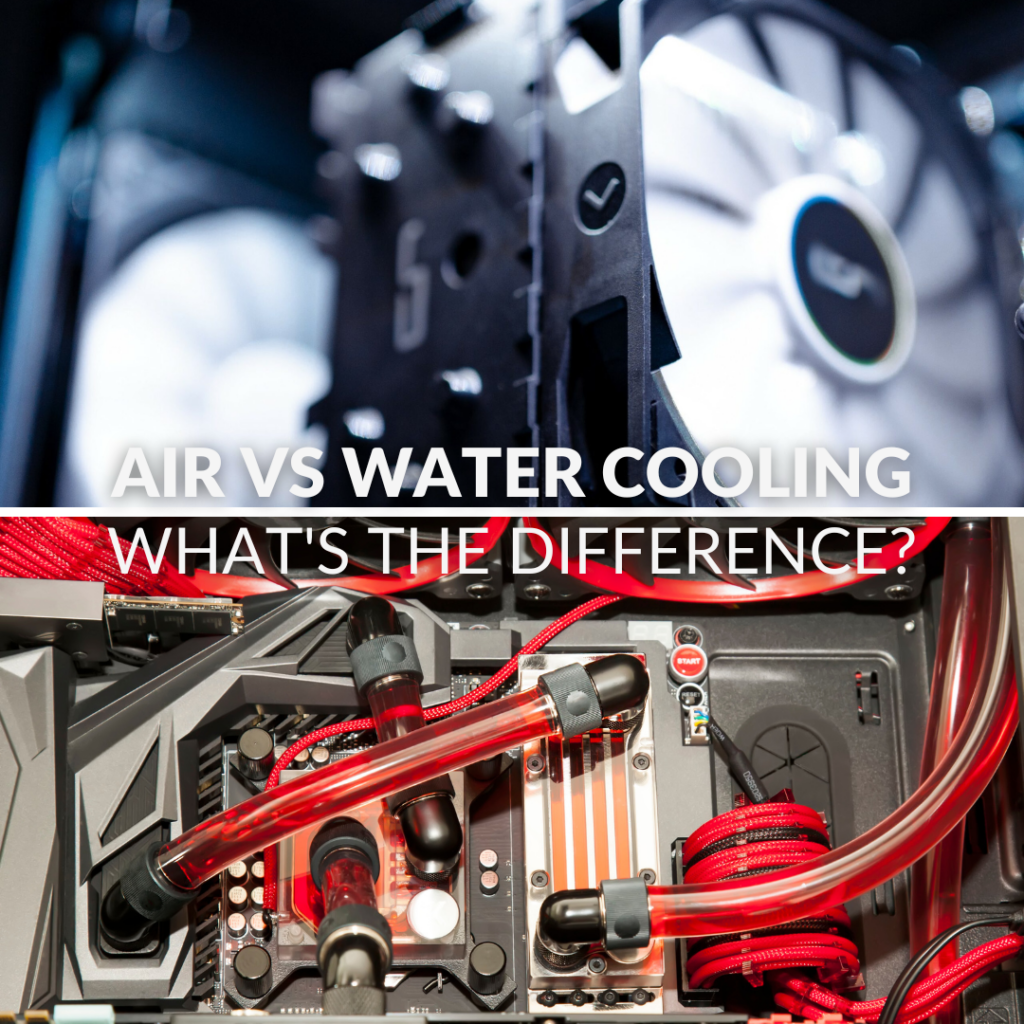
Are you looking to build your dream gaming PC, but you’re not sure whether to use an air cooler, AIO, or custom loop? We're here to help as we explore the differences between air- and water-cooling solutions on the Overclockers UK blog.
Read MoreWater Cooling Radiators FAQ
What brands of water cooling radiators do Overclockers UK stock?
Here at Overclockers UK, we stock a fantastic range of water cooling radiators from brands like Corsair, Barrow, Hardware Labs, EK Waterblocks, and more.
What sizes of water cooling radiator are available?
Water cooling radiators come in a wide range of lengths, from small 120mm models to massive 560mm editions. Furthermore, radiators can vary in thicknesses, from 20mm up to 60mm+, to match any PC build.
Where should I mount my water cooling radiator?
Where you can mount your water cooling radiator depends on your case. Most cases feature a space to install a radiator at the top, with some also offering mounting points at the front, side, or rear.
How do I clean my water cooling radiator?
To clean the outside of your water cooling radiator, we recommend using compressed air or an electric air duster. This will blow any collected dust out of the fin stack, without damaging them.
What fans should I use with a water cooling radiator?
The fans you pair with your radiator depends on its size. For example, a 120mm radiator is compatible with 120mm fans, whilst a 280mm radiator will work with two 140mm fans. We do recommend, however, that you use fans that feature a high static air pressure to overcome the resistance created by the fin stack.


