Peripherals













ASUS ROG Delta II Wireless Gaming Headset - KOJIMA Edition

ASUS ROG Scabbard II Gaming Surface- KOJIMA Edition

Next Level Racing F-GT Cockpit For Racing Simulators (NLR-S010)

Next Level Racing F-GT Elite Aluminium Simulator Cockpit - Front and Side Mount Edition (NLR-E003)

Next Level Racing F-GT Elite Aluminium Simulator Cockpit - Wheel Plate Edition (NLR-E001)

Next Level Racing F-GT Elite Aluminium Simulator Cockpit iRacing Edition (NLR-E012)

Next Level Racing GTTrack Frame Only Simulator Cockpit (NLR-S020)

Next Level Racing GT Elite Aluminium Simulator Cockpit - Front and Side Mount Edition (NLR-E023)

Next Level Racing Boeing Flight Simulator - Commercial (NLR-S027)

Next Level Racing G F-GT ELITE 160 Wheel Plate Edition (NLR-E025)

Next Level Racing ELITE 160 FRONT & SIDE MOUNT EDITION -BLACK EDITION (NLR-E026)

Nitro Concepts R300 Bucket Seat For Sim Racing

Nitro Concepts x Moza Sim Racing E-Racer Core Bundle

Nitro Concepts E-Racer Sim Racing Bundle

Nitro Concepts IMMERSION Metahaptics R300 Seat Base Bundle For Sim Racing

Next Level Racing GT Track Cockpit for Racing Simulators (NLR-S009)

Next Level Racing Boeing Flight Simulator - Military (NLR-S028)

Thermaltake GR500 Racing Simulator Cockpit

Thermaltake GR500 Snow Racing Simulator Cockpit - White

Fanatec Clubsport GT Racing Sim Cockpit - Black

Fanatec Clubsport GT Racing Sim Cockpit - White

SONY INZONE Mouse-A Optical 8K Lightweight Wireless Gaming Mouse


Glorious GMMK 3 100 and Model D- Keyboard and Gaming Mouse Bundle - Black

Glorious GMMK 3 HE 75% and Model D- Keyboard and Gaming Mouse Bundle - Black

Glorious GMMK 3 Pro 75% and Model D- Keyboard and Gaming Mouse Bundle - Black

Glorious GMMK 3 PRO HE 75% Wireless and Model D- Keyboard and Gaming Mouse Bundle

Glorious GMMK3 HE 100% and Model D- Keyboard and Gaming Mouse Bundle - Black

Glorious GMMK 3 75% and Model D- Keyboard and Gaming Mouse Bundle - Black

Glorious GMMK3 HE 75% and Model D- Keyboard and Gaming Mouse Bundle - Black

Glorious GMMK3 PRO HE 75% and Model D- Keyboard and Gaming Mouse Bundle - Black

Glorious GMMK Pro 75% and Model D- Keyboard and Gaming Mouse Bundle - Black

GAMIAC XL10 Gaming Surface - XL

Ducky One 3 Classic Fullsize USB RGB Mechanical Gaming Keyboard Cherry Brown - Black UK Layout

VIRPIL Desk Mount Adapter - CDT-VMAX Throttle for Flight Sim

Ducky Origin USB Mechanical Gaming Keyboard Cherry MX Silent Red - Black UK Layou

Ducky Origin USB Mechanical Gaming Keyboard Cherry MX Speed Silver - Vintage UK L

Next Level Racing Wheel Stand Lite 2.0 (NLR-S40)

IcyBox 7-port USB 3.2 Gen 2 Type-C® hub
Upgrade Your Gaming PC With the Latest Peripherals
A peripheral is a device that connects to a computer but does not form part of the core computer architecture. They allow you to interact with the machine and can even improve performance of key tasks such as gaming.
|
Types of Peripheral DevicesThere are three main types of peripheral device:
|
||
What are the differences between Input and Output?
Before further considering the types of peripheral devices, it’s useful to draw a clear distinction between input and output peripherals to illustrate how they operate together. An input device sends information to a computer system, however it cannot receive information. By contrast an output device reproduces or displays information, but it cannot be used to send information. The third category; input/output devices do both of the above and can simultaneously act as input and output – A touchscreen monitor would be a prime example of this. |
||
What is an Input Device?
An input device is defined as any hardware that interacts with or sends data to a computer. Almost every computer includes a keyboard and a mouse or touchpad; these are essential hardware items and are considered core input devices. That said, there are many types of input devices depending on what the computer is used for. For example, games controllers are widely used in favour of a computer mouse, as are graphics pens or styluses. Beyond this, webcams, and scanners all perform the essential function of transferring data or commands to your computer. Below is a list of common input devices that can be utilized with a computer or a computing device:
|
||
What are Output Devices?An output device is any peripheral that receives data from a computer and reproduces it in visual, auditory, or even physical form. For example, a monitor is able to display information contained on your computer, while a printer is able to create a hard copy of this.
|
||
What are Input/Output Devices?Input/output or IO devices are peripheral devices that are able to both send and receive data from a computer. A good example of this is a portable storage device which is able to transfer data both to and from a system. Optical drives can also be used to read data (input), and write data (output).
For more examples of IO devices, see the list below:
|
||
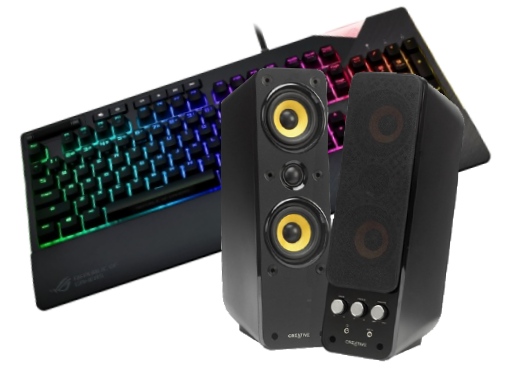
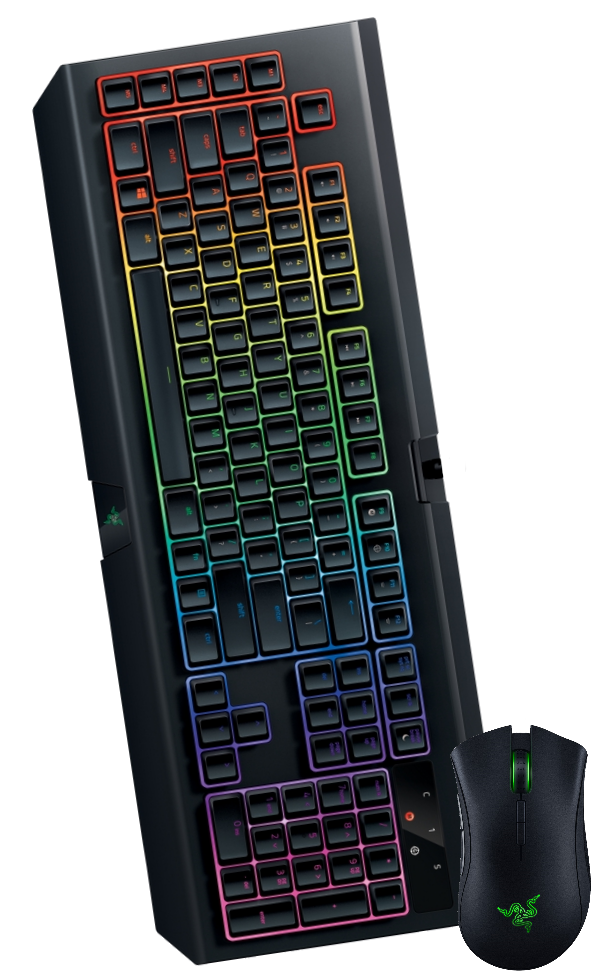
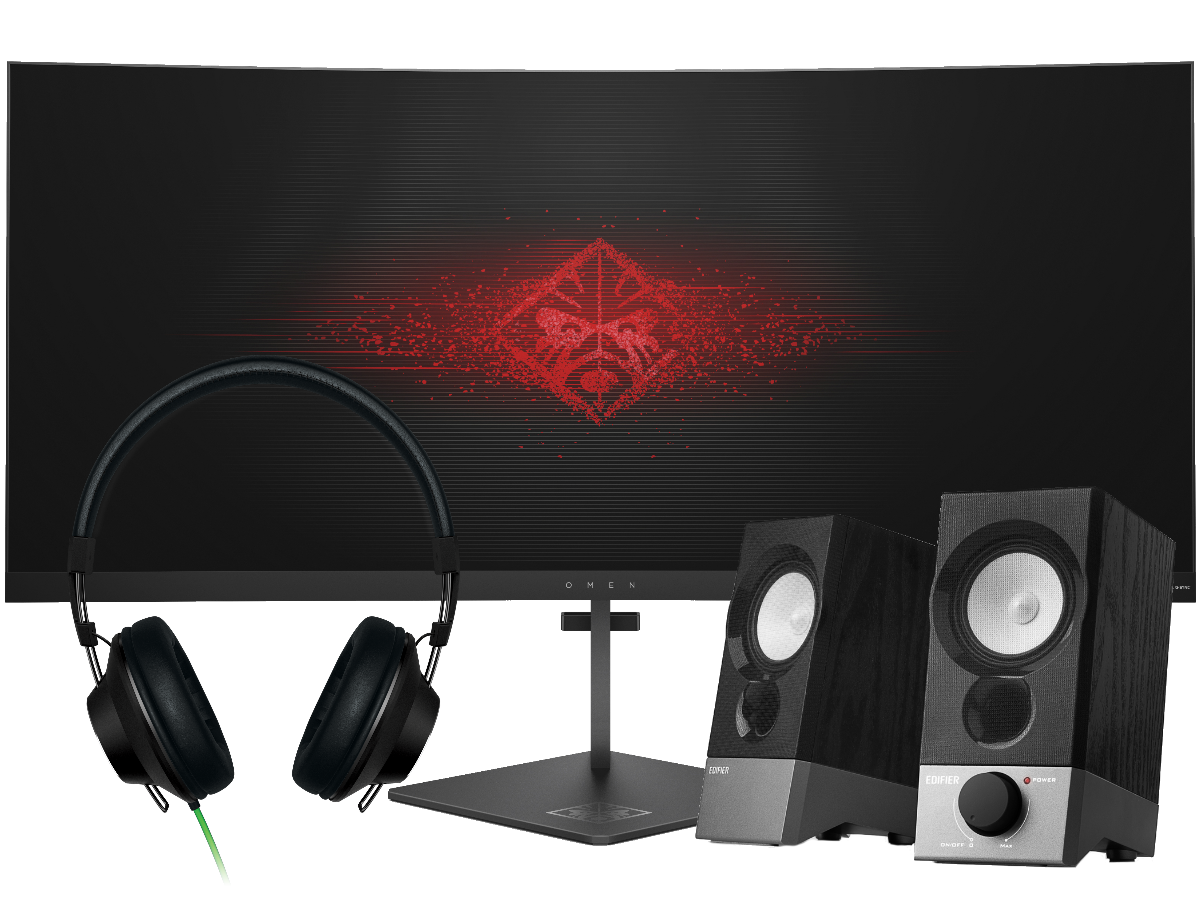
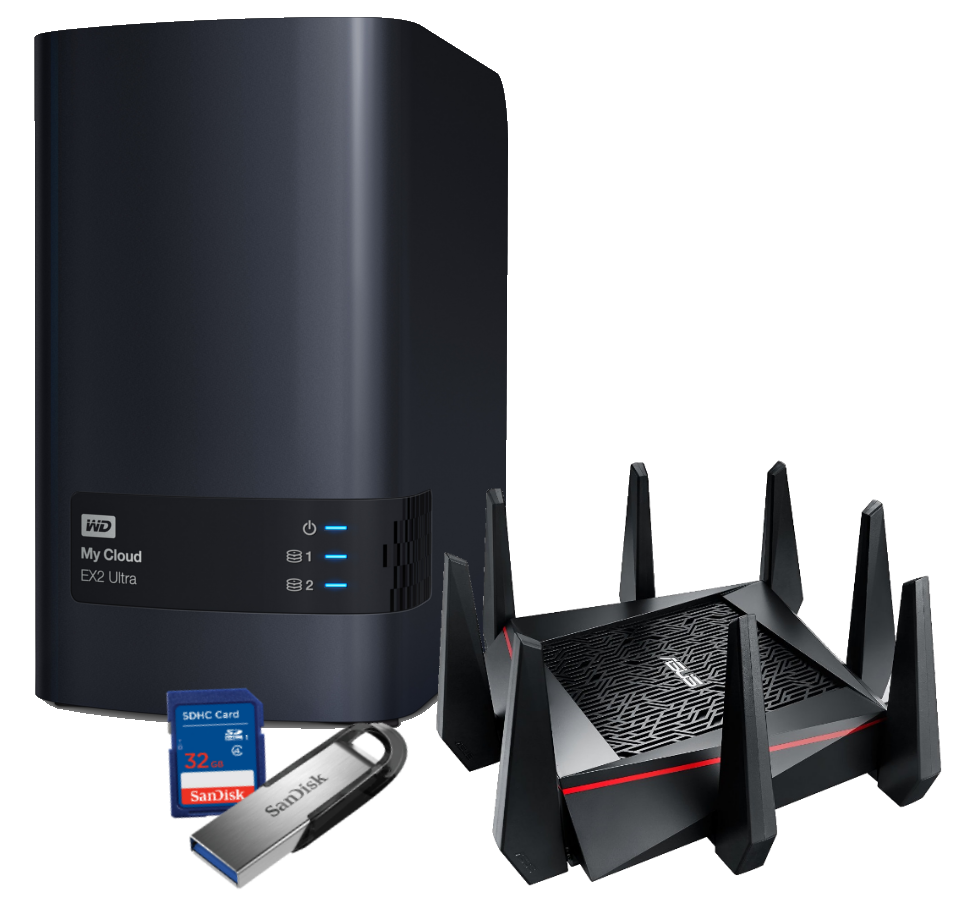
Peripheral Devices at Overclockers UKAt Overclockers UK we offer a full range of peripheral devices. Choose from a wide selection of keyboards, mice, and game controllers to help you compete; or communicate with people anywhere in the world thanks to our top-of-the-line range of headphones, microphones, and headsets. We also make it possible to improve your WiFi with the latest in router technology, create a network in your home easily using powerline networking, while our NAS systems connect to all PCs on the network and provide a multi-purpose shared storage solution for data of all kinds. So, build the system of your dreams and discover the complete Overclockers UK range today! |
Stay Up To Date
Keep me up to date with the latest news, product launches and promotions
* Required field
Our customers know our services and this is reflected in the rating they give us. Leave us your opinion and help us to improve it.
What our customers say about us