Peripherals














Asetek SimSports La Prima Accelerator and Brake Pedal

Asetek SimSports La Prima GT Button Box

Asetek SimSports GT Rim - Open D Suede

Asetek SimSports Formula XL Handles

Asetek SimSports Colour Kit

Razer BlackWidow V4 Low-profile Tenkeyless HyperSpeed (Orange Switch) - UK Layout

CONSPIT DX320 D Shape Hub Rim For Sim Racing

CONSPIT CES Emergency Stop

CONSPIT CPP Pedal Aluminum Base Plate

Asetek SimSports Initium THORP II Upgrade Kit
The Asetek SimSports Initium MLCPC Upgrade Kit is engineered to bring realistic, pressure-based feedback to the Asetek SimSports Initium Pedal Set brake. With the M.L.C.P.C. system, the two-stage braking offers an authentic "Soft Stage" feel up to a solid "Hard Stage". Just like in a real race car. As a result, you can race with delay-free, consistent braking for optimised reaction times.
Asetek SimSports Initium MLCPC Upgrade Kit at a Glance:
- Load cell upgrade for Asetek SimSports Initium Pedal Set brake
- Precise braking that measures pressure instead of travel
- Authentic two-stage simulation with a gentle pressure point and firm detent effect
- Responsive braking to improve reaction times
- Plug-and-play functionality
- Customise performance using RaceHub software
Realistic Braking
The Asetek SimSports Initium MLCPC Upgrade Kit is an upgrade for the Asetek SimSports Initium Pedal Set brake. This accessory replaces the standard sensor with a two-stage M.L.C.P.C. system. Equipped with load cell sensor technology, the M.L.C.P.C. system accurately reads pressure applied, rather than distance travelled, to ensure responsive performance and enhanced control. The two stages emulate an authentic braking feel, with a softer initial press followed by firmer resistance.
Easy Installation
For seamless integration with your set-up, the Asetek SimSports Initium MLCPC Upgrade Kit requires no additional tools or conversions for installation. Simply mount in place and connect to the rest of your hardware.
Optimised Performance
To ensure peak performance, the Asetek SimSports Initium MLCPC Upgrade Kit can be fine-tuned in Asetek RaceHub software. This UI offers access to a range of settings that allow you to configure this brake upgrade to suit your racing style and needs.

Asetek SimSports Initium MLCPC Upgrade Kit

Asetek SimSports Initium Throttle Upgrade Kit

Asetek SimSports Initium Clutch Upgrade Kit - Stage 2

Asetek SimSports Initium Clutch Pedal Upgrade - Stage 1

Thermaltake Triple Monitor Stand Pro heavy duty compatible with GM5 - Snow

Asetek SimSports Front Mount for Podium Brackets - Black 70 mm

Asetek SimSports Invicta Long Travel Kit

Asetek SimSports Forte S Sim Racing Gas- and Brake Pedal

Asetek SimSports The Forte Formula Wheel

Asetek SimSports Rotary Control - Orange

Asetek SimSports Invicta Pedal Face Plates

Asetek SimSports Universal Foot Rest

Razer Barracuda X Chroma - Phantom Green Ed. PC Headset

CONSPIT Ares 8Nm for CDR

CONSPIT ARES Front Mount Bracket

Simucube SAVU Extra Paddle Kit for SAVU Sport or Pro Steering Wheels

Asetek SimSports Aluminum Button Color Kit - 6 Pieces

CONSPIT PW1 Formula Wheel For Racing Sim

CONSPIT CX295 C-Shape Hub Rim For Sim Racing

Glorious Lynx Mechanical Keyboard Switches 36pcs (GLO-KB-ACC-SWT-LYNX-LUBED-36)
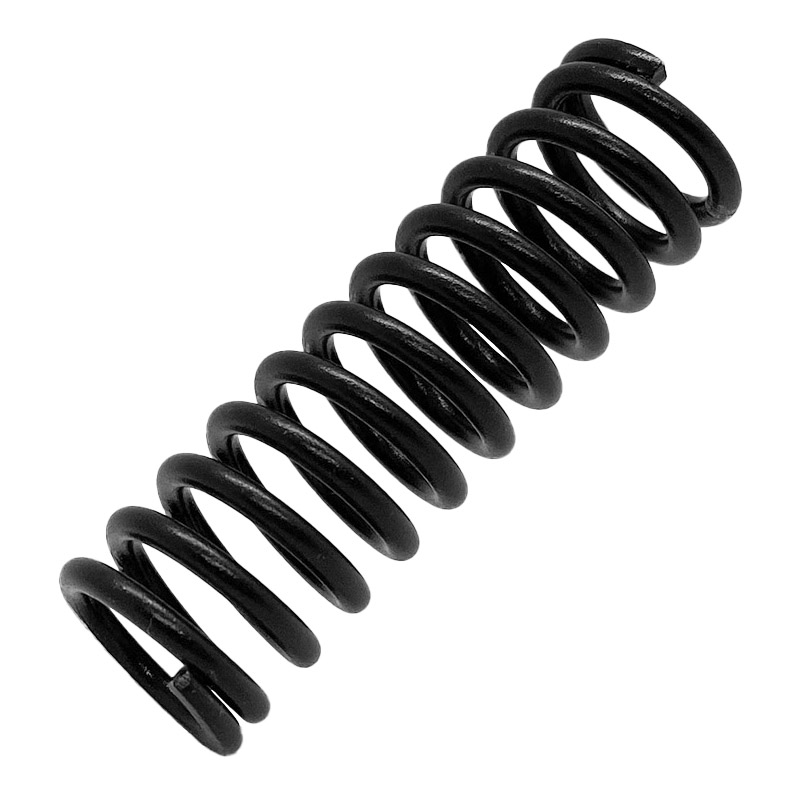
Asetek Firm Throttle Spring (40-012-0012002)

Asetek SimSports GT Rim - Open D Leather

Asetek SimSports GT Rim - Closed D Leather - orange

Asetek SimSports GT Rim - Closed D Leather - Black

Razer Firefly V2 Pro - RGB Backlit Gaming Mouse mat - Integrated USB Port (15 Zone LED Lighting, Micro-Etched Textured Surface for Optimal Tracking, Detachable USB-C Cable) Phantom Green

Razer Firefly V2 Pro - RGB Backlit Gaming Mouse mat - Integrated USB Port (15 Zone LED Lighting, Micro-Etched Textured Surface for Optimal Tracking, Detachable USB-C Cable) Phantom White

CONSPIT 290GP Formula wheel For Racing Sims

Asetek SimSports Carbon Fibre Gear Shift Paddle Kit - Black

Razer Wolverine V3 Tournament Edition 8K PC Controller, 8kHz HyperPolling, Anti-Drift - Black

Thrustmaster TCA Yoke Pack Boeing Edition Pendular Yoke + Throttle Quadrant (4460210 PC,Xbox)
Upgrade Your Gaming PC With the Latest Peripherals
A peripheral is a device that connects to a computer but does not form part of the core computer architecture. They allow you to interact with the machine and can even improve performance of key tasks such as gaming.
|
Types of Peripheral DevicesThere are three main types of peripheral device:
|
||
What are the differences between Input and Output?
Before further considering the types of peripheral devices, it’s useful to draw a clear distinction between input and output peripherals to illustrate how they operate together. An input device sends information to a computer system, however it cannot receive information. By contrast an output device reproduces or displays information, but it cannot be used to send information. The third category; input/output devices do both of the above and can simultaneously act as input and output – A touchscreen monitor would be a prime example of this. |
||
What is an Input Device?
An input device is defined as any hardware that interacts with or sends data to a computer. Almost every computer includes a keyboard and a mouse or touchpad; these are essential hardware items and are considered core input devices. That said, there are many types of input devices depending on what the computer is used for. For example, games controllers are widely used in favour of a computer mouse, as are graphics pens or styluses. Beyond this, webcams, and scanners all perform the essential function of transferring data or commands to your computer. Below is a list of common input devices that can be utilized with a computer or a computing device:
|
||
What are Output Devices?An output device is any peripheral that receives data from a computer and reproduces it in visual, auditory, or even physical form. For example, a monitor is able to display information contained on your computer, while a printer is able to create a hard copy of this.
|
||
What are Input/Output Devices?Input/output or IO devices are peripheral devices that are able to both send and receive data from a computer. A good example of this is a portable storage device which is able to transfer data both to and from a system. Optical drives can also be used to read data (input), and write data (output).
For more examples of IO devices, see the list below:
|
||
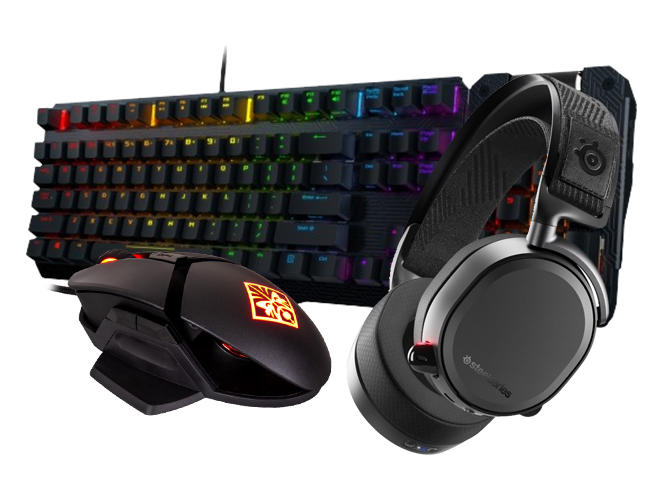
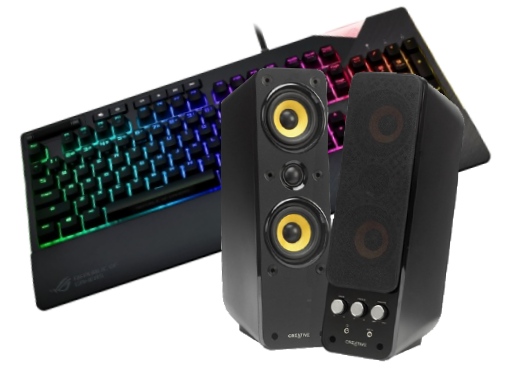
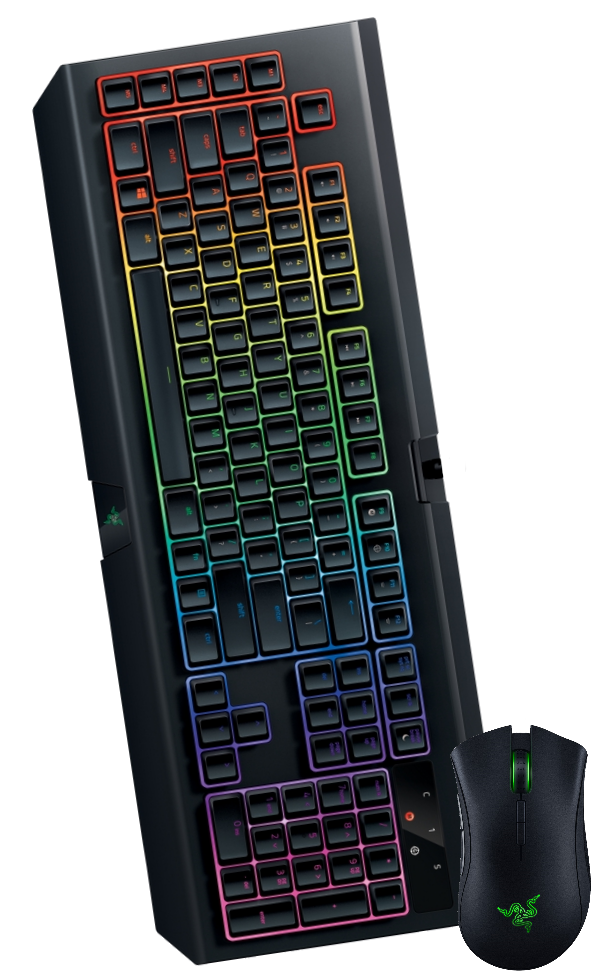
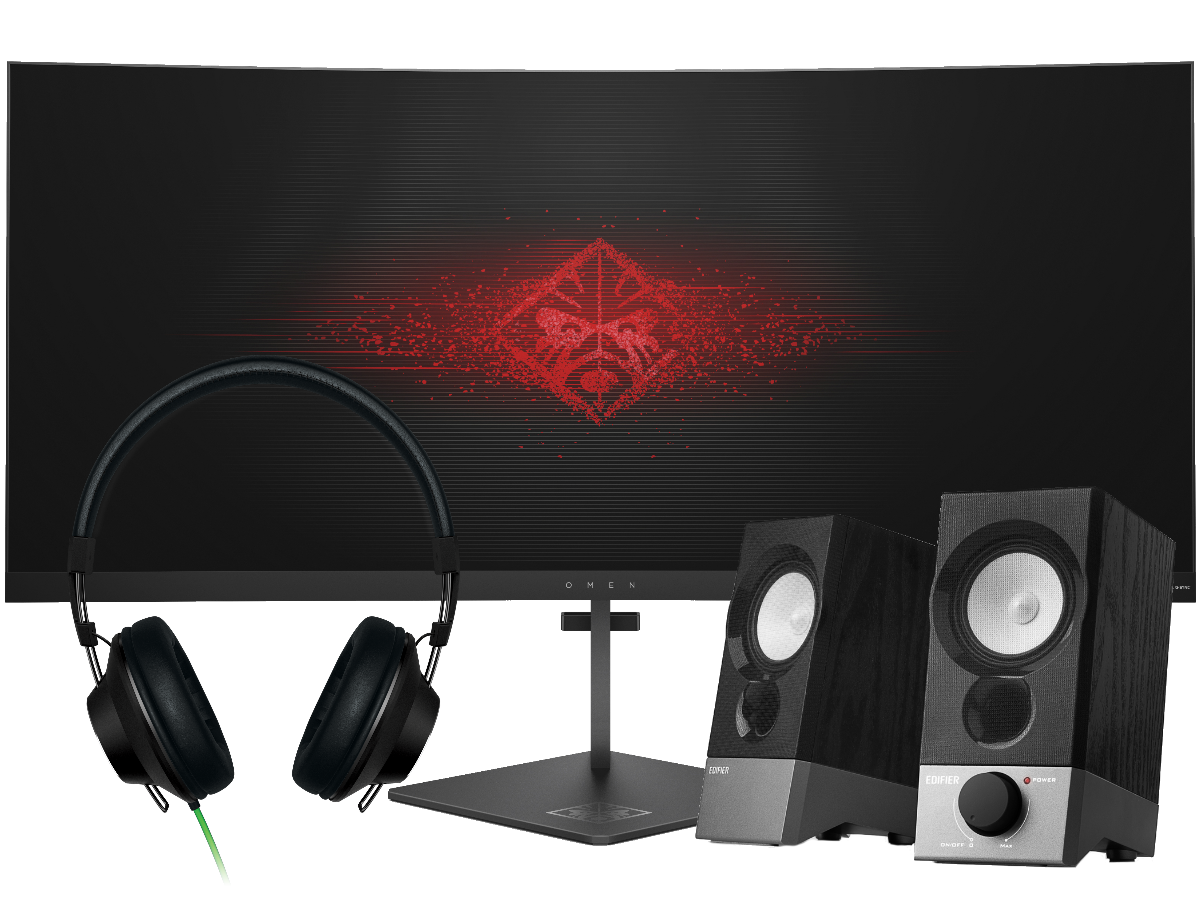
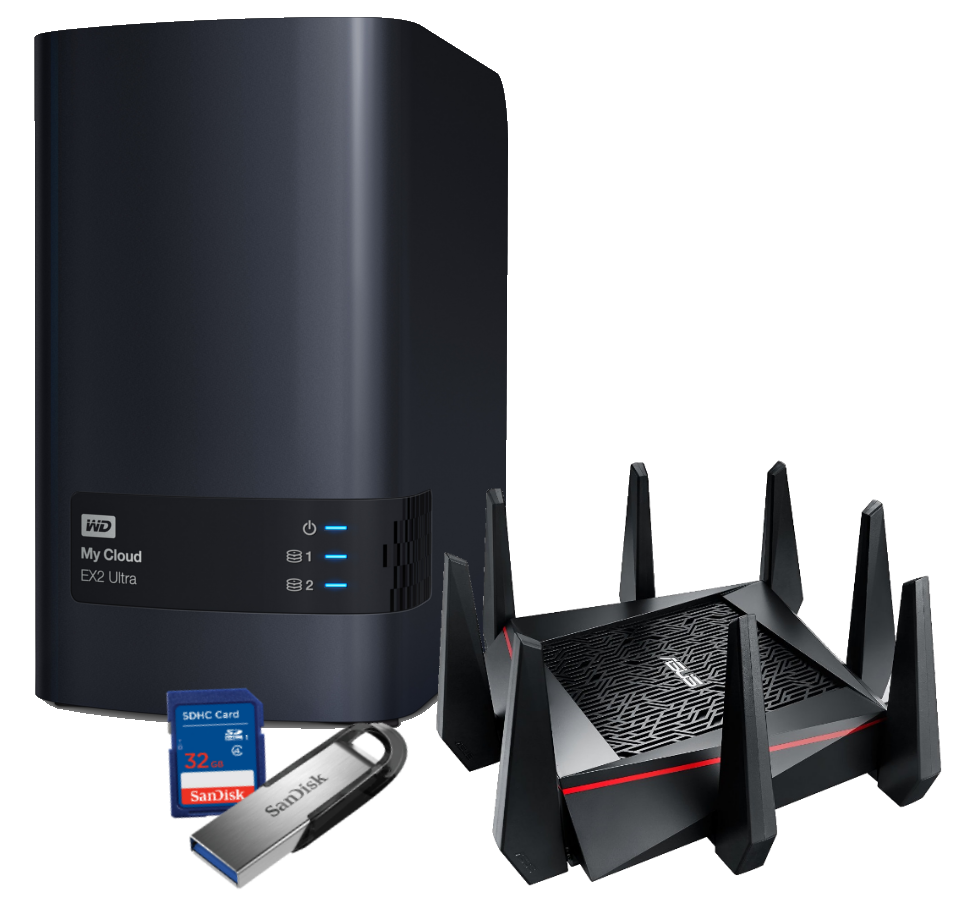
Peripheral Devices at Overclockers UKAt Overclockers UK we offer a full range of peripheral devices. Choose from a wide selection of keyboards, mice, and game controllers to help you compete; or communicate with people anywhere in the world thanks to our top-of-the-line range of headphones, microphones, and headsets. We also make it possible to improve your WiFi with the latest in router technology, create a network in your home easily using powerline networking, while our NAS systems connect to all PCs on the network and provide a multi-purpose shared storage solution for data of all kinds. So, build the system of your dreams and discover the complete Overclockers UK range today! |
Stay Up To Date
Keep me up to date with the latest news, product launches and promotions
* Required field
Our customers know our services and this is reflected in the rating they give us. Leave us your opinion and help us to improve it.
What our customers say about us