Monitors









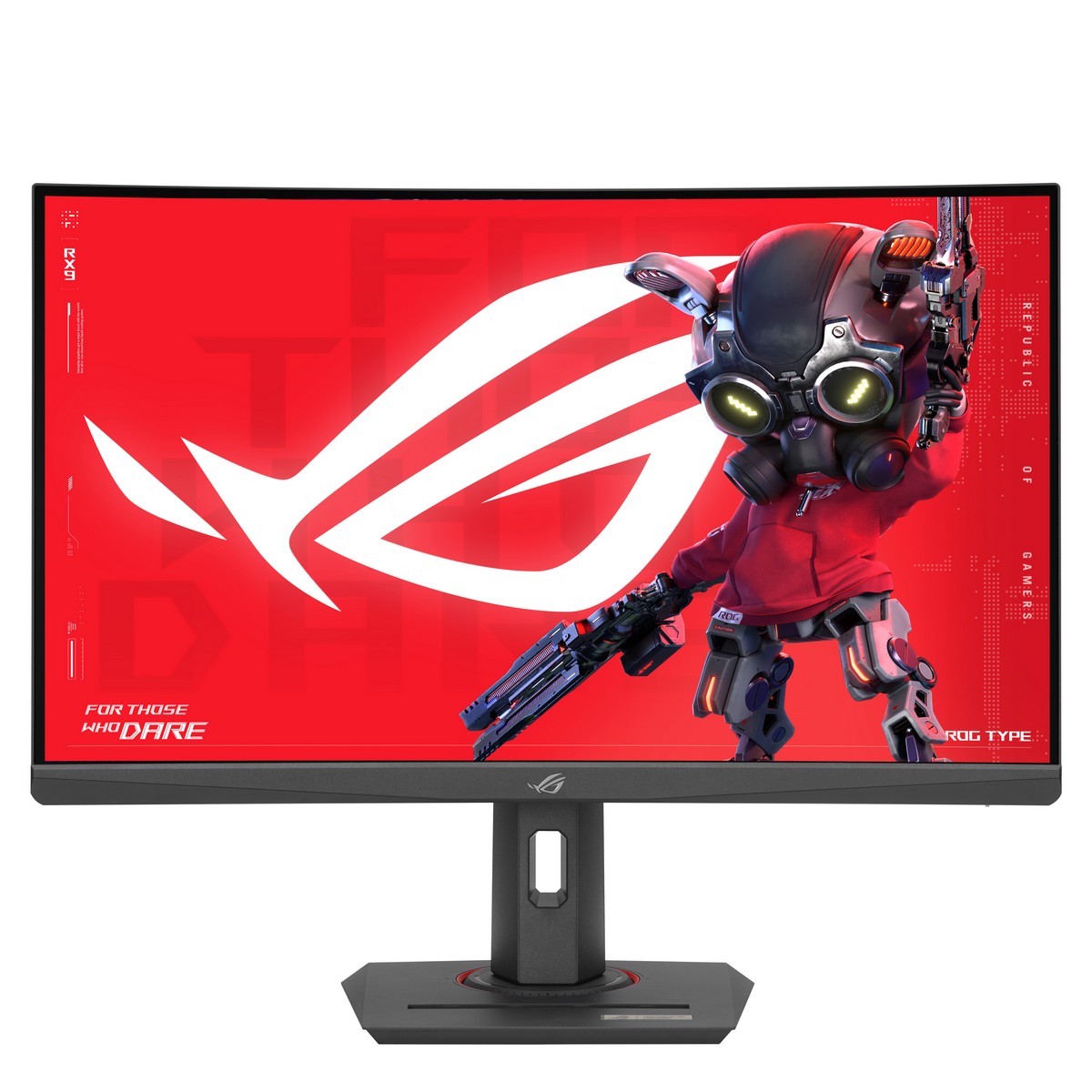
ASUS ROG Strix XG27WCS 27" 2560x1440 Fast VA 180Hz 1ms ELMB Sync Curved Gaming Monitor

Fanatec GT Cockpit Triple Monitor Expansion Kit (White)

Philips 27" 27M2N5500/00 Fast IPS 2560x1440 180Hz

OcUK Value 2Mtr HDMI v2.1 Braided Cable - Blue


Samsung 27" Odyssey G6 LS27BG650EUXXU 2560x1440 VA 240Hz 1ms FreeSync HDR HDMI 2.1 Curved Gaming Monitor
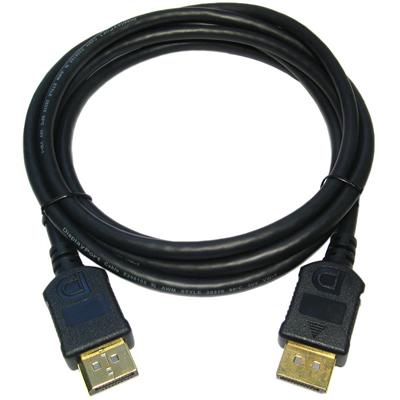
OcUK Value 5m Male - Male Display Port Monitor Cable

ASUS ROG ALB01 Aura Monitor Light Bar

Acer Predator XB273UF5 27" 2560x1440 IPS 360Hz 0.5ms G-Sync Pulsar Widescreen Gaming Monitor


Samsung 27" G55C LS27CG552EUXXU 2560x1440 VA 165Hz FreeSync 1ms Curved Odyssey Gaming Monitor
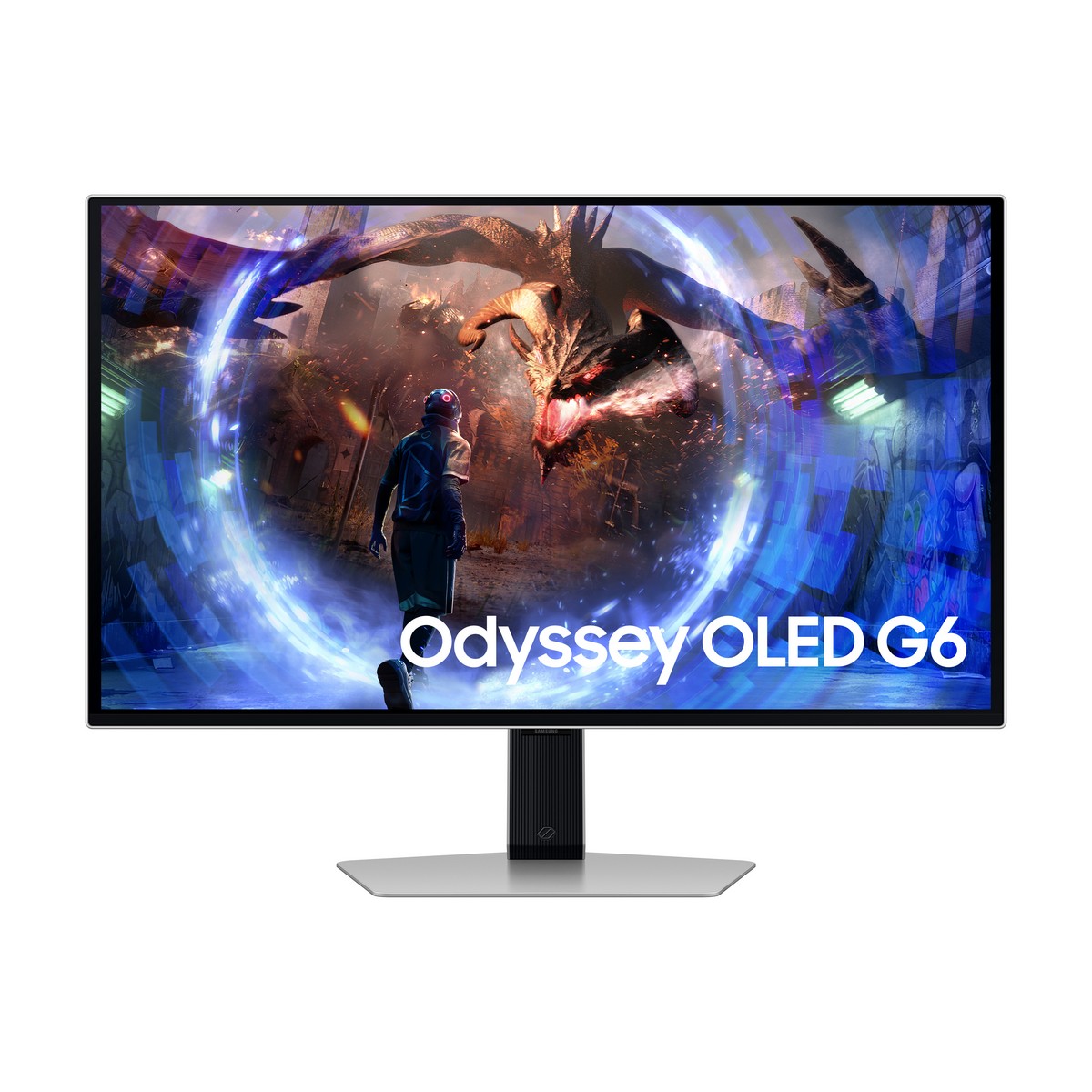

Samsung 27" Odyssey G60SD LS27DG602SUXXU 2560x1440 OLED 360Hz 1ms HDMI 2.1 Widescreen Gaming Monitor


Samsung 32" LS32DG302EUXXU G30D 1920x1080 180z 1ms FreeSync Odyssey Widescreen Gaming Monitor


Samsung Odyssey 27" G30D LS27DG302EUXXU 1920x1080 VA FHD 180Hz 1ms FreeSync Widescreen Gaming Monitor

Acer Predator X27 X1 27” 3840x2160 QD OLED 500Hz 0.03ms FreeSync Widescreen Gaming Monitor


ASUS ROG Strix XG32UQDMS 32" 4K 3840x2160 QD-OLED 240 Hz 0.03 ms HDMI 2.1 Widescreen Gaming Monitor

Fanatec GT Cockpit Triple Monitor Expansion Kit (Black)


ASUS VA279HG 27" 1920x1080 IPS 120Hz 1ms A-Sync Widescreen Gaming Monitor

AOC 27" U27B3M VA 3840x2160 VA 60Hz 4ms HDR10 FreeSync Gaming Monitor


ASUS ROG Strix XG259QNS 25"1920x1080 Fast IPS 380Hz 1ms HDR ELMB Widescreen Gaming Monito

ASUS ROG Strix XG248QSG Ace Esports 24” 1920x1080 Super TN 610Hz (OC) 0.01ms FreeSync/G-Sync Widescreen Gaming Monitor

OcUK Value 2m Red LED HDMI v2.0 Braided Cable (99HD4-02RD)
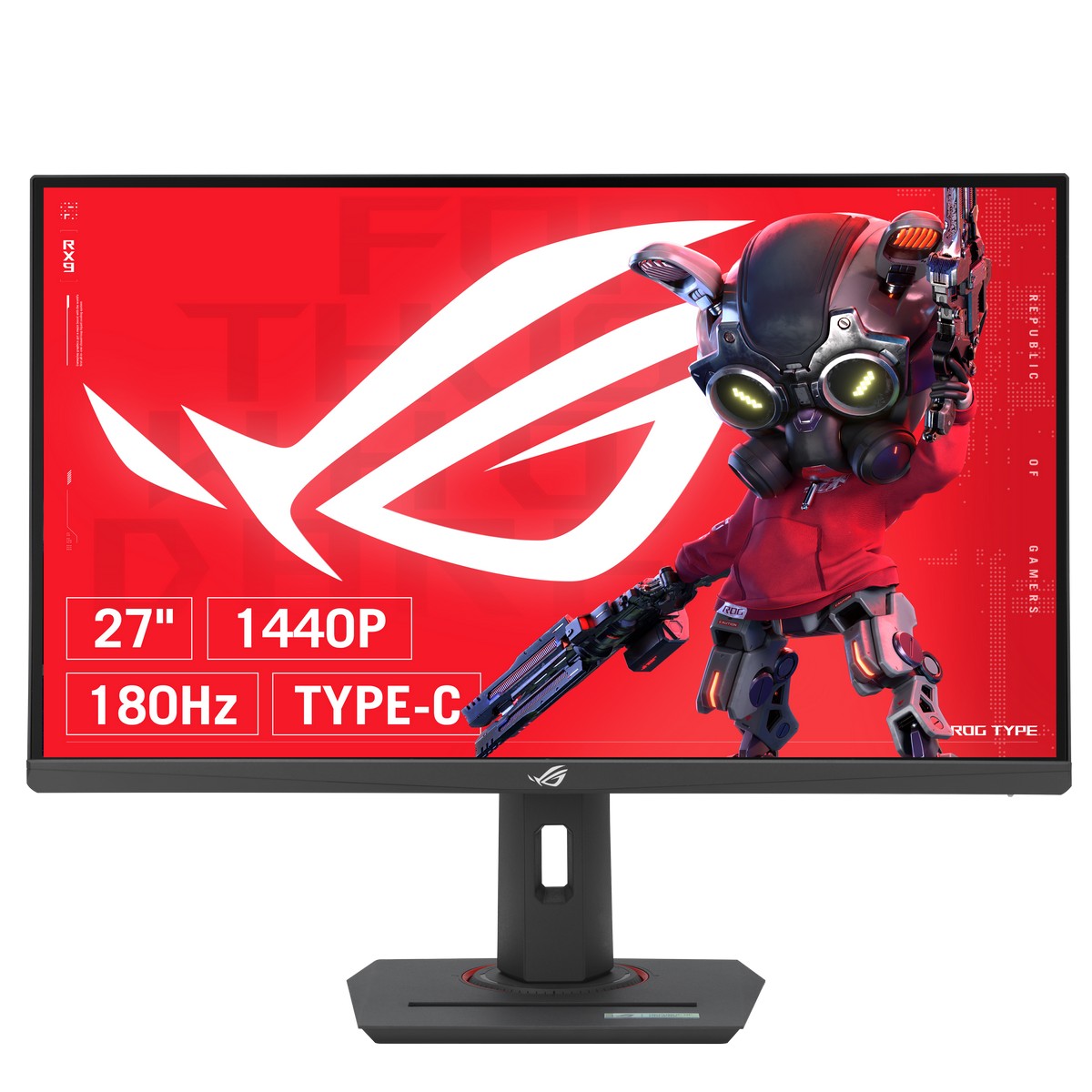
ASUS ROG Strix XG27UCS 27" 3840x2160 IPS 160Hz 1ms Widescreen Gaming Monitor


ASUS TUF Gaming VG27VQM1B 27" 1920x1080 Fast VA 280HZ 1ms FreeSync Widescreen Gaming Monitor


ASUS ProArt PA32UCDM 32" 3840x2160 4K UHD QD-OLED 240Hz 0.03ms A-Sync HDR-10 HLG Widescreen Professional and Gaming Monitor

ASUS TUF Gaming VG27AQM5A 27" 2560x1440 300Hz Fast IPS ELMB A-Sync 0.3ms Widescreen Gaming Monitor


ASUS ProArt Display 27" PA27UCGE 3840x2160 IPS 160Hz 1ms Adaptive Sync HDR10 HLG Auto KVM LuxPix Widescreen Monitor


ASUS TUF Gaming Series 5 VG259QMRL5A 24.5" FHD (1920x1080) Fast-IPS 310Hz (OC) FreeSync/G-SYNC Widescreen Gaming Monitor

ASUS ProArt Display PA27JCV 27” 5K (5120x2880) IPS 60Hz HDR10 LuxPixel AGLR A-Sync Professional Monitor

ASUS ROG Strix OLED XG27ACDMS 27" 2560x1440 QD-OLED 280Hz FreeSync/G-SYNC USB-C HDMI 2.1 Widescreen Gaming Monitor


AOC 32" CQ32G4VE 2560x1440 VA 180Hz 1ms A-Sync Curved Gaming Monitor


Gigabyte 27" GS27QCA 2560x1440 QHD VA 180Hz 1ms AMD FreeSync Widescreen Curved 1500R Gaming Monitor

Gigabyte 24" G24F-2 1920x1080 SS IPS 165Hz 1ms FreeSync Widescreen Gaming Monitor

iiyama G-Master GB2771HSU-B1 27" 1920x1080 Fast-IPS LCD 240Hz 0.4ms G-Sync Widescreen Gaming Monitor

OcUK Value DVI-D Dual link Male - 2 x DVI-D Female - 1.8 Meter

Cooler Master 27" GA27FC-UK 1920x1080 IPS 120hz 1ms Widescreen Gaming Monitor - Black


Samsung Odyssey G6 G60F 27" QHD Fast IPS 350Hz G-SYNC Widescreen Gaming Monitor

Kolink Chimera Dual Monitor Desk Mount Monitor Stand - Desk Clamp (PGW-AC-KOL-007)

GIGABYTE MO27Q2A 27" 2560x1440 OLED 280Hz 0.03ms FreeSync Premium HDR400TB HDMI 2.1 Widescreen Gaming Monitor

MSI 40" MAG401QR 3440x1440 IPS 155Hz A-Sync Ultrawide Gaming Monitor


iiyama G-Master GB2771QSU-B1 27" 2560x1440 Fast-IPS 200Hz 0.5ms G-Sync Widescreen Gaming Monitor


GIGABYTE MO32U24 OLED 32" 4K UHD 240Hz 0.03ms FreeSync/G-SYNC Widescreen Gaming Monitor
Monitors
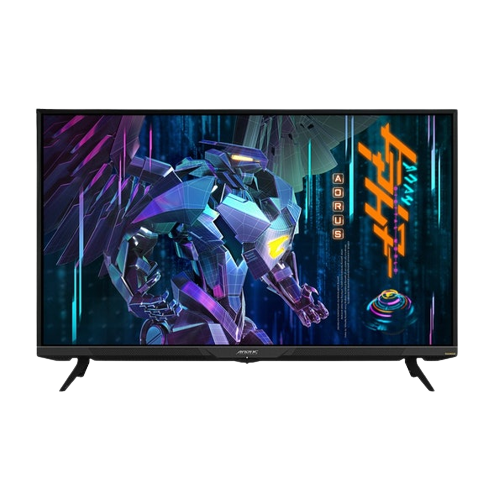
Your computer monitor is the device that connects to your PC, laptop, or console to provide the image. There are plenty of different types, sizes, and an array of features, such as Nvidia G Sync and AMD FreeSync ,that synchronise your refresh rate to your GPU. Overclockers UK stocks an extensive range of monitors perfect for PC gaming, console gaming, and work. All of which come in a huge variety of sizes such as 27 inch, 32 inch, 40 inch, and beyond.
Which Monitor Is Right For Me?
Gamers
For modern AAA gaming, a larger resolution and screen size, such as 1440p or even 4K, with super high refresh rates, can be a great choice. What’s more, with features such as NVIDIA G-Sync and AMD FreeSync to reduce screen tearing at high refresh rates, you can game in confidence. Notably some gaming monitors even include addressable RGB to blend perfectly into your gaming aesthetic.
Professional Users - Graphics, Photo, Video
For professionals and creators' colour accurate, high-resolution monitors are ideal to help bring to life every detail and accommodate your application UI.
Console Gaming
Next gen consoles offer a truly exceptional gaming experience. Due to their ability to game at 4K with high FPS and refresh rates, a gaming monitor can be a superb upgrade to the living room TV.
Office & Home Users
Working from home, media browsing, and more can all be made easier with a high-quality 1080p monitor. Larger screen sizes offer more space for multiple windows, and with sizes up to 40 inch and beyond, you can level up your binge-watching experience.
Monitor Panel Types
TN
TN panels can often support higher refresh rates at a lower price point, the trade-off being that they have a narrow viewing angle, and limited colour depth. Whilst this might be a deal breaker for some, they're excellent for gaming newcomers and home users - who will be sitting directly in front of their monitor and who won't require high colour accuracy.
IPS
IPS panels tend to come at a higher price point, but also offer far greater colour depth and great viewing angles. These are a prime choice of monitor for creatives and video editors where colour accuracy is paramount, and for gamers. Whilst they are usually more expensive, more IPS panels are available with high refresh rates and low input lag.
VA
VA panels combine some of the features of both TN, and IPS whilst remaining a budget option. VA monitors offer higher colour depth than TN, alongside wide viewing angles. This makes VA monitors ideal for gamers.
OLED
OLED panels offer a truly outstanding and vivid image. Organic Light Emitting Diodes remove the need for a separate backlight or sidelight used in traditional monitors. These diodes are able to illuminate the pixels independently, allowing for unmatched colour performance, contrast ratios, and awe-inspiring visuals.
WOLED
WOLED panels deliver phenomenal image quality, with vibrant colours, deeper blacks, and crisp sharpness. White Organic Light-Emitting Diode panels utilise multiple layers of organic diodes to produce a wide spectrum of white light. This is then passed through a layer of red, green, and blue colour filters, allowing these panels to produce over 1.07 billion hues. Boosting the brightness, this light is enhanced by an additional white subpixel, allowing these displays to deliver crystal-clear picture quality.
QD-OLED
QD-OLED panels take OLED displays to a new level of picture quality. Quantum Dot Organic Light Emitting Diode panels pair diodes that produce blue light with innovative quantum dot technology. When subjected to blue wavelengths, these tiny semiconductors emit a variety of different colours of light. A standard QD-OLED monitor, therefore, is equipped with both red and green quantum dots, allowing them to output the RGB colour spectrum. As such, a QD-OLED monitor can deliver crisp images, with a wide colour gamut, and rich, deep blacks.
TFT
TFT is the technology that makes up most modern monitors and displays. Thin-Film Transistor (TFT) displays are a type of Liquid Crystal Display (LCD) that use transistors as individual pixels. TFT gaming monitors offer outstanding colour, response times, refresh rates, and contrast ratios. All of this makes them ideal for gaming, content creation, and productivity. Overclockers UK stocks a huge range of TFT monitors perfect for any application.
LCD
LCD monitors are available in three main types - VA, TN, and IPS. Each panel type offers different features, such as lighting, fast response times, high refresh rates, and exceptional colour accuracy. Overclockers UK stocks a huge selection of LCD monitors perfect for gaming, content creation, simulator PCs, and professional use.
Colour Depth and Colour Gamut
Colour depth and gamut are often confusing, with monitors stating various scores in different colour ranges such as Adobe RGB or sRGB. In simple terms, this is how accurate the colour on your screen is being displayed. This is a hugely important point for visual creatives - whether in video, photography, or print media - as having an inaccurate representation on your screen can significantly alter your finished product.
Additionally, you may also see various percentages before these names. This refers to how accurate the representation of that colour space is on a given monitor. For example, anything below 100% may appear washed out and unsaturated, whilst going above this may appear overly vibrant, and as expected - the closer to 100% you get, the more "true" the colours will appear.
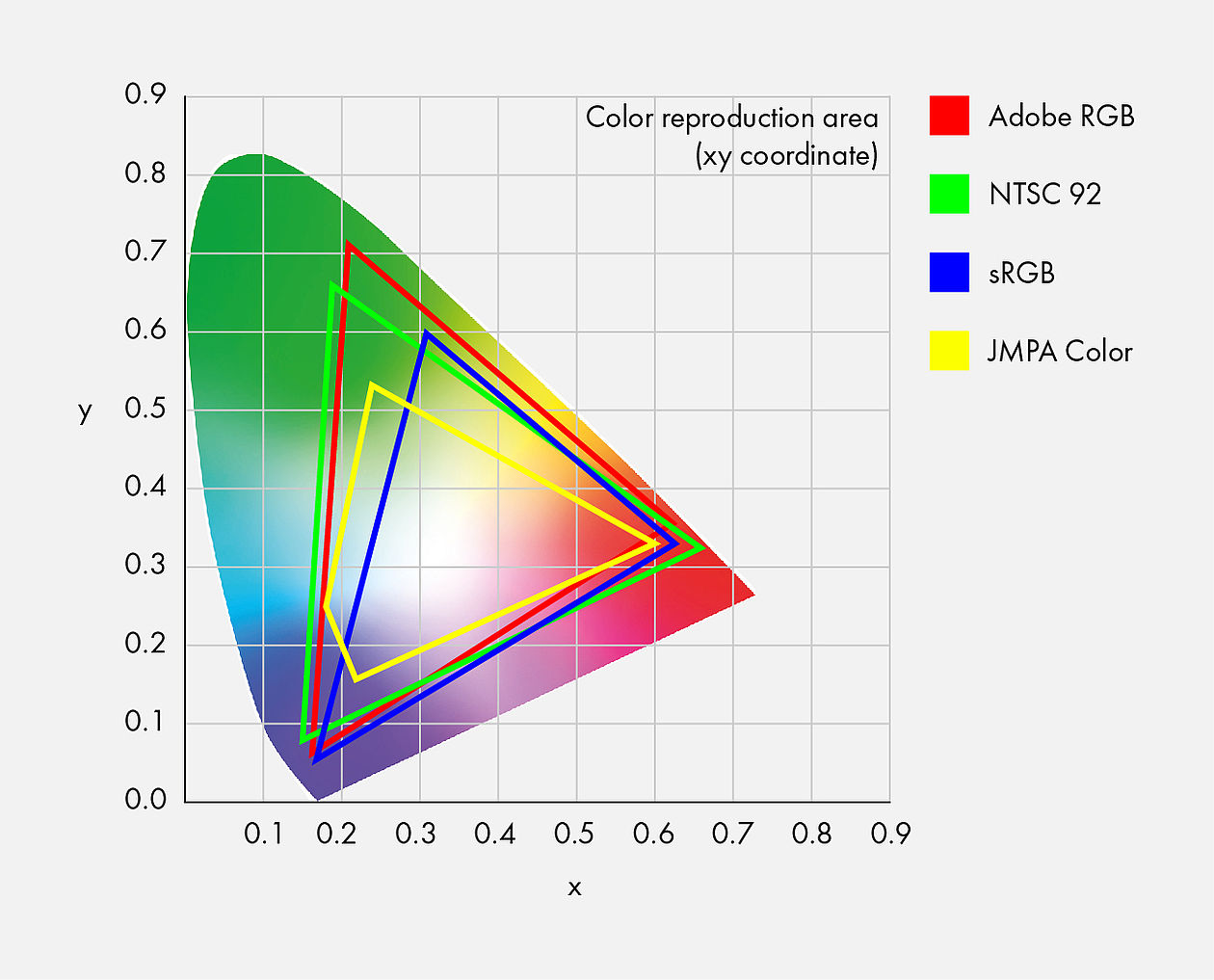
Image courtesy of https://www.eizo.be/
Whilst Adobe RGB and sRGB produce more true-to-life colours, they do differ. Adobe RGB is favoured more for those producing graphics in professional grade printing - giving more accuracy to the final product. The one main drawback for this larger colour space is when uploading Adobe RGB images online, they will be converted to sRGB and potentially lose some colour information. The same can occur when printing on non-professional hardware. For photographers and digital artists, an Adobe RGB monitor might be the best choice, as colour profiles can be changed depending on the task.
sRGB (Standard Red, Green, Blue) dates back to the mid-1990s, and is still a great choice for all users, including professionals. It doesn't require conversion for use online, unlike Adobe RGB, and for professional print, is more than acceptable for colour-accuracy.
The graph above is known as the XY chromaticity diagram. The triangles are RGB coordinates connected. The larger the triangle, the more colour information.
NTSC - this is the colour gamut developed for US TV.
Adobe RGB and sRGB - these colour gamuts are used in graphics reproduction.
Size Matters
Choosing the right size monitor can be hard decision. Some people prefer having one gaming monitor and a second larger monitor for productivity. There is no right way to set up your desk, and choosing between one large monitor or even several smaller ones comes down to personal preference.
Your screen size is measured corner to corner, and will most often be simplified to 24 inch, 27 inch, 30 inch, and so on. For most users, this will answer the question of how big they can go. It is worth noting, that when you increase your screen size, it's wise to follow with resolution to have a sharp image on screen. For example, a 40 inch monitor with a 1080p resolution can look "soft" due to the pixel density. For larger monitors such as 40 inch we recommend a resolution of 4k or at least 1440p. Generally speaking, for gaming, you’ll want at least a 24 inch monitor with a resolution of 1080p. To view content more comfortably, we recommend 27 inch or above with a resolution of 1440p.
NVIDIA G-Sync and AMD FreeSync
These technologies are very similar and use the GPU to help smooth the graphics on the monitor, meaning that lower refresh rate monitors can avoid tearing. This happens because the monitor's refresh rate (Hz) is being dynamically changed to match the game's frame rate (FPS) as closely as possible.
Refresh Rates
Refresh rate is how many times a monitor updates the image each second. For home users, a lower refresh rate is fine. However, for gaming, the higher the refresh rate, the smoother the visuals will appear. Overclockers UK stocks an extensive range of monitors with high refresh rates such as 120Hz, 144Hz, 240Hz, and 360Hz.
Response Time
This is the time it takes for a pixel to change from one colour to another. Previously, it was measured in black-to-white (BTW), but more often, you'll now see grey-to-grey (G2G). A lower measurement of G2G means the monitor will appear less blurry when displaying fast-moving content. Overclockers UK stock a huge range of gaming monitors with response times as low as 1ms.
.png)
Want to Read More?
When it comes to upgrading your monitor, there are a lot of important factors to take into consideration. In order to choose the perfect monitor, you will need to consider LCD vs OLED, the different types of monitor panels, and the advantages or disadvantages of each.
Read MoreMonitors FAQ
What is a Monitor?
A computer monitor is the device that connects to your PC, laptop, or console to provide the visual output of your device.
How do I setup dual monitors?
On Windows, to setup two monitors, you simply need to plug both of the monitors into your graphics card (or motherboard if using an APU). Once you have both connected, simply right-click on the desktop and select “display settings”. In these settings, you can decide whether to duplicate, or extend your displays.
Is a second monitor worth it?
There is no correct answer to this question. Most people can survive on a single monitor set-up, but there is an advantage for two or more monitors, especially for gaming, creators, and professionals. For example, with two monitors, you can play a game whilst also monitoring your discord, stream chat, or even watch a YouTube video.
Should I get a curved monitor?
Curved monitors do give less distortion towards the edges, and can be more comfortable for users . The curve can give more immersion and easier pick-up in your peripheral vision. Larger curved monitors are great for simulation set-ups.
What is HDR?
HDR stands for High Dynamic Range. This means a display can produce a more "realistic" representation of colour, shadows, and even brightness. For example, the shadows will be less dark and undefined, and the highs will not be as blown-out. For this to happen, both the monitor and the content you’re playing or watching need to be compatible.
The Overclockers Difference

Innovative Products and Exclusive Brands
Overclockers UK not only offers next day delivery on thousands of products but also stocks exclusive brands from cutting-edge manufacturers including AMD, Intel, Asus, Gigabyte, Team Group and an ever-growing range of ultimate performance overclocked elite-tier hardware approved by 8 Pack.

Industry Leading Customer Support
Whether you are after advice, product information or even aftersales support we are here for you. Overclockers UK offers unparalleled customer service which is available across multiple platforms including telephone, social media, email, webnotes, live chat, and even a dedicated section on Overclockers forum. We even offer a 3 year warranty on our own PC's.

5 Star Service
Overclockers UK are rated one of the top PC, hardware and peripheral retailers in the country. From premium products to a personal shopping experience. You can trust us to deliver an unbeatable 5-star service.
Subscribe and Save

Subscribe to the Newsletter
Sign up to our weekly newsletter and get the latest news, offers, and deals directly to your inbox. Don't worry you can unsubscribe at anytime.
Stay Up To Date
Keep me up to date with the latest news, product launches and promotions
* Required field
Our customers know our services and this is reflected in the rating they give us. Leave us your opinion and help us to improve it.
What our customers say about us