


SLI Bridges
Upgrade Your Graphics with Nvidia SLI Bridges
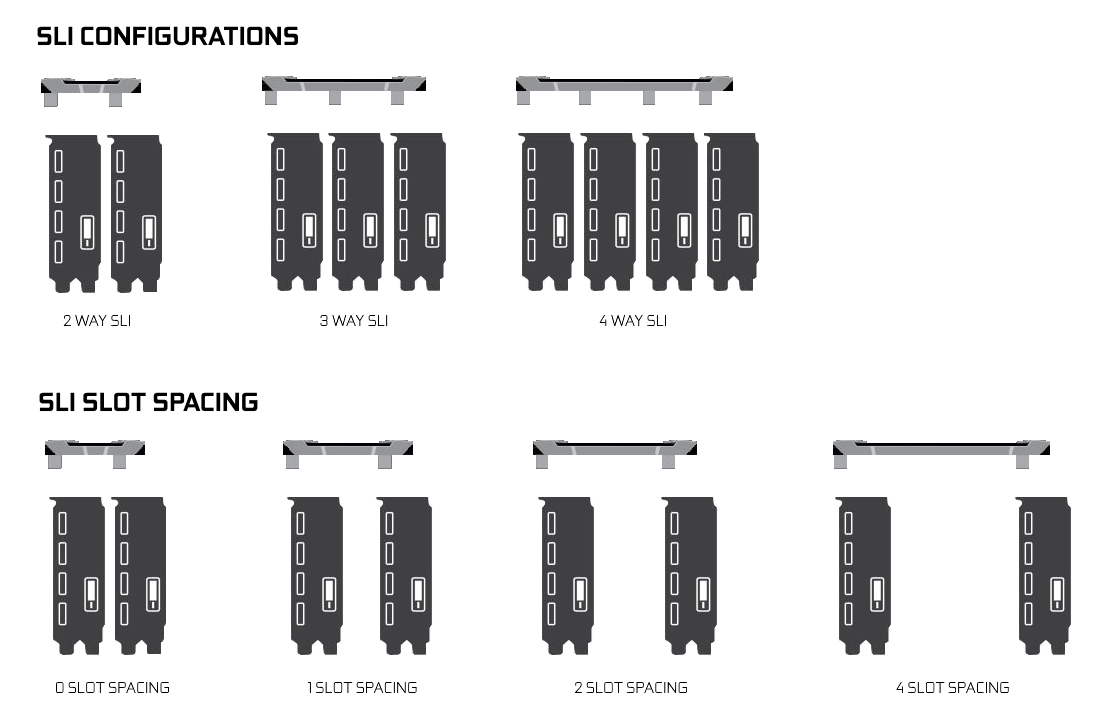
Simply put, an SLI (Scalable Link Interface) bridges allow you to connect two or more graphics cards producing a single output for boosted performance in applications and games. Bridges come in 2-way, 3-way, and 4-way variants plus come with different slot gap configurations to allow for alternative graphics card positioning for optimising cooling or non-standard motherboard PCI-E placements.
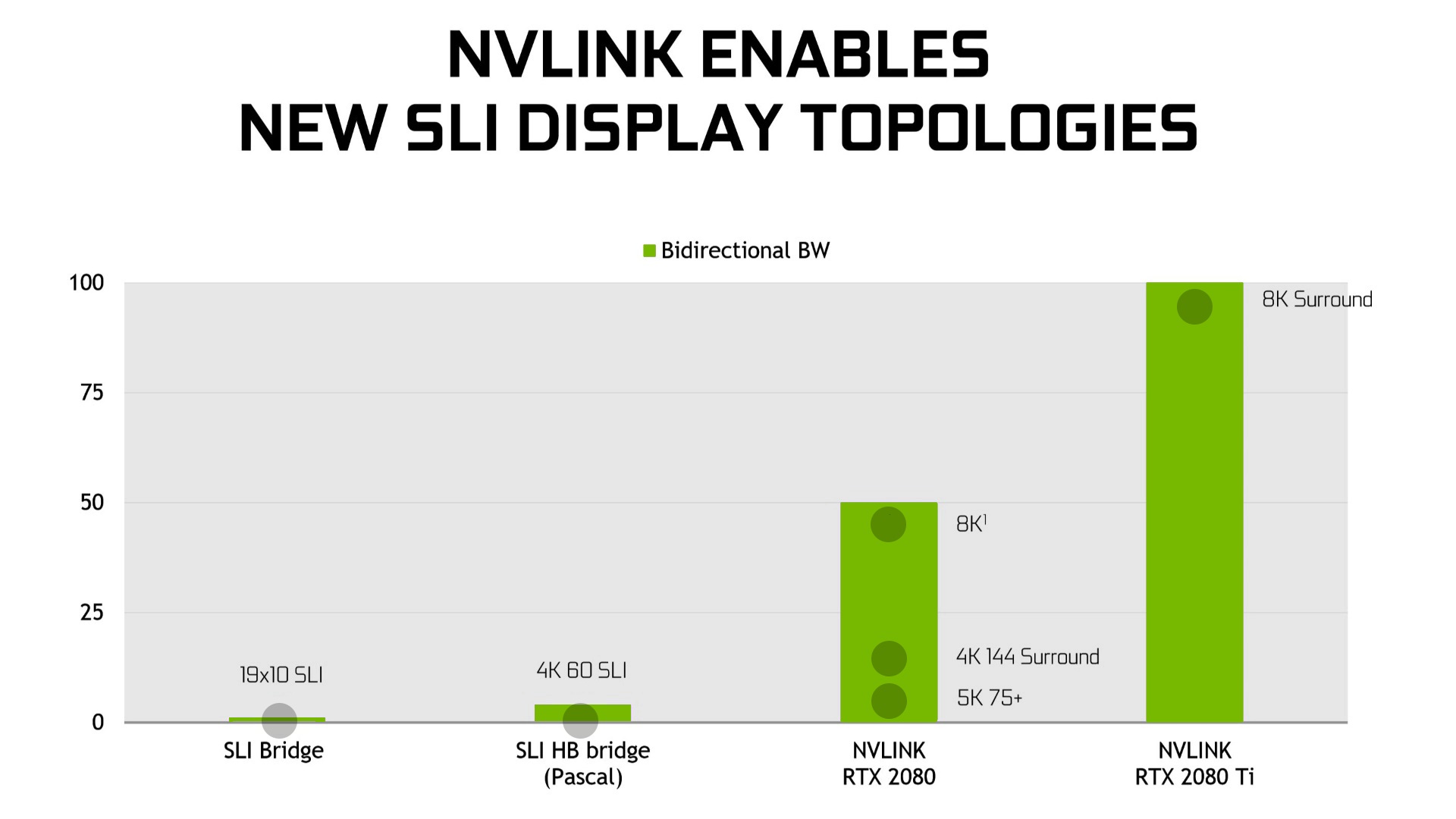
SLI vs NVLink
Although both bridges essentially do a similar job, NVLink is the latest SLI standard offering around 50x higher bandwidth that standard SLI technologies and upto 8k surround. Although NVLink is a far superior technology it is only capable of interconnecting 2 GPU's. SLI and NVLink technologies are not interchangeable and only work with specific GPUs.
Compatibility
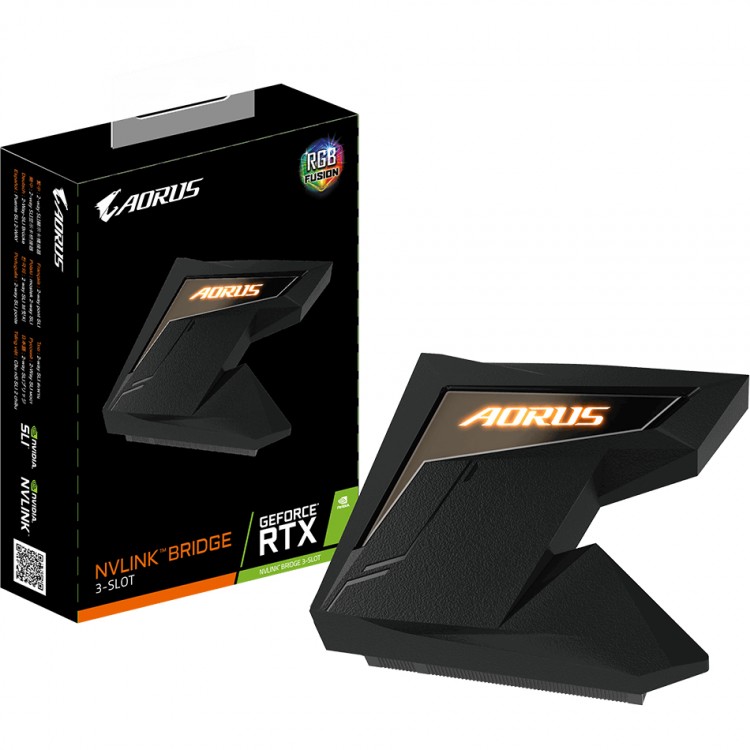
NVLink
NVLink is designed to work with compatible Nvidia RTX and Quadro graphic cards such as the RTX 2080Ti, RTX 2080, RTX 2070, Quadro RTX 8000, RTX 6000, RTX 5000 or Quadro GV100 and the GP100.

SLI
SLI, on the other hand, works with previous generation cards such as GTX 1070, GTX 1080, GTX180 Ti and even older cards such as the GTX 980 and GTX 980 Ti.
Types of SLI Bridge
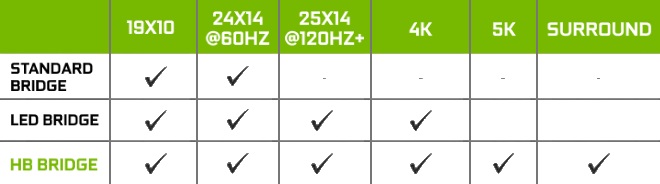
SLI bridges come in 3 main varieties including STANDARD, LED and HB which are recommended to enable the best experience at specific resolutions. Let's take a look at what is recommended.
Meet the SLI Bridges
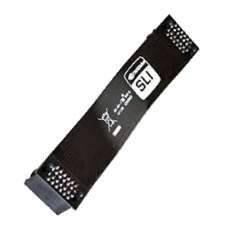
Standard SLI Bridge
Standard bridges (or flexible bridges) can normally be found in your motherboard box coming with a 400 MHz Pixel Clock and 1GB/s bandwidth. They are recommended for monitors up to 1920 x 1080 and 2560 x 1440 at 60 Hz.
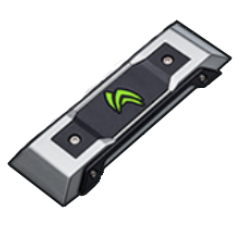
LED SLI Bridge
With a 540 MHz Pixel Clock, LED bridges are advised for monitors up to a resolution of 2560 x 1440 at 120 Hz+ and UHD 4K
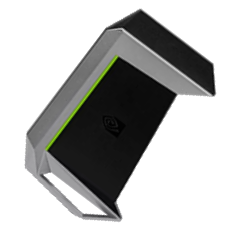
High-Bandwidth SLI Bridge
High bandwidth or HB bridges for short come with a 650 MHz Pixel Clock and 2GB/s bandwidth which allows for upto 5K and Surround.
SLI Bridge Configuration
Nvidia SLI bridges come in 2-way, 3-way, and 4-way variants plus come with different slot configurations to allow you to install in various positions. This can aid with airflow for example or even allow for unconventional graphics card positioning due to a nonstandard motherboard layout.
Nothing found...
Unfortunately, we have not found anything.
Try a different search term or category: ssd , monitor , chair , RTX 5080
Your Overclockers UK team
Learn some of our tips for a perfect search:
- Check the text you entered for errors
- Try to use related words for your search term
- Refine your search by selecting a few categories as a filter to get to the result you want


