Routers



TP-Link Deco X20 AX1800 Wi-Fi Mesh System (3-Pack)

TP-Link Archer VR2100 MU-MIMO Modem Router


TP-Link UE330 3-Port USB 3.0 Hub & Gigabit Ethernet Adapter

Asus Wireless-N300 LTE Modem Router

Asus USB-AX55 Nano AX1800 Dual Band WiFi 6 USB Adapter

TP-Link BE19000 Whole Home Mesh Wi-Fi 7 System Deco BE85(2-pack)

ASUS RT-BE58U WiFi 7 AiMesh Extendable Router

Asus ROG Rapture GT6 Tri-Band WiFi 6 Mesh WiFi System - 1 Pack Black


Asus AXE7800 Tri-band WiFi 6E (802.11ax) Router

ASUS QG-U1080 8-Port 2.5G + 2-Port 10G SFP+ Unmanaged Switch

ASUS RT-BE55 Dual-band WiFi 7 (802.11be) Smart AiMesh Extendable Router

TP-Link UE300C USB 3.0 Type-C to Gigabit Ethernet Network Adapter

TP-Link Archer TXE75E Wi-Fi 6E Bluetooth 5.2 PCIe Adapter

ASUS QG-U1050 5-Port 2.5G Unmanaged Switch

Asus RT-AX57 AX3000 Dual Band WiFi 6 (802.11ax) Router

ASUS ZenWiFi Pro ET12 AXE11000 Mesh System Pack of 1

Asus ROG Rapture GT-BE98 GT-BE98 Quad-band WiFi 7 (802.11be) Gaming Router

ASUS ZenWiFi BT10 Tri-band WiFi 7 (802.11be) Mesh Router

ASUS ZenWiFi BT10 Tri-band WiFi 7 (802.11be) Mesh Router (2 Pack)

ASUS ZenWiFi BD4 (1 Pack) Whole-Home Dual-band Mesh WiFi 7 Router

ASUS ZenWiFi BQ16 (3 Pack) Wireless-BE25000 Quad Band 10Gigabit Router

ASUS ROG Rapture ROG Rapture GT-BE19000AI Tri-band WiFi 7 AI Gaming Router

ASUS EBG19P 9-Port Gigabit PoE+ VPN Wired Router

ASUS TUF Gaming BE9400 Tri Band WiFi 7 (802.11be) Extendable Gaming Router
Routers
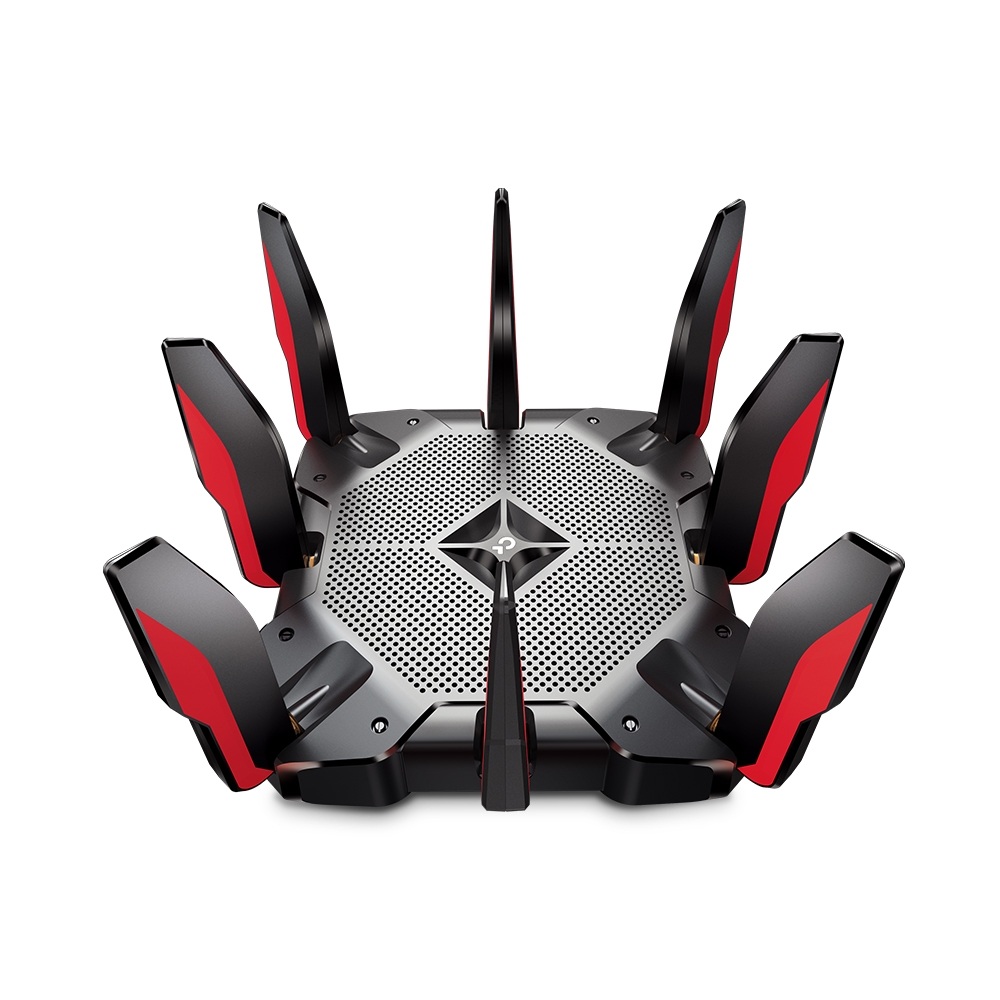
Whether you wish to connect multiple PCs together in a network or access the internet, you’ll require a router. Here at Overclockers UK, we stock a wide variety of routers from manufacturers including ASUS, TP-Link, and Netgear. Routers are equipped with various forms of connectivity, meaning you can link to multiple devices simultaneously. This can be either physical, using ethernet cables, or wireless, via Wi-Fi. What’s more, routers can be connected to a modem to grant internet access to all your devices. This modem can either be external or built into the router itself, in which case the router is then called a gateway. A router plays a vital role in creating a network, as it determines where and how data is delivered. Your router examines data packets for the destination IP address, before checking its integrated routing tables, which allows it to determine the most efficient way to forward the data packet. Furthermore, a router controls the flow of data to ensure the best performance for all users on a network.
Router Connections
A router boasts multiple connection options, either through physical RJ45 ports or wireless methods, such as Wi-Fi. However, not all routers feature the same types of connections. It all depends on the type of router you have. The following list is some options you may find on a router:
- Ethernet Ethernet is the most common form of physical network connectivity. This utilises the RJ45 port and is connected via an ethernet cable. Ethernet offers high-speed reliable transmission with minimal susceptibility to interference from outside sources.
- Wi-Fi Wi-Fi is a wireless network technology, which allows the router to communicate with other devices without a physical connection. Instead, Wi-Fi utilises radio signals, generally using the 2.4GHz and 5GHz ranges. However, Wi-Fi signals are susceptible to interference, either from crosstalk between devices or physical impediments, such as thick walls or distance. Modern routers overcome these issues, by featuring the latest Wi-Fi technologies, which add additional radio wavelengths and boost the power of existing signals.
- DSL DSL is the most common way a router connects to the internet. DSL modems utilise phone lines to transmit and receive data.
- Cable Cable is another method of connecting to the internet. Unlike DSL models, cable routers utilise specialised coaxial cables to access the internet. As these are designed for internet access only, they provide a notably faster connection than DSL. However, a cable connection requires additional hardware, meaning they are commonly only seen in highly developed areas, such as cities or large towns.
- Fibre Fibre optic connectivity is an advanced type of cable connectivity. Instead of using electrical transmission along copper cables, fibre optics transmit data through light signals via optical fibres. This is an extremely fast transmission method, offering magnitudes faster connection speeds compared to traditional DSL. However, it requires specialised equipment, meaning access is limited, even in urban areas.
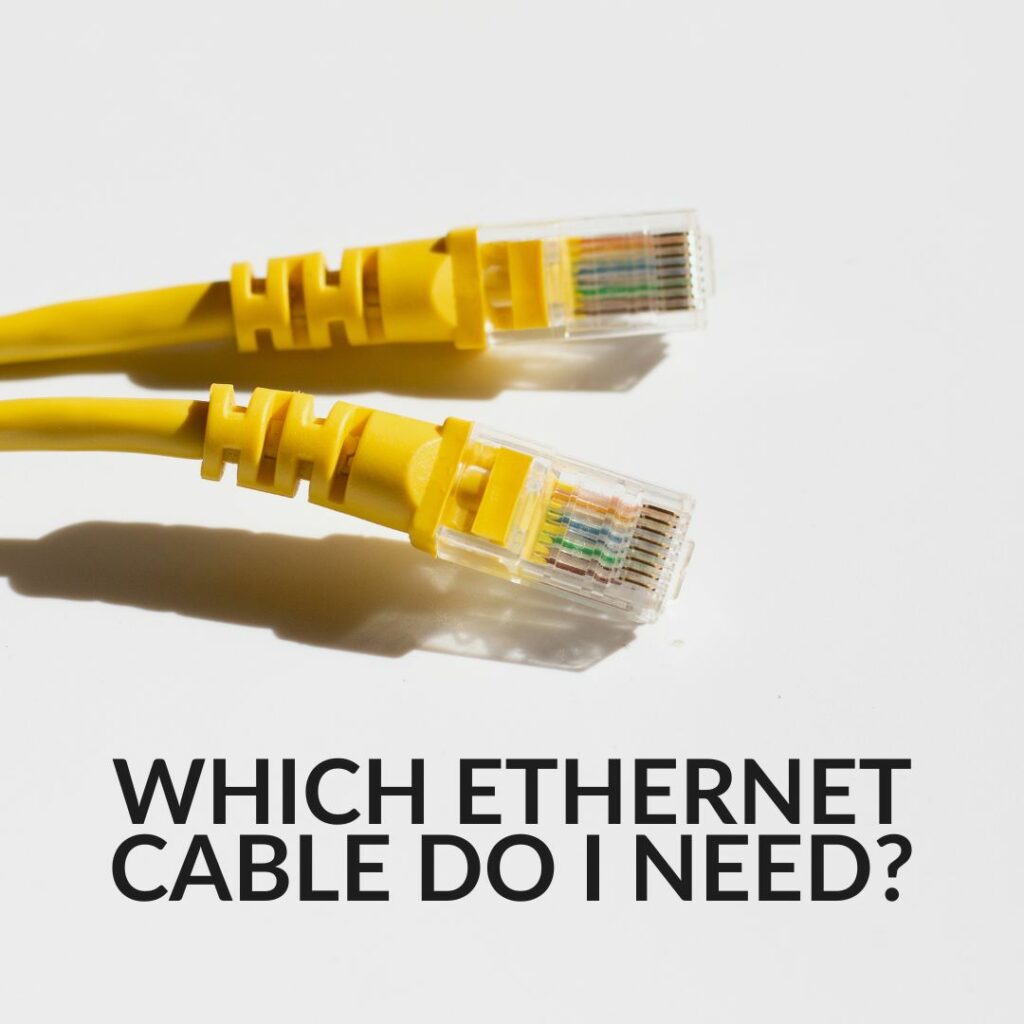
Want to Read More?
Did you know that having the right ethernet cable is just as important as having a powerful router? Discover everything you need to know about choosing the right cable on the Overclockers UK blog.
Read MoreRouters FAQ
What is the best place to store a router?
Although no two homes or businesses are alike, you generally want a router to be in a centralised position. This allows for easy access by any device and also minimises the amount of interference walls may cause to Wi-Fi signals.
What is Ethernet?
Ethernet is a physical connection between your PC and the router. Both devices will feature an RJ45 port, which are then connected via a cable. This offers a reliable and stable connection between both.
What Wi-Fi does a router support?
Many routers support a variety of differing standards of Wi-Fi. Most will feature Wi-Fi 4 and 5. Modern routers may also include the latest technologies, such as Wi-Fi 6 and 6E.
Do I need a gaming router?
A standard router will be sufficient for most people. Gaming routers, however, do offer extra benefits for gamers. They feature premium grade components, which allow for increased data transmission. Some even boast the ability to prioritise gaming data transfer, thus minimising network lag from your gaming.
How many devices can I connect to my router?
Different models of routers support a variety of electronics such as mobile phones, tablets and laptops. The number of devices supported can vary depending on several factors, such as hardware capabilities, wireless standards, or even simply the size of the router affecting how many ports it can feature.
The Overclockers Difference
Innovative Products and Exclusive Brands
Overclockers UK not only offers next day delivery on thousands of products but also stocks exclusive brands from cutting-edge manufacturers including AMD, Intel, Asus, Gigabyte, Team Group and an ever-growing range of ultimate performance overclocked elite-tier hardware approved by 8 Pack.

Industry Leading Customer Support
Whether you are after advice, product information or even aftersales support we are here for you. Overclockers UK offers unparalleled customer service which is available across multiple platforms including telephone, social media, email, webnotes, live chat, and even a dedicated section on Overclockers forum. We even offer a 3 year warranty on our own PC's.

5 Star Service
Overclockers UK are rated one of the top PC, hardware and peripheral retailers in the country. From premium products to a personal shopping experience. You can trust us to deliver an unbeatable 5-star service.
Subscribe and Save

Subscribe to the Newsletter
Sign up to our weekly newsletter and get the latest news, offers, and deals directly to your inbox. Don't worry you can unsubscribe at anytime.
Stay Up To Date
Keep me up to date with the latest news, product launches and promotions
* Required field
Our customers know our services and this is reflected in the rating they give us. Leave us your opinion and help us to improve it.
What our customers say about us