Graphics Cards

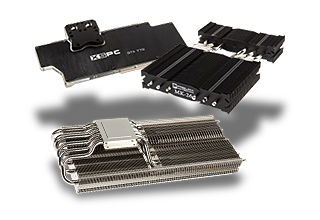

LYNK+ Palit/Gainward 5090 All In One Liquid Graphics Card Cooler

LYNK+ Zotac 5090 All In One Graphics Card Cooler

LYNK+ PNY 5090 All In One Liquid Graphics Card Cooler

LYNK+ MSI 5090 All In One Liquid Graphics Card Cooler

LYNK+ Inno3d 5090 All In One Liquid Graphics Card Cooler

Gigabyte GeForce RTX 5060 GAMING OC 8GB PCI-Express Graphics Card

Sapphire Nitro + Radeon RX 9070 XT Crimson Desert OC 16GB GDDR6 PCI-Express Graphics Card

Kolink Core Pro Aluminium Infinity Mirror VGA Support Mount - Black

MSI GeForce RTX 3050 VENTUS 2X E OC 6GB GDDR6X PCI-Express Graphics Card

PowerColor Radeon RX 9070 XT Red Devil 16GB GDDR6 PCI-Express Graphics Card

Palit GeForce RTX 3050 StormX 6GB GDDR6 PCI-Express Graphics Card

Zotac GeForce RTX 5060 Low Profile 8GB GDDR7 PCI-Express Graphics Card

PowerColor Radeon AI PRO R9700 32GB GDDR6 PCI-Express Graphics Card

Asrock Radeon RX 9070 XT Monster Hunter Wilds Edition 16GB GDDR6 Graphics Card

PowerColor Radeon RX 9070 GRE Red Devil 12GB GDDR6 PCI-Express Graphics Card

PowerColor Radeon RX 9070 GRE Reaper 12GB GDDR6 PCI-Express Graphics Card

PowerColor Radeon RX 9070 GRE Hellhound 12GB GDDR6 PCI-Express Graphics Card
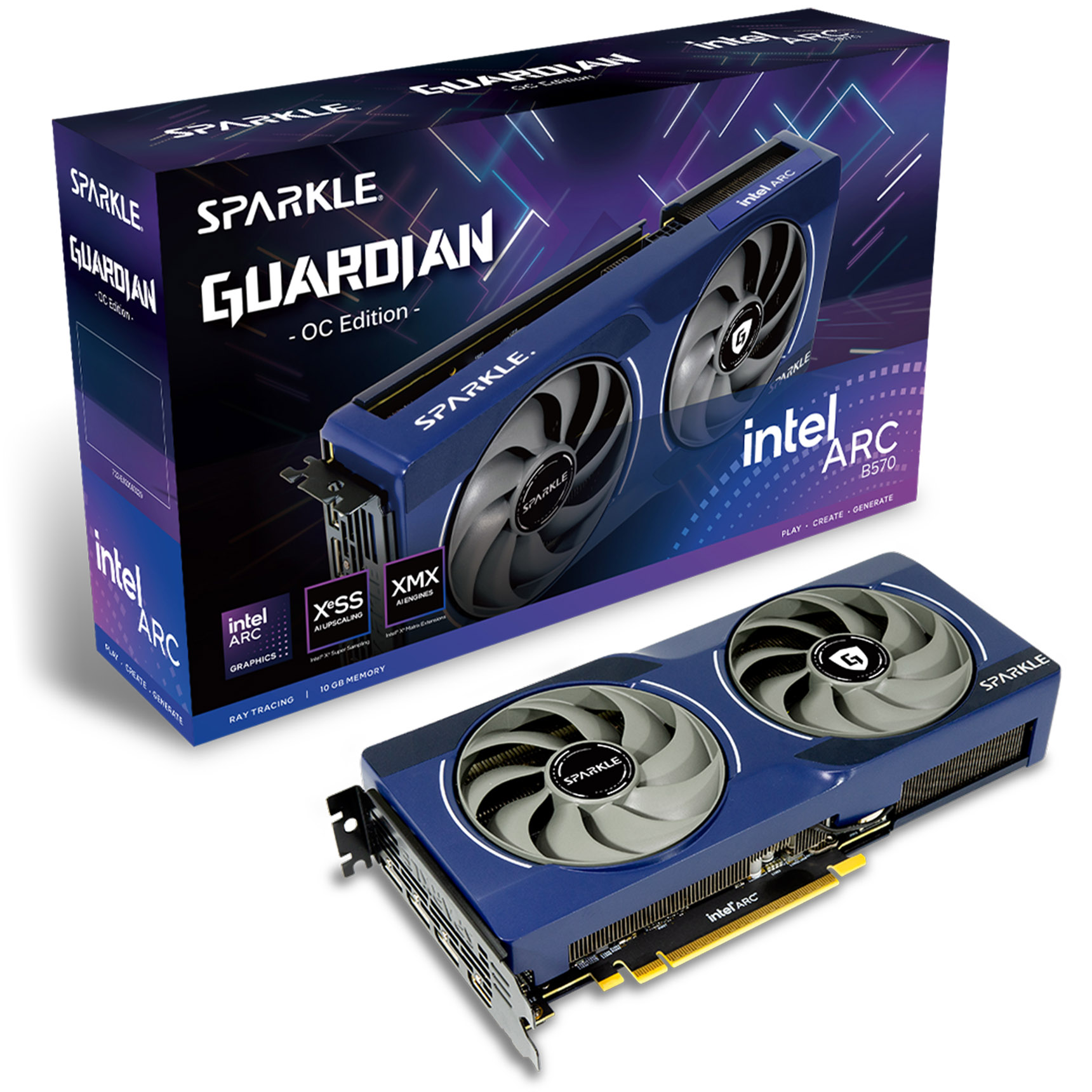
Sparkle Intel ARC B570 GUARDIAN OC 10GB GDDR6 Graphics Card

Kolink Core Adept VGA Support Mount - Black

Gigabyte GeForce RTX 5050 GAMING OC 8GB GDDR6 PCI-Express Graphics Card

Palit GeForce RTX 5060 Dual OC 8GB GDDR7 PCI-Express Graphics Card

NVIDIA RTX PRO 5000 Blackwell 48GB GDDR7 Graphics Card - OEM

Palit GeForce RTX 5060 Infinity 2 OC 8GB GDDR7 PCI-Express Graphics Card

Palit GeForce RTX 5050 StormX OC 8GB GDDR6 PCI-Express Graphics Card

PowerColor Radeon RX 9070 XT Hellhound REVA Edition 16GB GDDR6 Graphics Card

Asrock Radeon AI Pro R9700 Creator 32GB GDDR6 PCI-Express Graphics Card
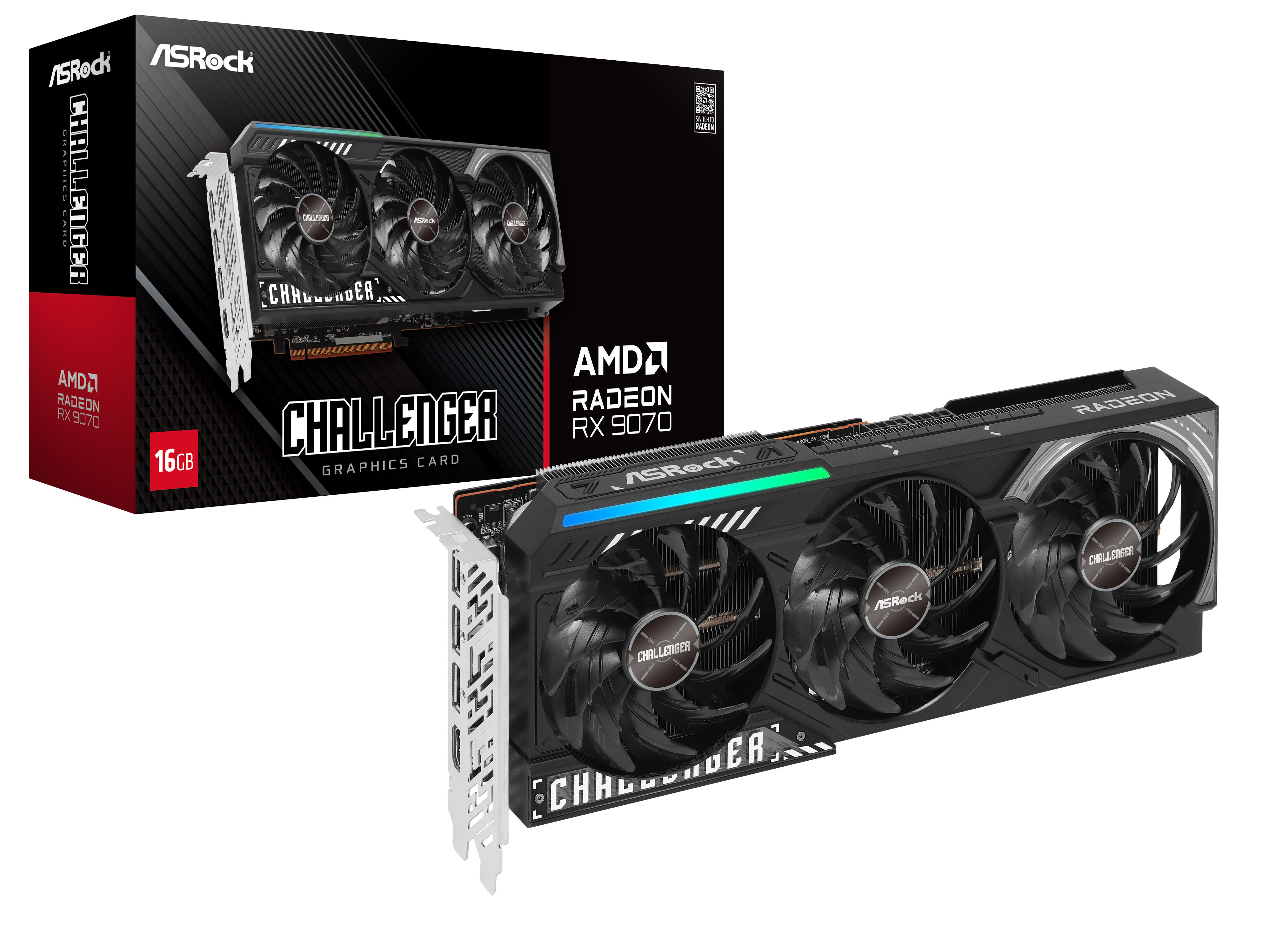
Asrock Radeon RX 9070 Challenger 16GB GDDR6 PCI-Express Graphics Card

Asrock Radeon RX 9060 XT Challenger OC 16GB GDDR6 PCI-Express Graphics Card

Asus Radeon RX 9070 Prime OC EVO 16GB GDDR6 PCI-Express Graphics Card

Inno3D GeForce RTX 5050 Twin X2 8GB GDDR6 PCI-Express Graphics Card

Gainward GeForce RTX 5050 Ghost 8GB GDDR6 PCI-Express Graphics Card

Lian Li GB-002 Anti Sag Bracket for VGA Cards - Black

Gigabyte GeForce RTX 5060 WINDFORCE MAX OC 8GB GDDR7 PCI-Express Graphics Card

Gigabyte Radeon RX 9060 XT Gaming OC 8GB PCI-Express Graphics Card

Gigabyte Radeon RX 9070 XT Gaming OC ICE 16GB GDDR6 PCI-Express Graphics Card

MSI GeForce RTX 5050 Gaming OC 8GB GDDR6 PCI-Express Graphics Card

Sapphire Pulse Radeon RX 9070 GRE Gaming OC 12GB GDDR6 PCI-Express Graphics Card

Asrock Radeon RX 9070 GRE Steel Legend Dark 12GB GDDR6 PCI-Express Graphics Card
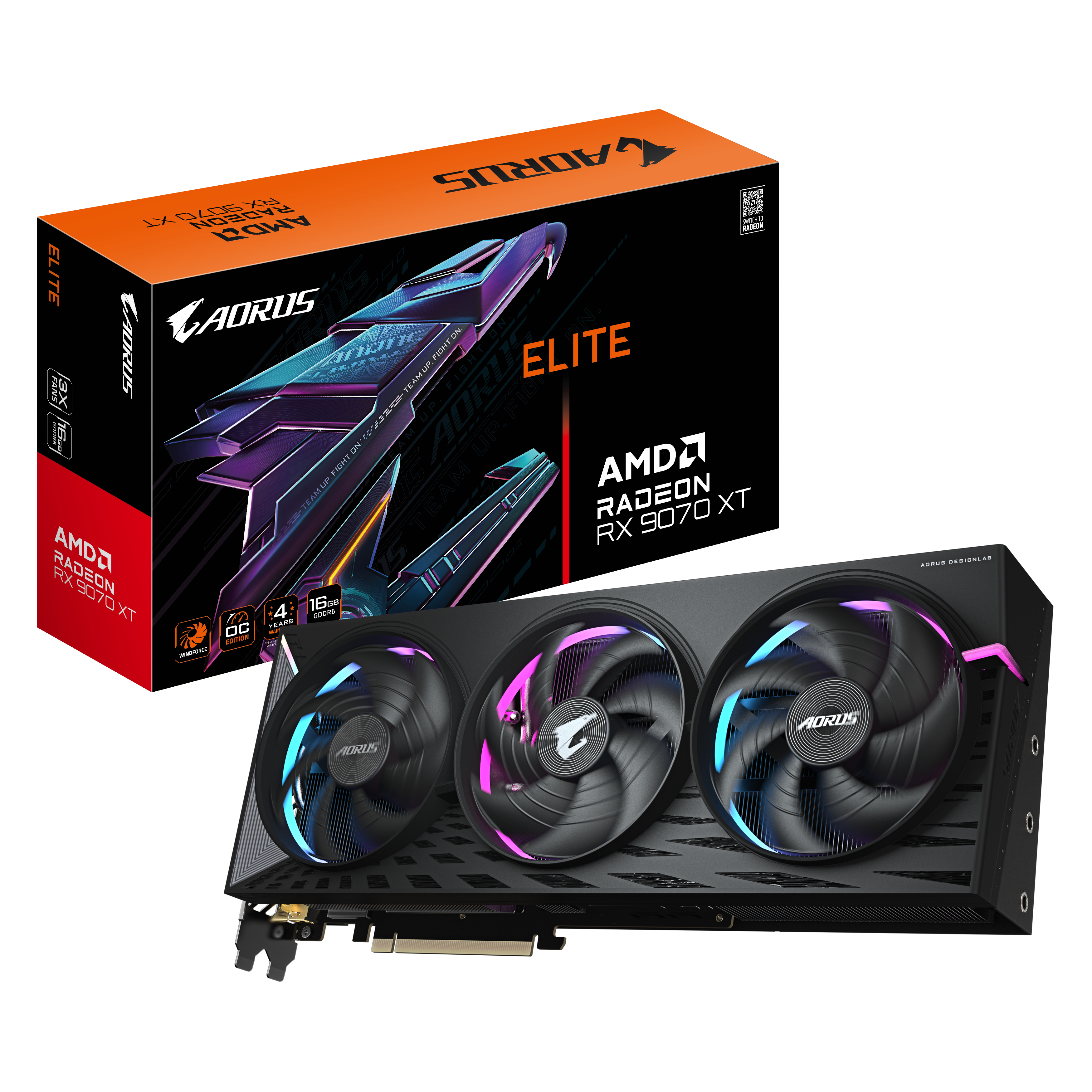
Gigabyte Aorus Radeon RX 9070 XT Elite 16GB GDDR6 PCI-Express Graphics Card

Gigabyte Radeon RX 9060 XT Gaming OC ICE 16GB GDDR6 PCI-Express Graphics Card
At The Very Edge of Gaming With GPUs
A graphics card or GPU (graphics processing unit) is a key piece of hardware for PC gamers and some professionals – and is responsible for display images on a monitor. If the CPU is the “brains” of a computer, a GPU is the “muscle”.
Whilst some CPUs have integrated graphics, these are general for basic machines using a single monitor, a GPU can support multiple monitors at higher resolutions and refresh rates. Intel’s HD Graphics technology are designed as a means for displaying basic video output, meaning those use their PCs for casual activities are provided with everything they need. AMD’s APU technology – also known as the Advanced Processing Units, functions as bridge between the integrated technology and discrete graphics cards. By implementing the exact same Radeon cores of the discrete GPUs in to the same component as the CPU, the APU allows for a level of quality in gaming that’s extremely close to that of a gaming console.
Which graphics card is right for me?
First off, you need to consider your budget. But after that, look at the types of games you enjoy playing, the resolution you play at, and the quality you want to set – this will help to narrow down your choices.
For someone looking to play older titles at 1080p that aren’t demanding can go with an entry level graphics card, but someone chasing down 4K resolutions with ultra-quality on the latest AAA titles will require top tier.
If you’re upgrading from an existing graphics card, it’s worth remembering a few things to check:
PSU Requirements
Is your new graphics card going to require more power? Does your PSU have the right connectors?
Fitting in
Will your new graphics card fit inside your case? Does your case offer adequate airflow?
Choice of card
Is this graphics card going to meet my requirements for quality and my display? Am I aiming too high or low?
Entry Level GPUs
Most entry level GPUs either require no additional power, drawing only through the PCIe slot, or very little power via the PSU. They tend to have less features, less VRAM, and more modest performance.
These entry level GPUs vary from basic cards, ideal for a home theatre set-up or home office that requires multiple monitors, to graphics cards that would be ideal for an entry level gaming PC – such as the NVIDIA GeForce RTX 3060 or the AMD Radeon RX 6700 XT.
Mid-Level GPUs
Mid-level graphics cards are more suited for gamers, offering more performance and power – driving games to hit higher quality all round. These are ideal for running multiple monitors, and can often be tuned for extra performance.
These tend to feature more advanced technologies, better coolers, and more visual outputs. Some mid-level GPUs are suitable for VR gaming too – such as the NVIDIA GeForce RTX 3060 Ti & RTX 3070 and AMD Radeon RX 6800 and RX 6800 XT.
High-End GPUs
For fully fledged enthusiasts, a high-end GPU unlocks the top-quality gaming experience you can. The NVIDIA GeForce RTX 3080 &RTX 3090, and AMD Radeon RX 6900 XT are the top-of-the-line cards, enabling gaming at 4K resolutions, and ultra-smooth 144Hz &above FPS.
These cards are also favourited by creators and professionals alike, offering exceptional power and performance for multitasking and programs such as Photoshop or Illustrator from the Adobe Creative Cloud suite.
Professional GPUs
NVIDIA Quadro & AMD Radeon Pro are designed for professional use, helping to accelerate your workflow and come with larger memory, enterprise features, and optimised drivers.
Spoilt for choice!
There’s plenty of graphics cards out there, both AMD and NVIDIA utilise third-party vendors, such as ASUS, MSI, and Gigabyte, known as AIB/AIC (add in board/card). These vendors style their graphics card in various ways, with different cooler shrouds and backplates – meaning there’s a wide choice to match your system’s looks.
Drivers & Internet
Over the lifespan of your graphics card, you’ll regularly need to update your drivers – this is done by installing either NVIDIA GeForce Experience or AMD Radeon Software Adrenalin and using their driver update service. Both softwares have other various features to enhance your experience.
The reason for regular updates is for fixing bugs, and more importantly, for support in existing and new games. Having an internet connection will be required for the initial installation & for future updates. Both the GPU manufacturers, AMD and NVIDIA, work on their own drivers for games – but will often work with developers to bring out the best performance possible.
Stay Up To Date
Keep me up to date with the latest news, product launches and promotions
* Required field
Our customers know our services and this is reflected in the rating they give us. Leave us your opinion and help us to improve it.
What our customers say about us