Mice








Endgame Gear MPJ-450 Medium Gaming Surface, Sprout Edition - Green (EGG-MPJ-450-SPT-GRN)

Endgame Gear MPX-390 High-End Cordura Gaming Surface - Black (EGG-MPX-390-BLK)

Endgame Gear XM1 RGB Mouse Skates, 99,5% PTFE - white, Single Set (EGG-MS3)

GAMIAC PA50 USB Optical Gaming Mouse - White

CORSAIR M55 Wireless Gaming Mouse, Wireless 24000 DPI Black (CH-931F000-WW)

ASUS ROG Harpe Ace Mini Wireless Optical Gaming Mouse Black (90MP03Z0-BMUA00)

ASUS ROG Harpe Ace Mini Wireless Gaming Mouse Moonlight White (90MP03Z0-BMUA10)

Powercolor Alphyn AM10 Wireless Gaming Mouse

Endgame Gear XM2w 4k v2 USB Optical Gaming Mouse - White Frost

Endgame Gear XM2w 4k v2 USB Optical Gaming Mouse - Dark Frost

Endgame Gear XM2 8k v2 USB Optical Gaming Mouse - White Frost
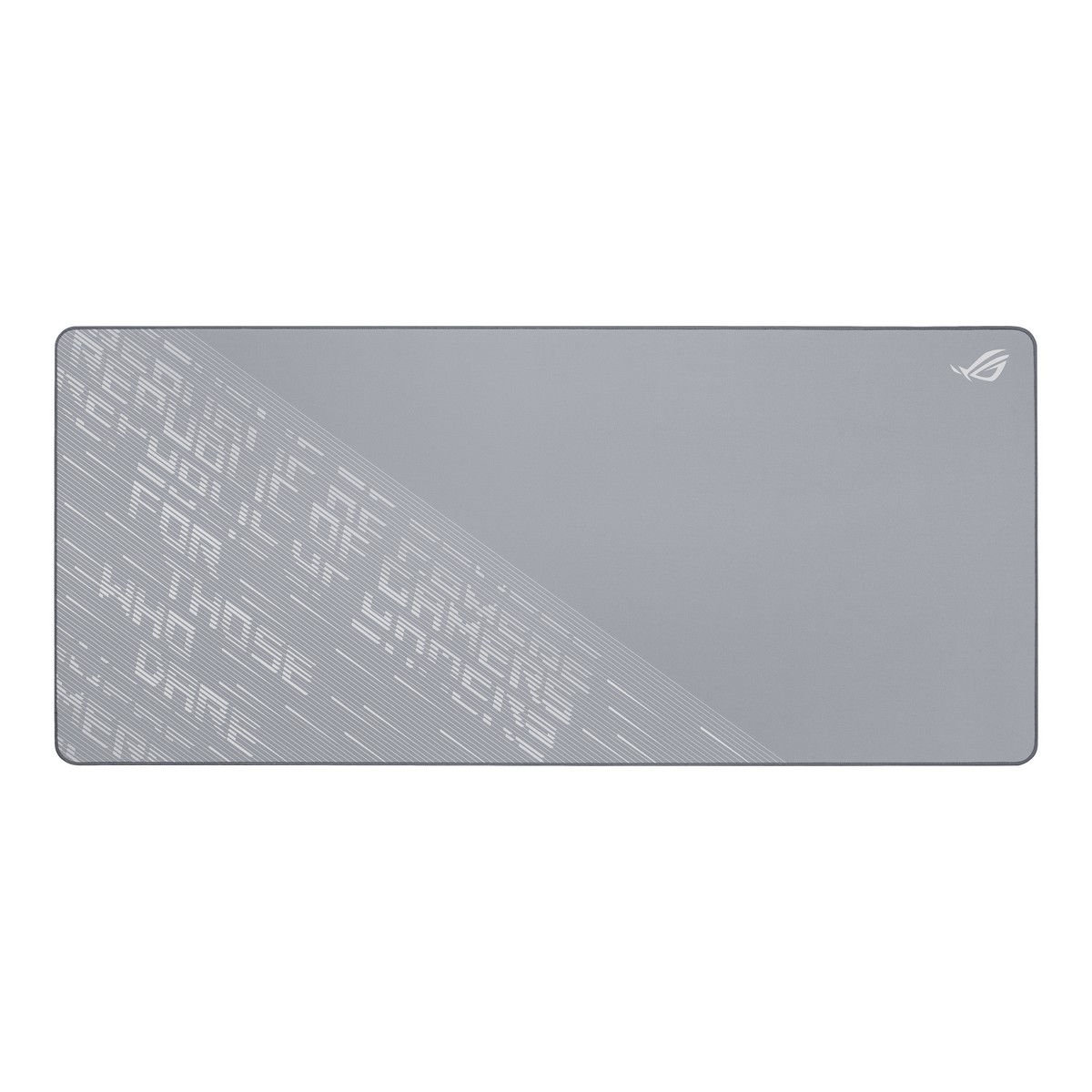
ASUS ROG Scabbard II Arctic Gray XXL Gaming Mouse Pad, Water- Oil- Dust- Resista

ASUS ROG Keris II Origin Lightweight Wireless Gaming Mouse - Black (90MP04A0-BMUA00)

ASUS ROG Keris II Origin Lightweight Wireless Gaming Mouse - White (90MP04A0-BMUA10)

Razer Deathadder V4 Pro Wireless Gaming Mouse - White (RZ01-05330200-R3G1)

ASUS ROG Polling Rate Booster - Enables true 8K Hz Wireless Polling Rate

Razer Firefly V2 Pro - RGB Backlit Gaming Mouse mat - Integrated USB Port (15 Zone LED Lighting, Micro-Etched Textured Surface for Optimal Tracking, Detachable USB-C Cable) Phantom Green

Razer Firefly V2 Pro - RGB Backlit Gaming Mouse mat - Integrated USB Port (15 Zone LED Lighting, Micro-Etched Textured Surface for Optimal Tracking, Detachable USB-C Cable) Phantom White

Razer Basilisk V3 Pro 35K Wireless Optical RGB Gaming Mouse - Phantom Green Ed

Razer Viper V4 Pro Optical Wireless Gaming Mouse - White

Razer Viper V4 Pro Optical Wireless Gaming Mouse - Black

Razer Gigantus V2 Pro L - Speed Gaming Surface

Razer Gigantus V2 Pro L - Balance Gaming Surface

Razer Gigantus V2 Pro L - Control Gaming Surface

Razer Gigantus V2 Pro L - Max Control Gaming Surface

ASUS ROG Keyboard Wrist Rest for 75% keyboards with ergonomic design

ASUS ROG Keris II Origin Wireless Optical Gaming Mouse - KOJIMA Edition

ASUS ROG Scabbard II Gaming Surface- KOJIMA Edition

ASUS ROG Harpe II Ace (Lava Red) Ultralight Esports Gaming Mouse (90MP0490-BMUA20)

Glorious GWR-75-STEALTH Keyboard Wrist Rest - Compact, Black 300x100x25mm

Glorious Model I 2 Wireless RGB Optical Gaming Mouse - Matte White (GLO-MS-IWV2-MW)

Razer HyperFlux V2 Wireless Charging Mouse Pad - Hard Surface
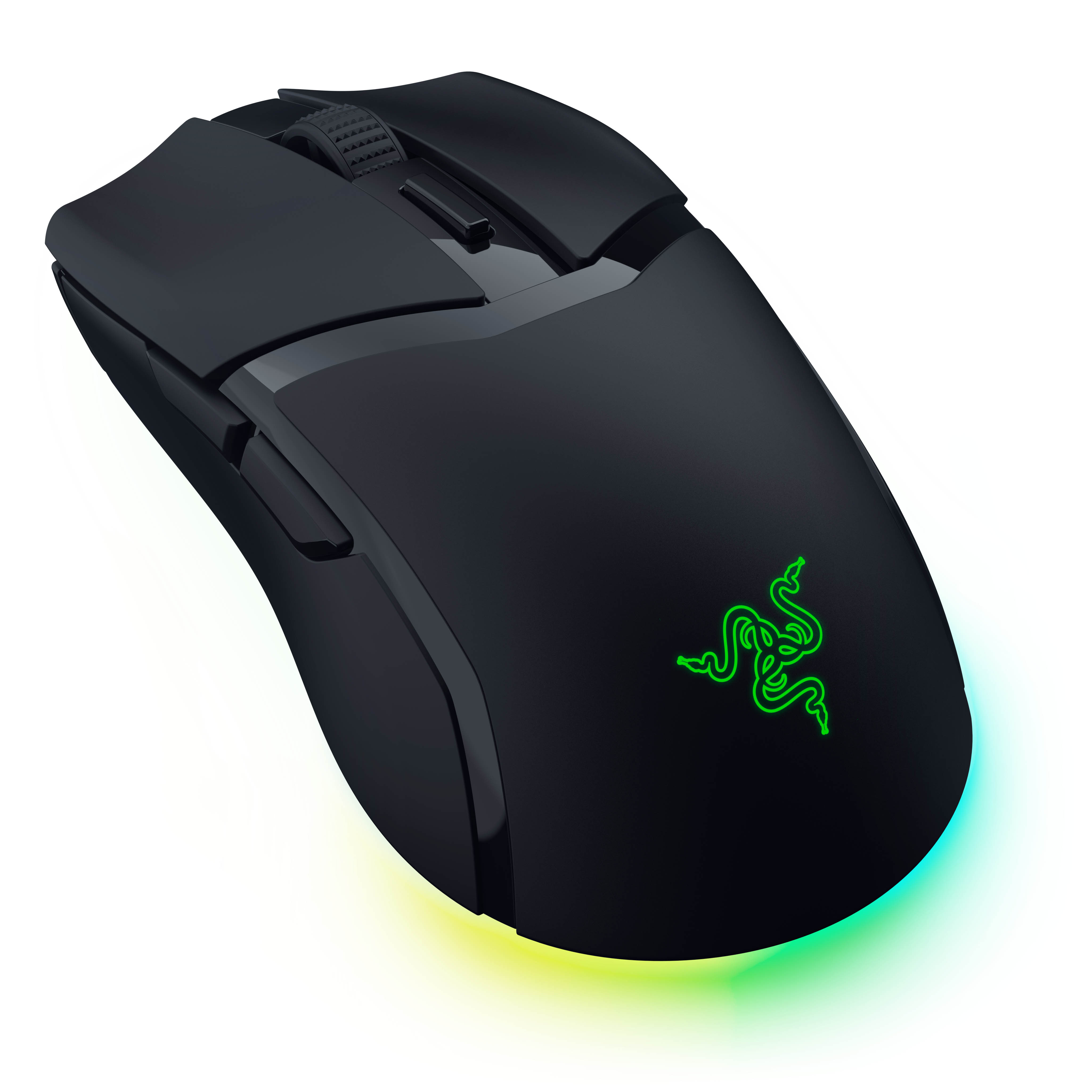
Razer Cobra HyperSpeed Wireless Gaming Mouse, RGB, 8000Hz - Black

Glorious Model O- Wireless RGB Optical Gaming Mouse - Matte Black (GLO-MS-OMW-MB)

ASUS ROG STRIX IMPACT III USB Optical Gaming Mouse (90MP0300-BMUA00)

Glorious Model I Gaming Mouse Grip Tape (GLO-ACC-GRP-I)

Glorious Model I USB RGB Lightweight Gaming Mouse - Matte White (GLO-MS-I-MB)
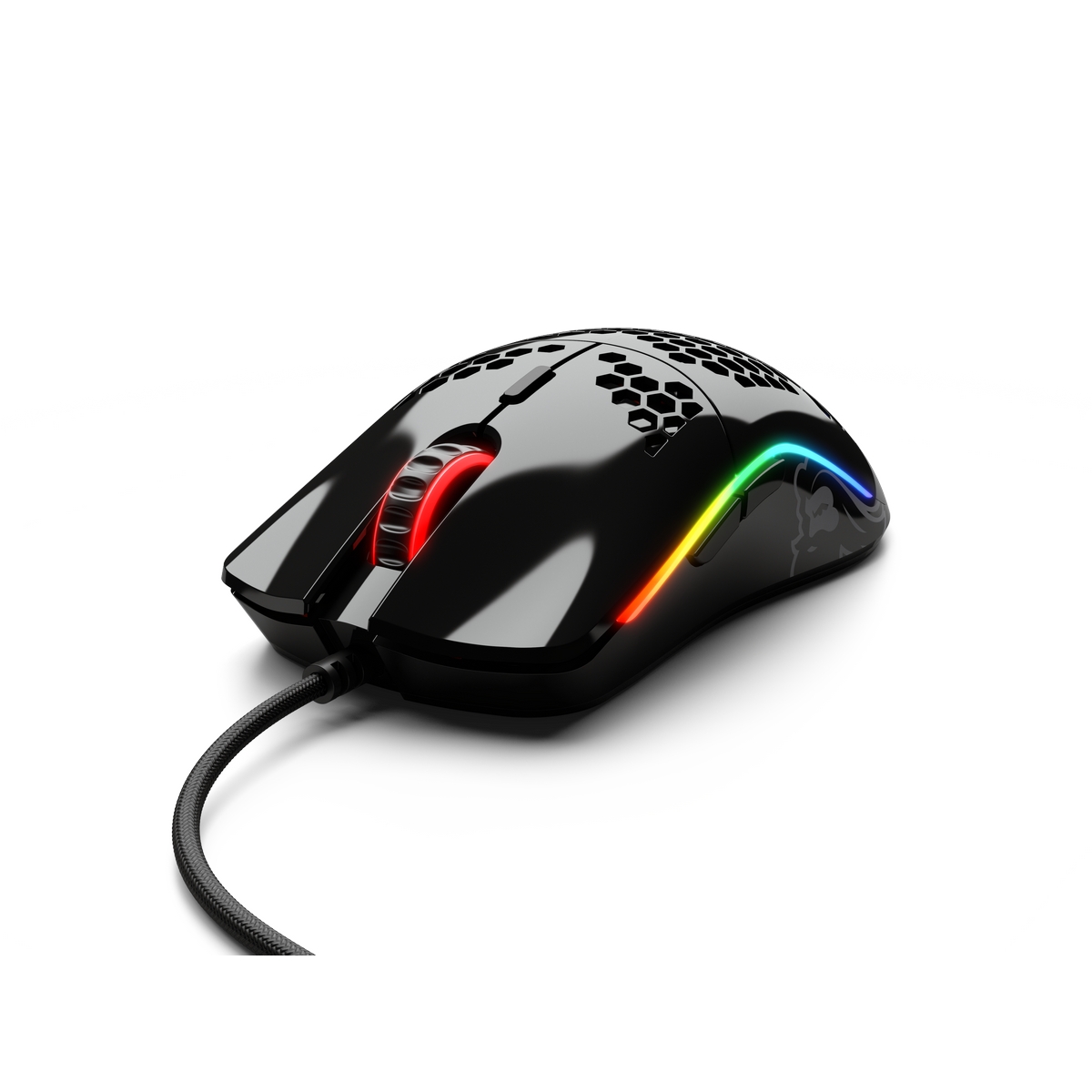
Glorious Model O- USB RGB Odin Optical Gaming Mouse - Glossy Black (GOM-GBLACK)

ASUS ROG Gladius III Wireless Aimpoint RGB Gaming Mouse -Black (90MP02Y0-BMUA00)

ASUS ROG Gladius III Wireless Aimpoint RGB Gaming Mouse - White (90MP02Y0-BMUA10)
Your Weapon of Choice: The Gaming Mouse
Buying a mouse for your computer is one of the most important aspects of completing your dream rig. Since the mouse is the fundamental peripheral for interacting with your computer, which many of us use daily, its importance cannot be overlooked. A high-quality mouse is widely regarded as essential for high level gaming, but in reality they can benefit everyone from die-hard gamers and image editors, to casual or everyday users. Selecting your ideal computer mouse from our collection, complete with leading brands such as Corsair, Asus and Endgame Gear will result in a more precise, more efficient, and more comfortable experience. To hone your set-up further, discover our range of performance mouse pads and wrist rests.
Varieties of Computer Mouse
As is so often the case with computer hardware, what counts as the ‘best mouse’ will depend on your needs: are you looking for optimal gaming performance? Added comfort? Portability? Extra features? Quite possibly you’re looking for a particular combination of these qualities that functions as the best computer mouse for you. Luckily, at Overclockers UK we provide options for all these specifications. We have selected mice that are designed with gamers in mind, offering you a choice of size, weight, and button configurations to suit your style of play. For a truly ergonomic mouse, our selections feature a variety of shapes and grip styles—such as palm, claw, and fingertip—designed for maximum comfort and precision of movement. Also featured are smaller models, perfect as a laptop mouse, as well as ambidextrous mice.
Construction of a Computer Mouse
In addition to the standard left and right buttons, mice for PCs are constructed to various specifications. For instance, most computer mice feature a scroll wheel, but each one will be made differently and therefore will vary in sensitivity; having either detents for incremental scrolling or allowing for free scrolling. The button layout of your PC mouse is a key part of selecting the most effective option for you; additional buttons are ideal for quickly and intuitively accessing what you need, whether it’s switching items in a game, or simply navigating in your web browser. These buttons are also custom-assignable for a fully individual experience. The weight of a computer mouse is also a personal preference, depending entirely on your style of use, which is why we provide a comprehensive array of differently weighted models, in addition to mice with adjustable weights to hit the sweet spot.
Computer Mouse Connectivity
There are a variety of ways to connect a new mouse with your PC. The first thing to consider is whether you prefer a wired or a wireless mouse. A wired USB mouse is a popular choice for good reason: not only is the connection secure and reliable but they are compatible with almost every device and draw power from the USB port. Wireless computer mice, because they are cable-free, offer greater freedom of movement and hassle-free operation than their corded counterparts, but do require batteries and mostly rely on a Bluetooth connection. Both methods offer their own advantages when put to proper use.
The other vital consideration for mouse connectivity is the choice between an optical or a laser sensor. Both function with light sensors, as opposed to the now obsolete ball sensors, and therefore benefit from greater accuracy and resistance to dirt and dust, resulting in a highly reliable computer mouse. The sensors of optical and laser mice emit a red LED or infrared light from the bottom respectively, and then take thousands of pictures per second to determine the direction and distance of movement. In this sense they are remarkably similar, however, a laser mouse may be able to achieve slightly higher sensitivity and an optical mouse is less affected by rough surfaces. The choice, as always, is down to your personal preference.
Computer Mouse DPI
Since the introduction of optical and laser computer mice, DPI (dots per inch) has become one of the most crucial aspects of a mouse’s performance, particularly in gaming. The DPI determines the sensitivity of the device; because an optical or laser mouse uses an internal camera to monitor your movements relative to the light projected under the mouse, the more “dots per inch” that are captured, the higher the sensitivity. Therefore, with a higher DPI, the connection between the movement of the mouse and the cursor is more detailed.
This is especially advantageous for gaming, particularly in high resolution, because it allows for rapid movement to ensure your reaction times are competitive, while also aiding precision. Specialised gaming mice often also come equipped with buttons to switch DPI on the fly, for when you require varying sensitivity levels to optimise your first person shooter gameplay. If you are looking to buy a mouse to sharpen up your performance, with highly competitive DPI ratings, look no further than Overclockers UK.

Stay Up To Date
Keep me up to date with the latest news, product launches and promotions
* Required field
Our customers know our services and this is reflected in the rating they give us. Leave us your opinion and help us to improve it.
What our customers say about us